Timestamp Camera for Work: Time, GPS and Photo Proof
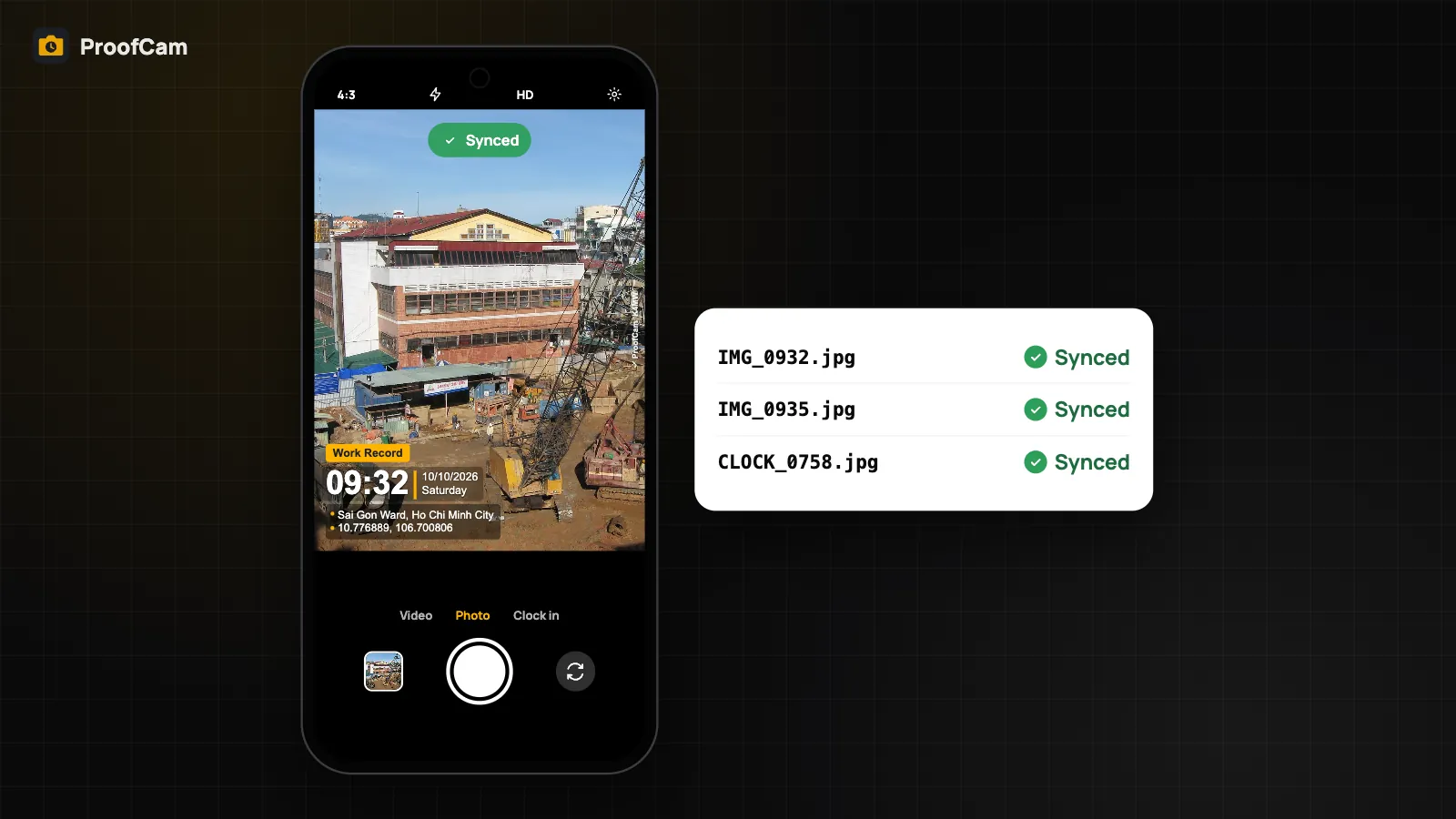
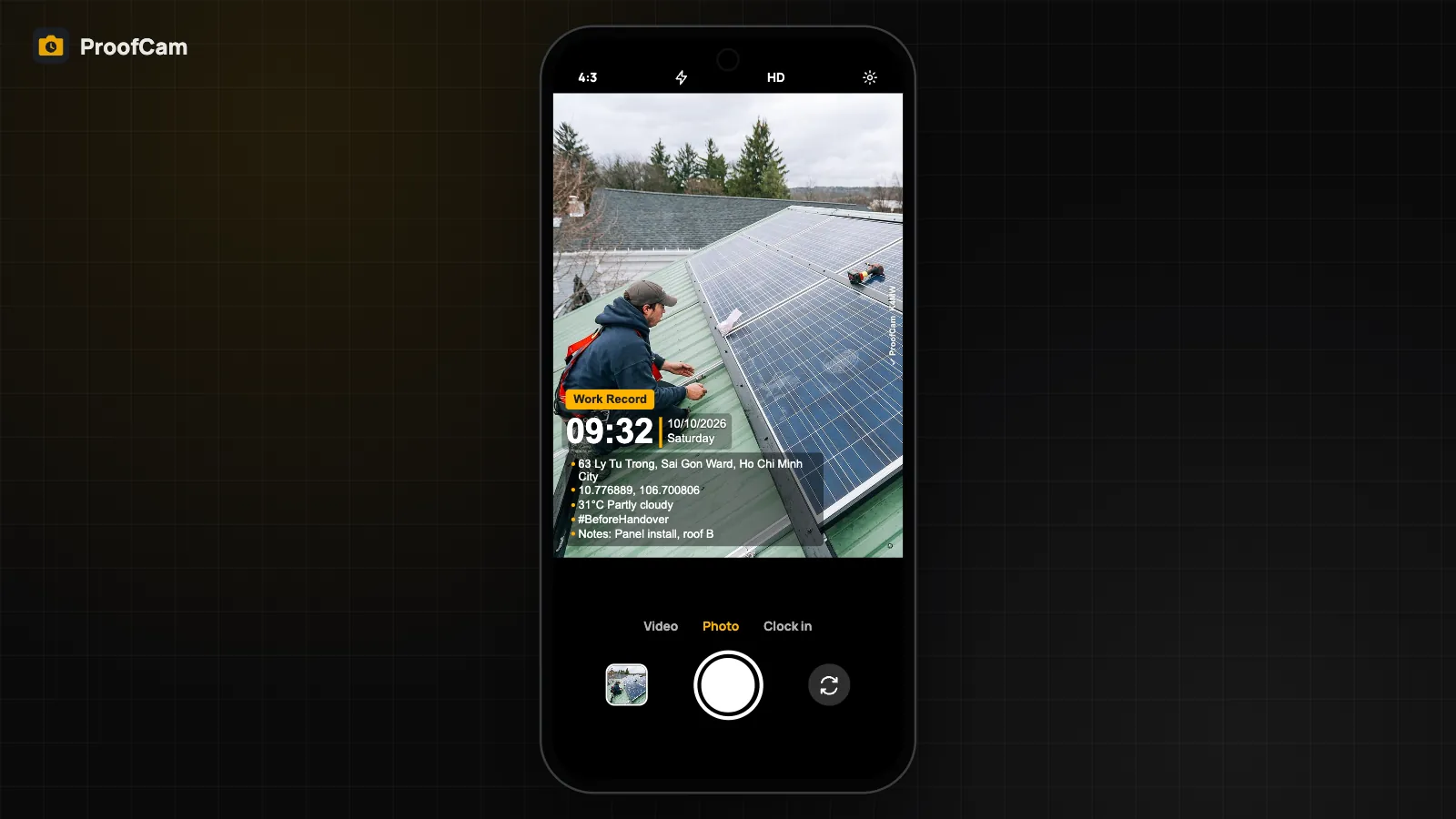
ProofCam stamps every work photo with network time, GPS, address and a Photo Code anyone can verify. See how it works, offline and in teams.
ProofCam · Blog
One guide per feature: what it does, how to turn it on, which plan includes it and how it differs on Android and iPhone. Grouped by area.
ProofCam stamps every work photo with network time, GPS, address and a Photo Code anyone can verify. See how it works, offline and in teams.
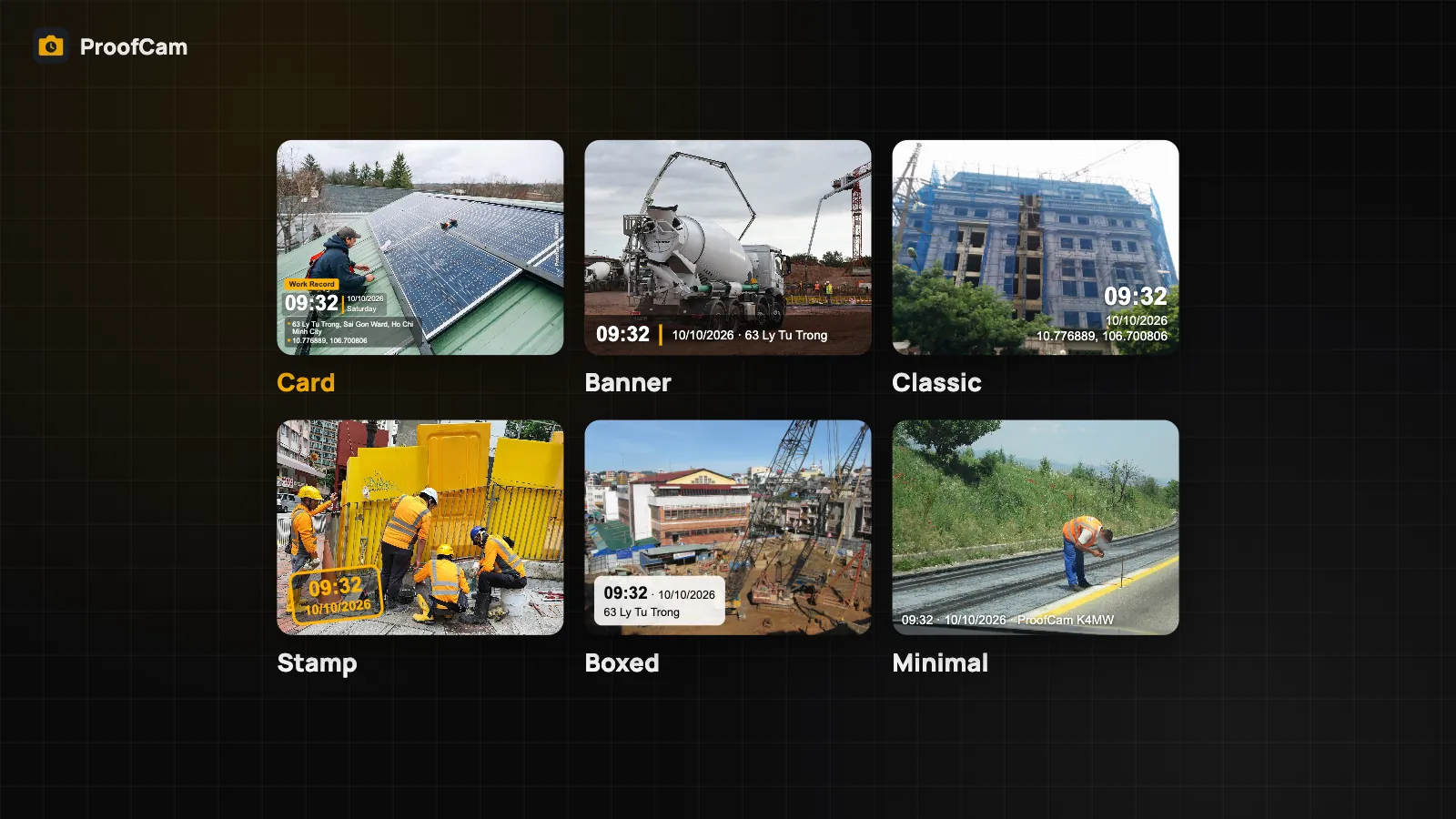
Design your photo stamp in ProofCam: 6 watermark styles, 10 ready-made templates, custom fields, date formats, 6 positions, logo, map and template sharing.
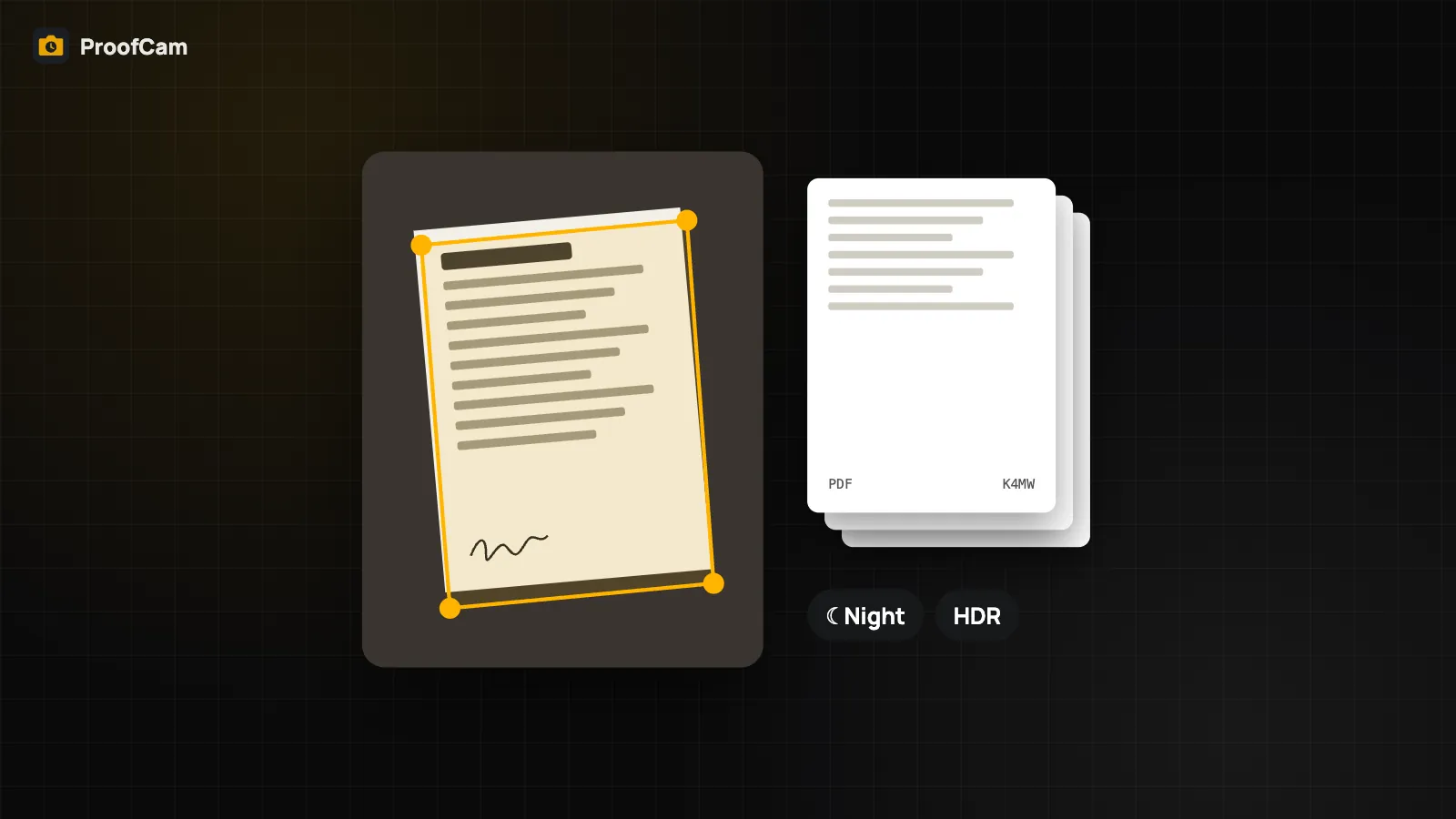
Scan multi-page forms into one PDF with a Photo Code on every page, read serial numbers with on-device OCR and shoot in low light with Night/HDR.
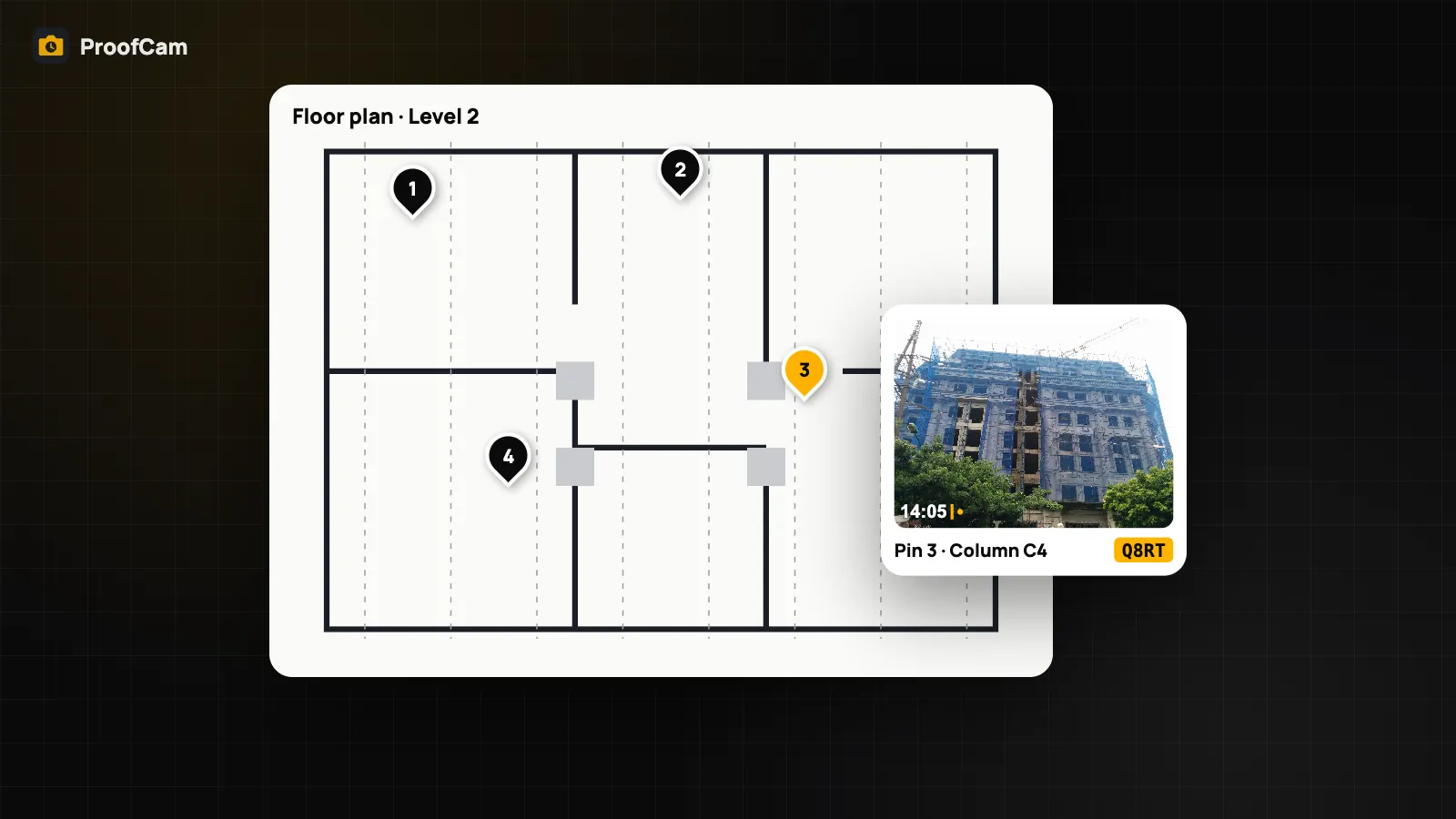
Pin photos on floor plans, shoot compass-guided 4-direction sets, import 360° photos and turn site photos into daily reports and diaries with ProofCam.
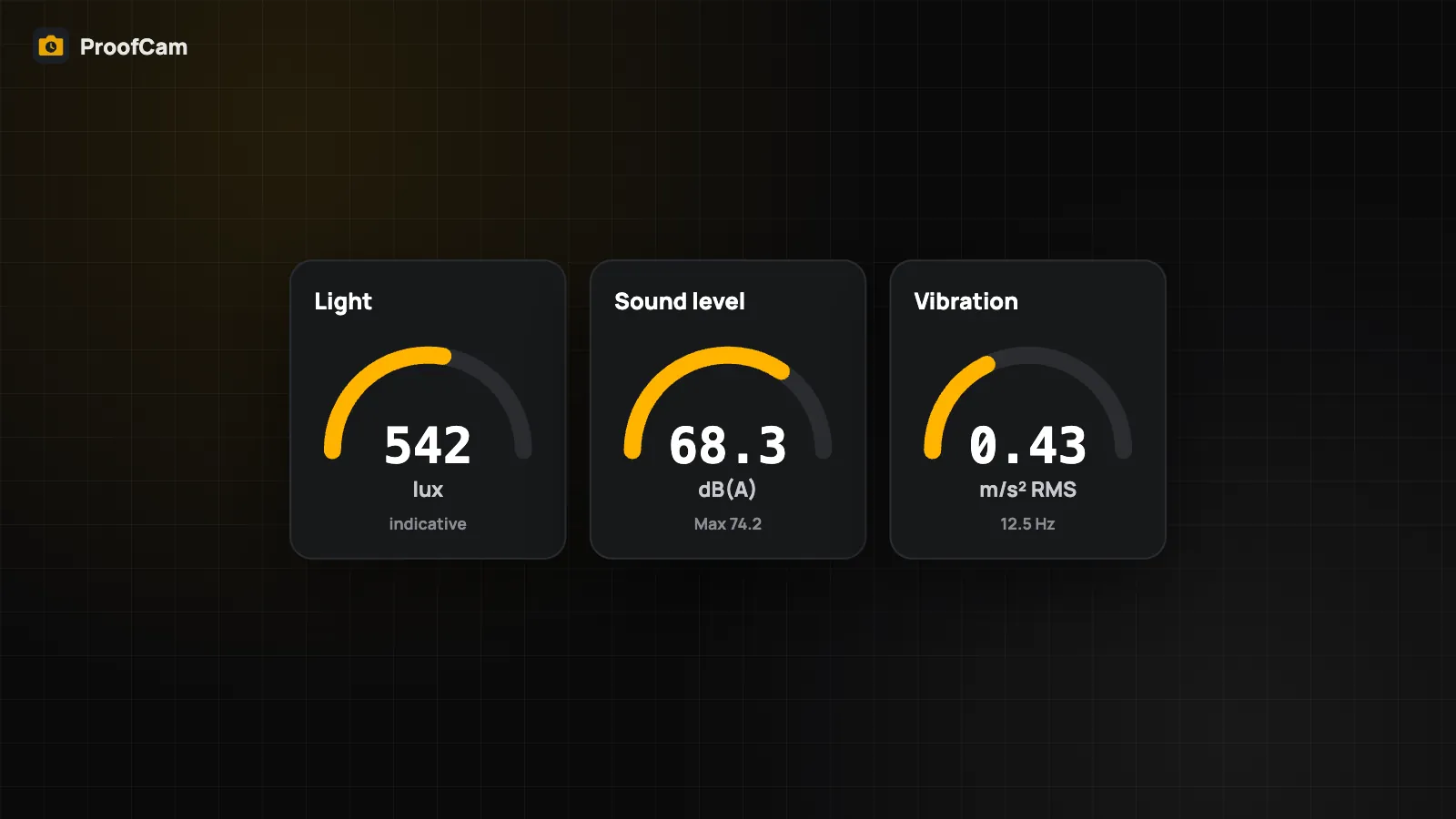
Stamp light, sound and vibration readings on site photos, connect a Bluetooth RTK GNSS receiver or laser meter, and know the limits of phone meters.
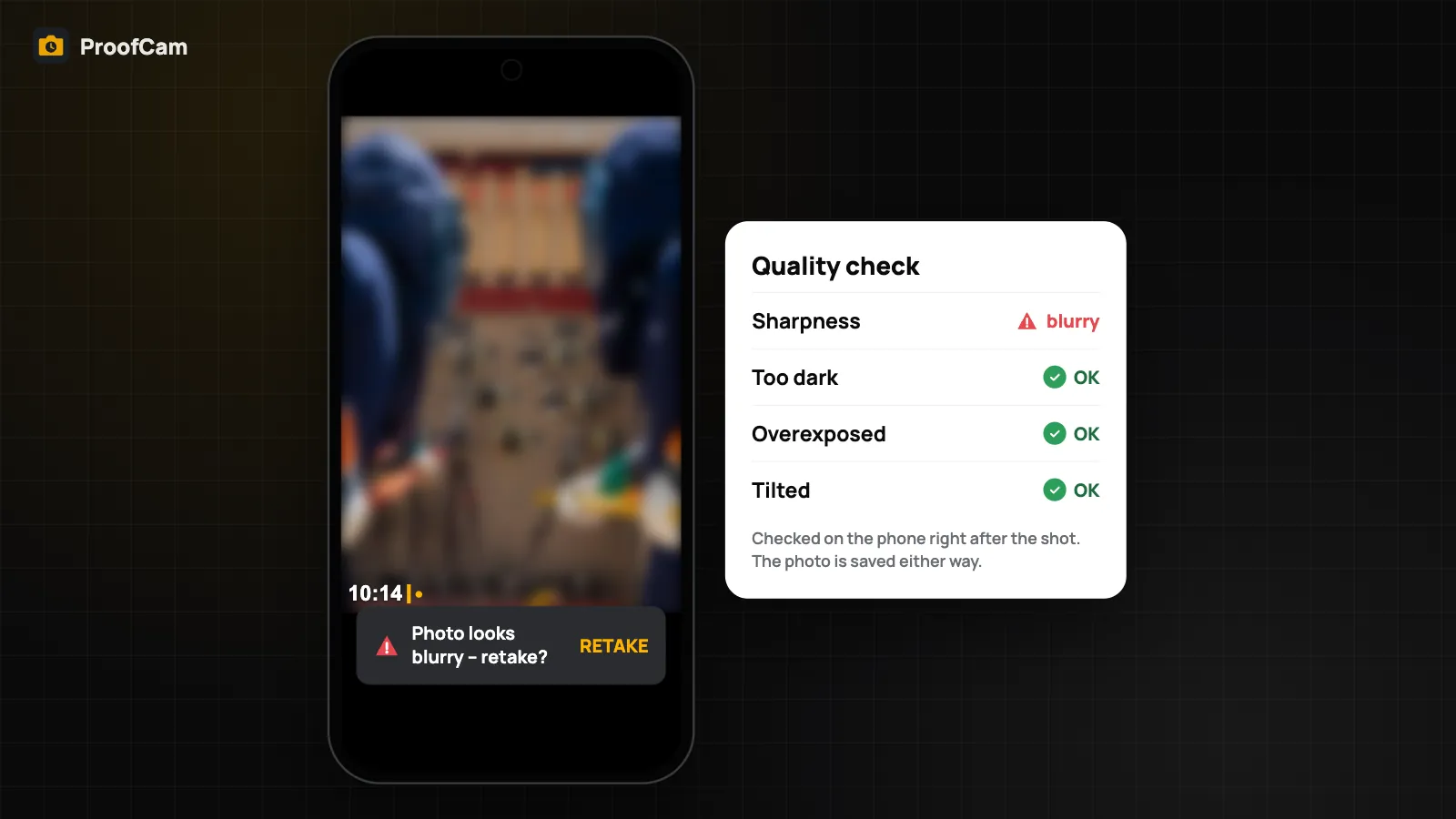
ProofCam checks each photo right after capture and warns if it looks blurry, too dark, overexposed or tilted, so you can retake it before leaving the site.
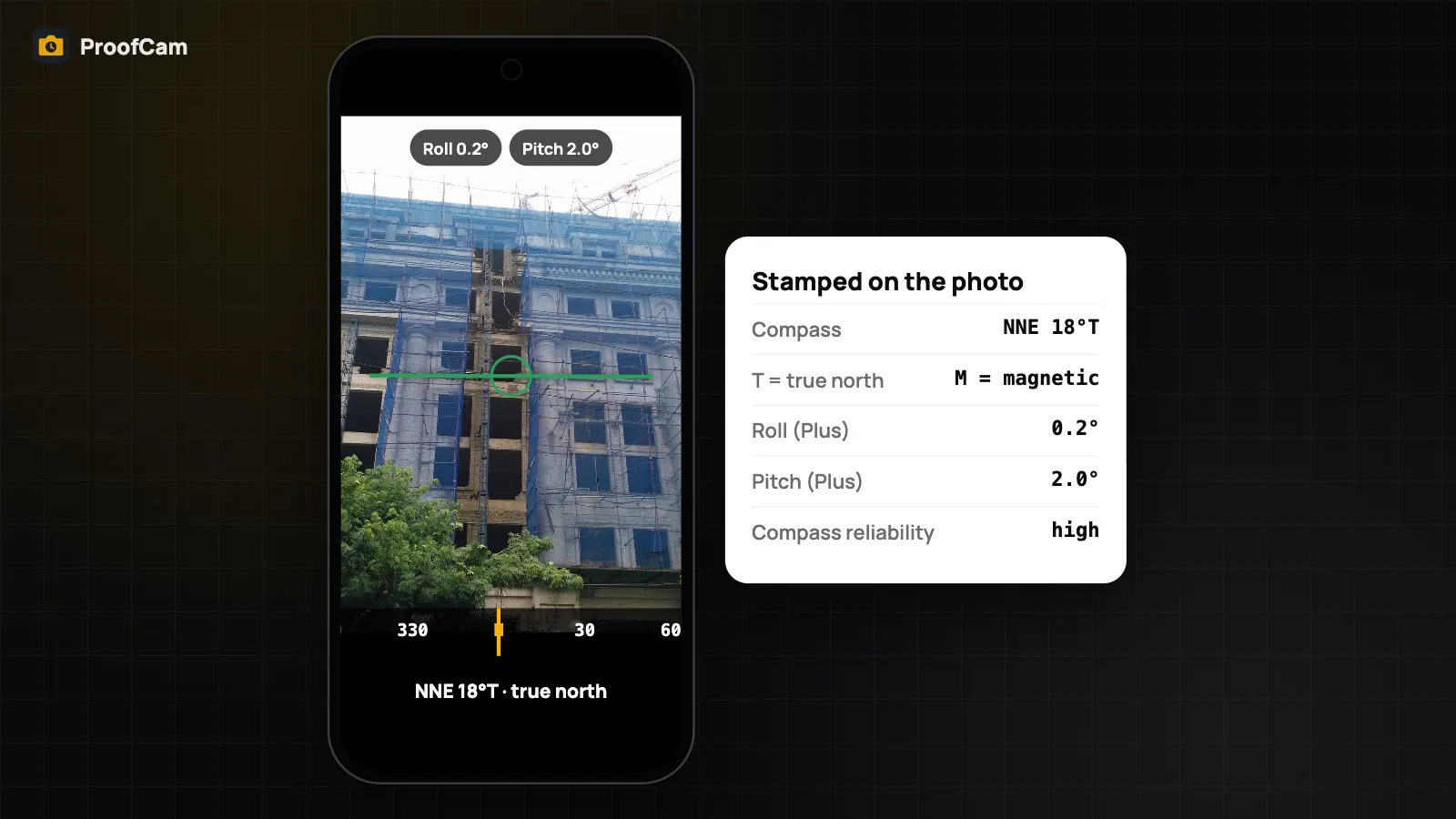
Use your phone's sensors as a camera level, inclinometer and true-north compass. ProofCam stamps the bearing on the photo and saves pitch and roll as evidence.
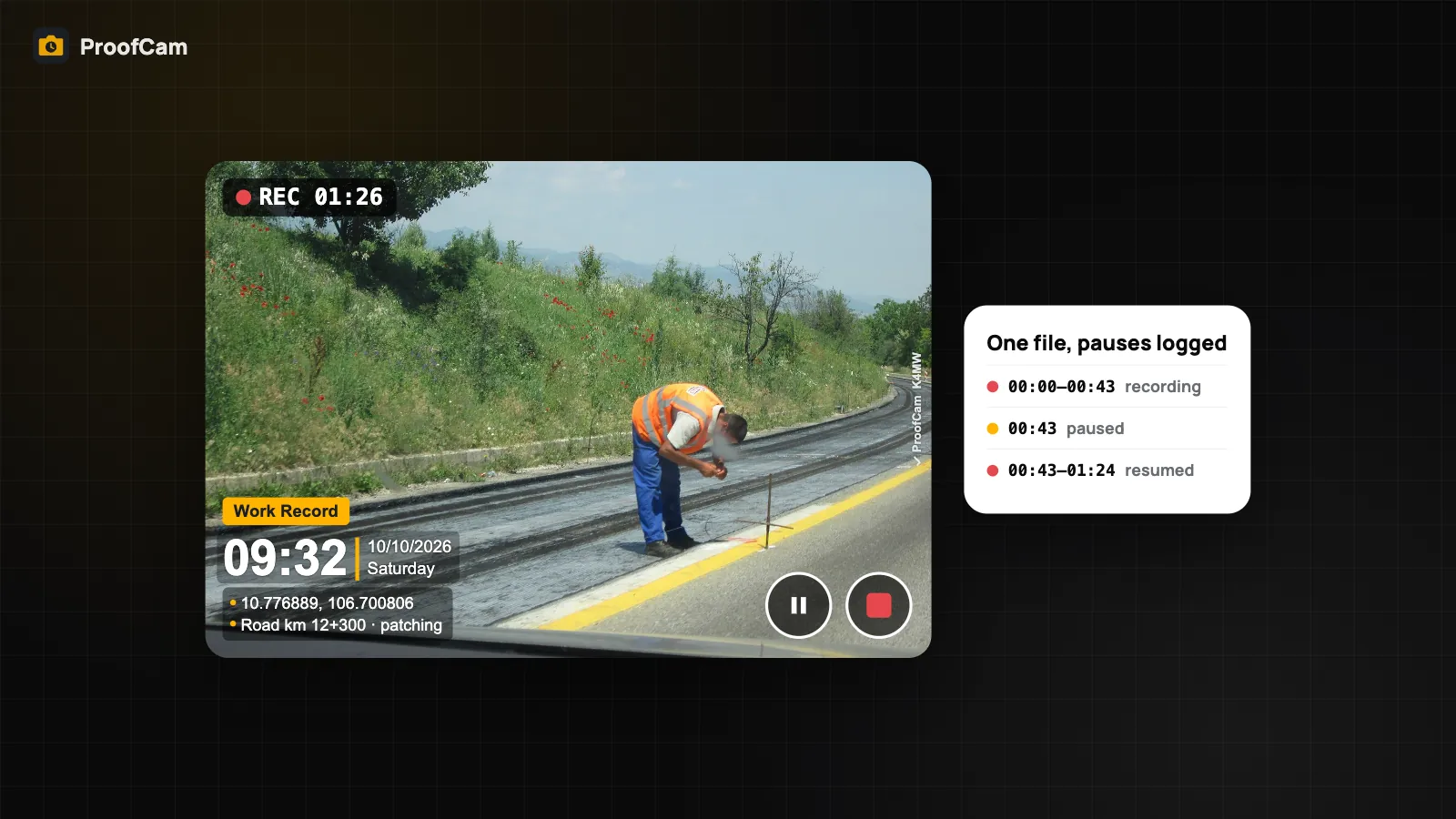
Record timestamp video with a GPS watermark and a Photo Code, pause and resume in one file, and export per-second time and location as SRT and GPX files.
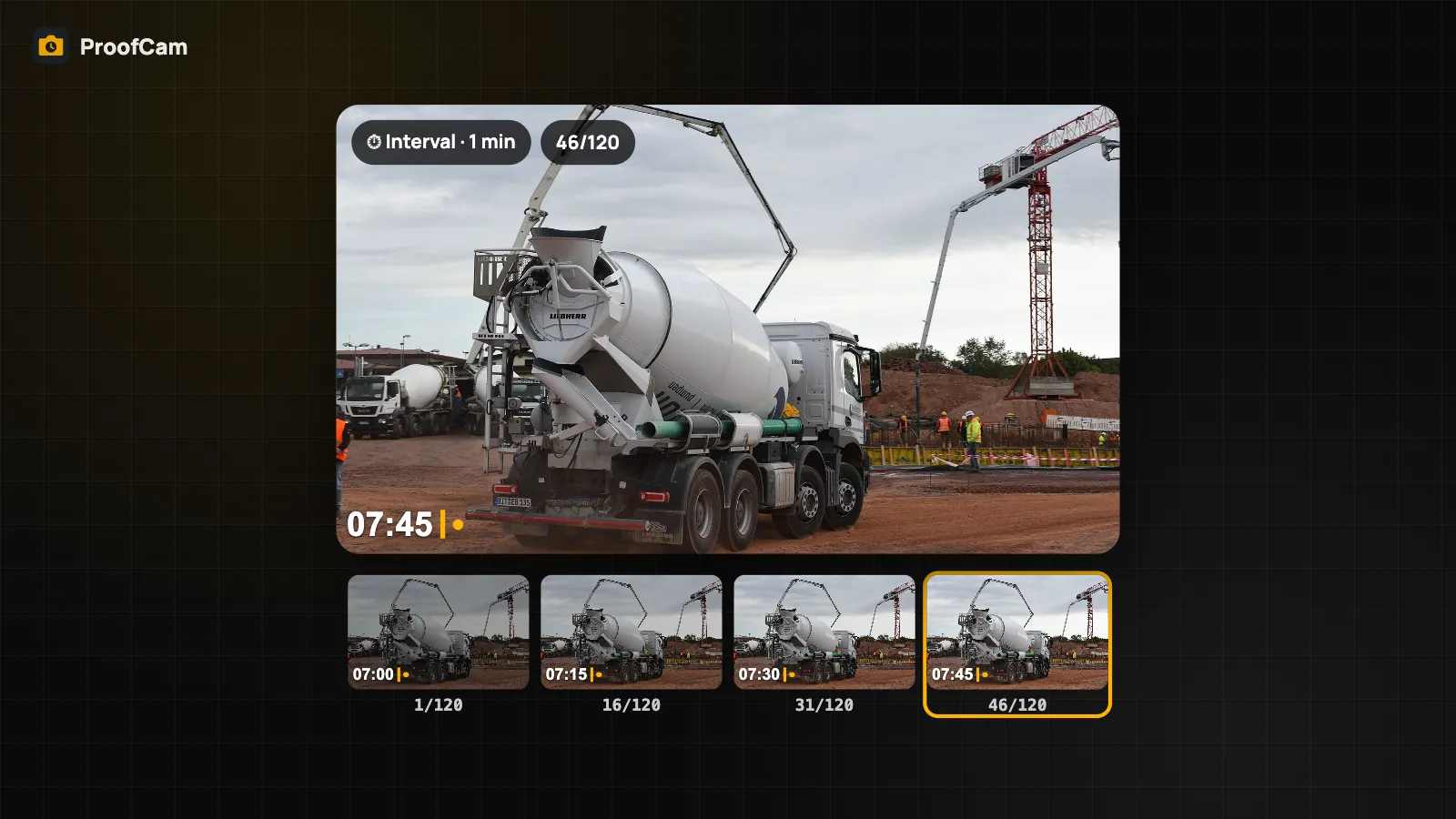
Shoot a construction time-lapse on your phone: interval photos every 3 s to 1 h, each stamped with its own Photo Code, then build an MP4 on the phone.
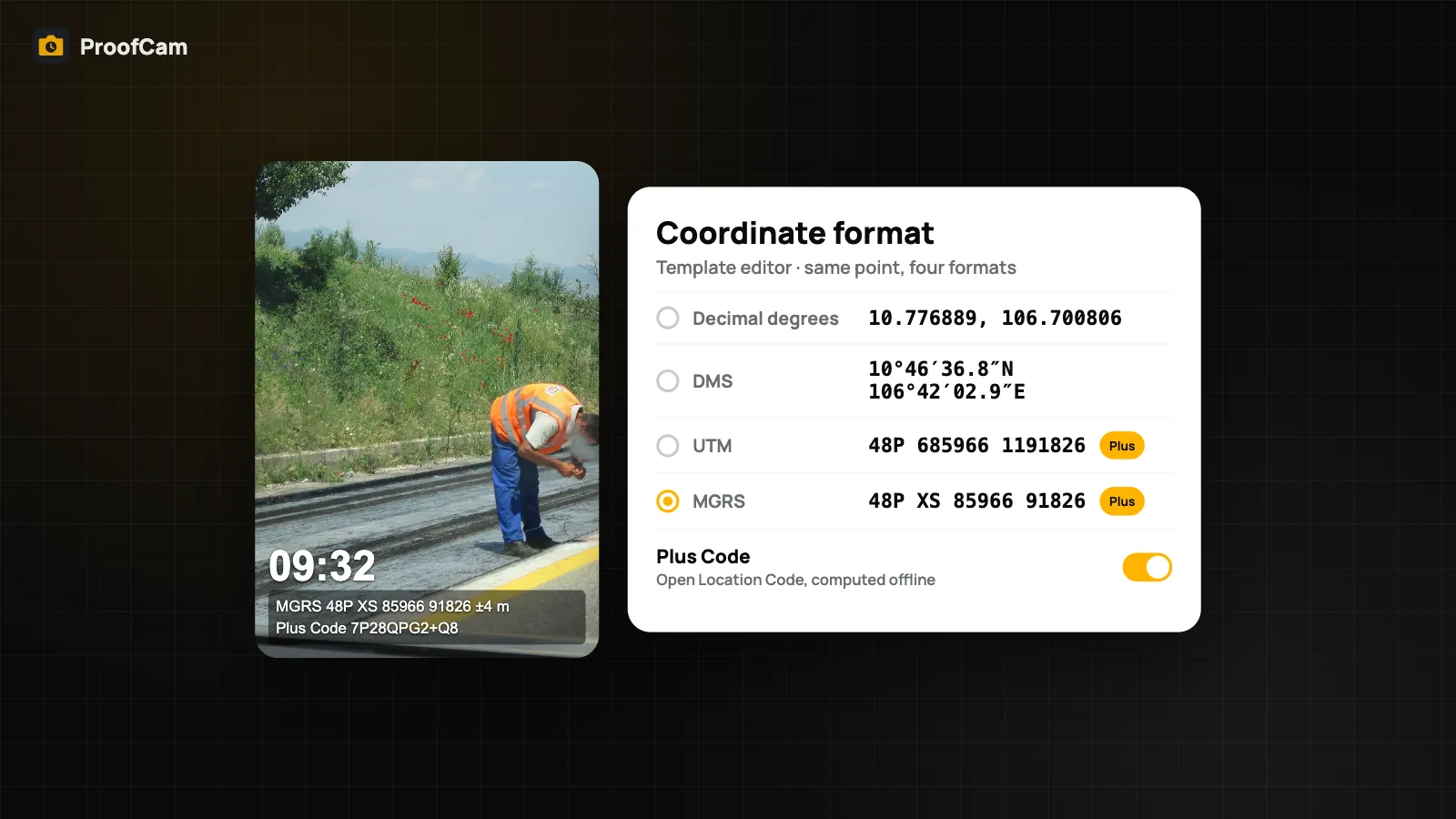
Print UTM and MGRS coordinates on photos, or decimal degrees, DMS and Plus Codes, and stamp the distance and true bearing to a target point.
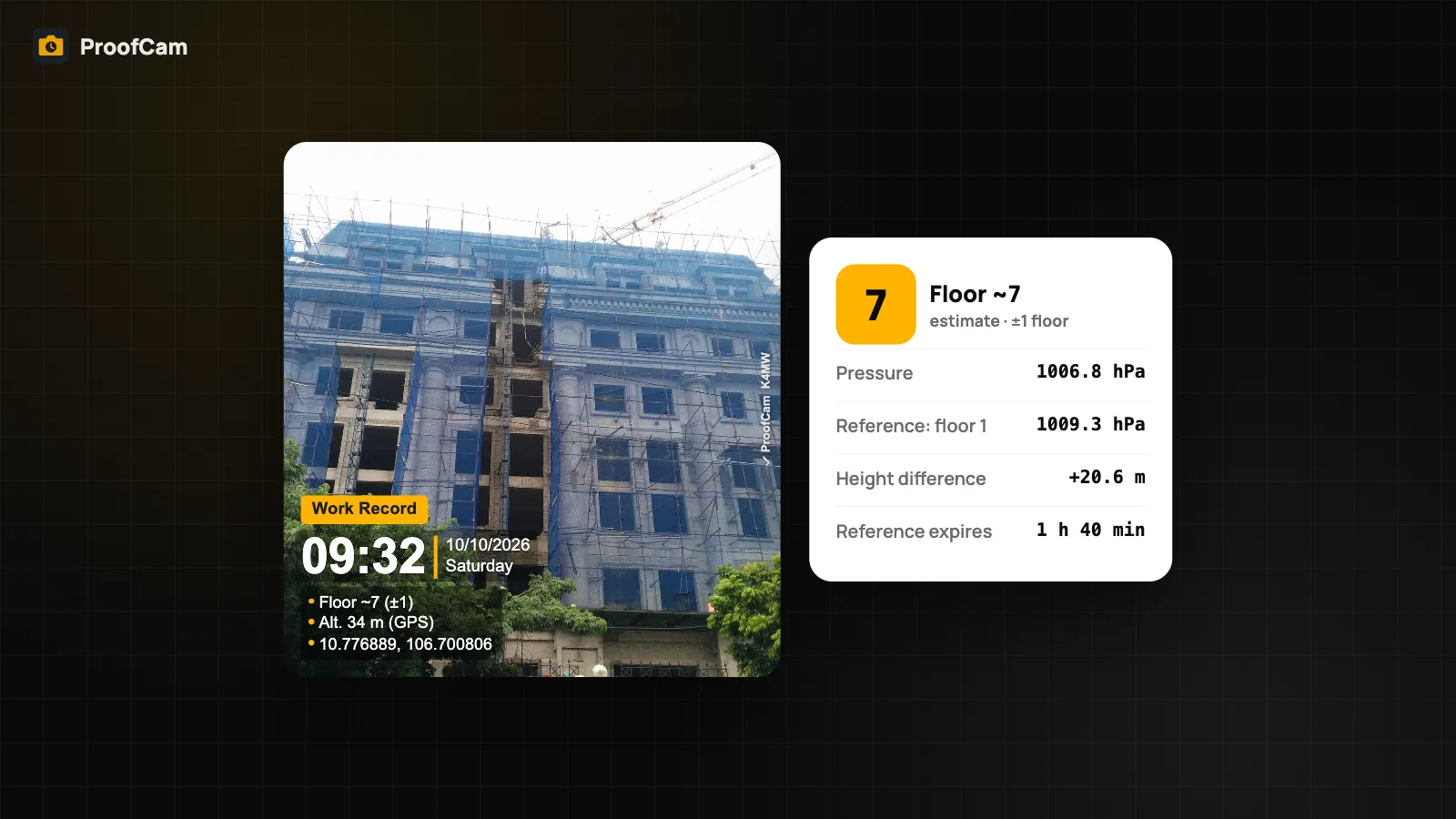
Stamp an estimated floor level on photos from the phone barometer: set a reference floor, read Floor ~N (±1), and learn why the altitude line is GPS.
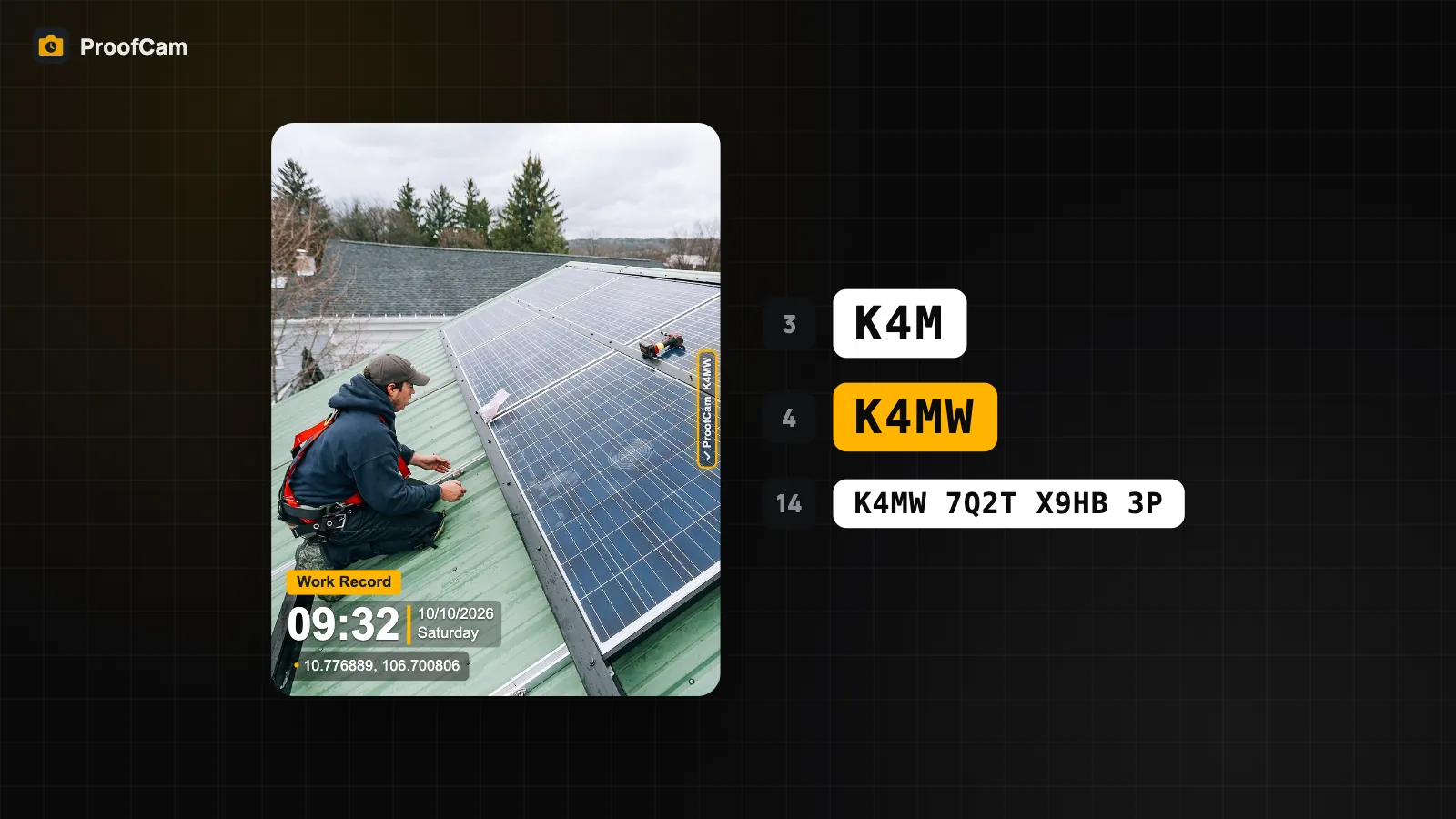
Every ProofCam photo carries a Photo Code. Learn the 3, 4 and 14-character formats and how to check a photo on the web or offline in the app.
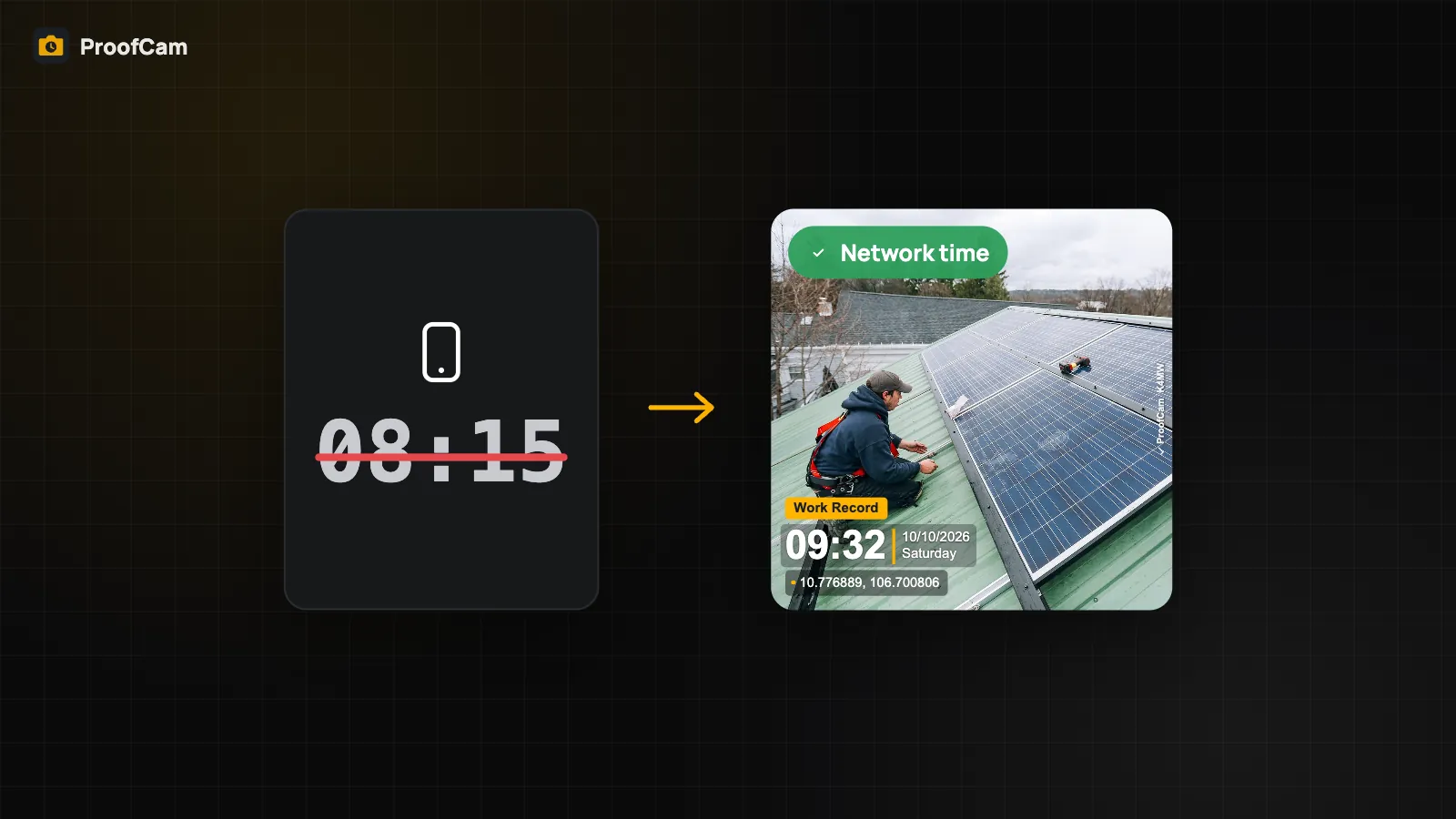
Changing the phone clock doesn't change a ProofCam stamp. See how network and satellite time work, and how photos are flagged when time isn't confirmed.
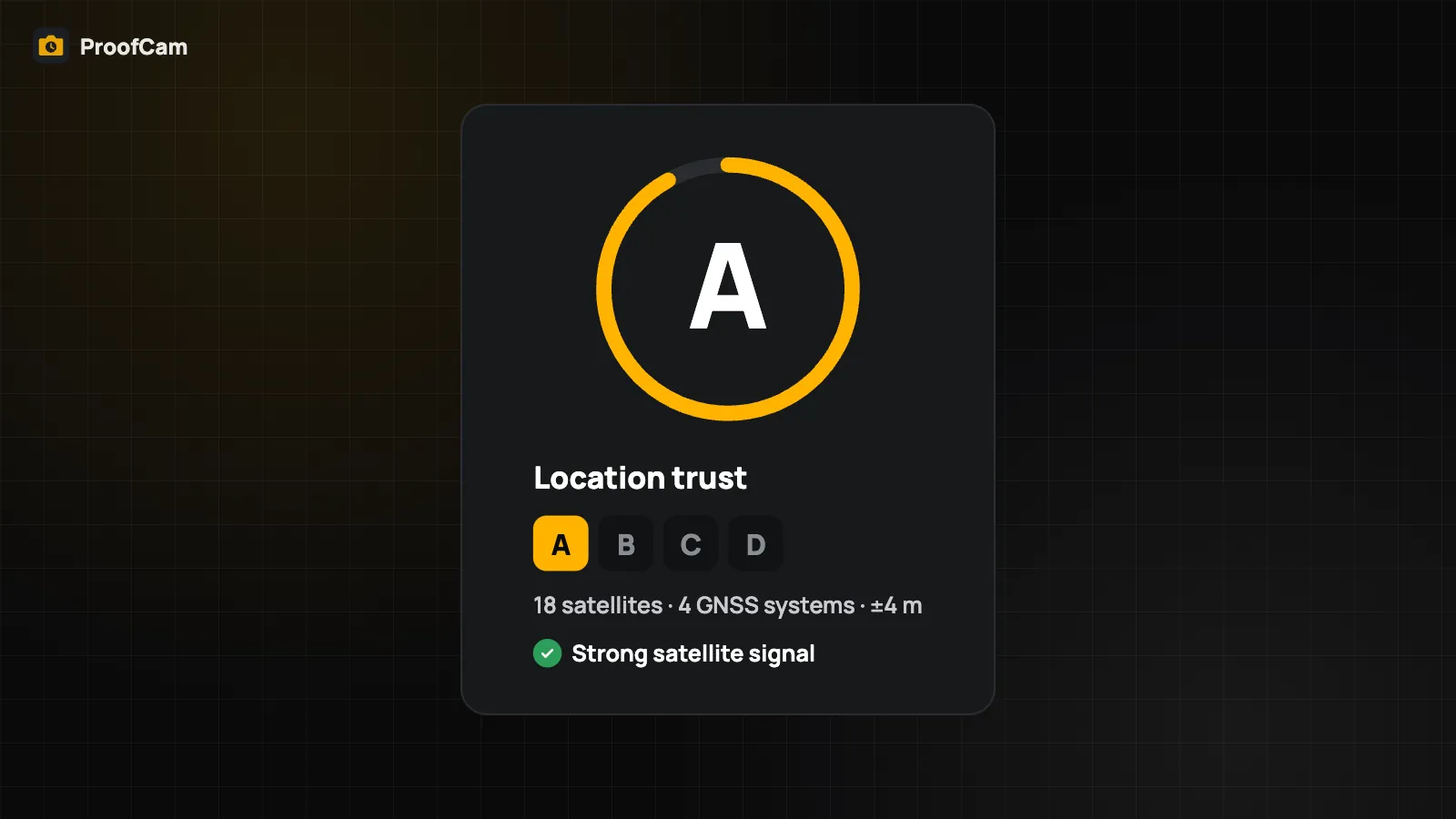
How ProofCam turns GPS into an address on your photo, shows accuracy, handles manual addresses and grades location trust from A to D on Android and iPhone.
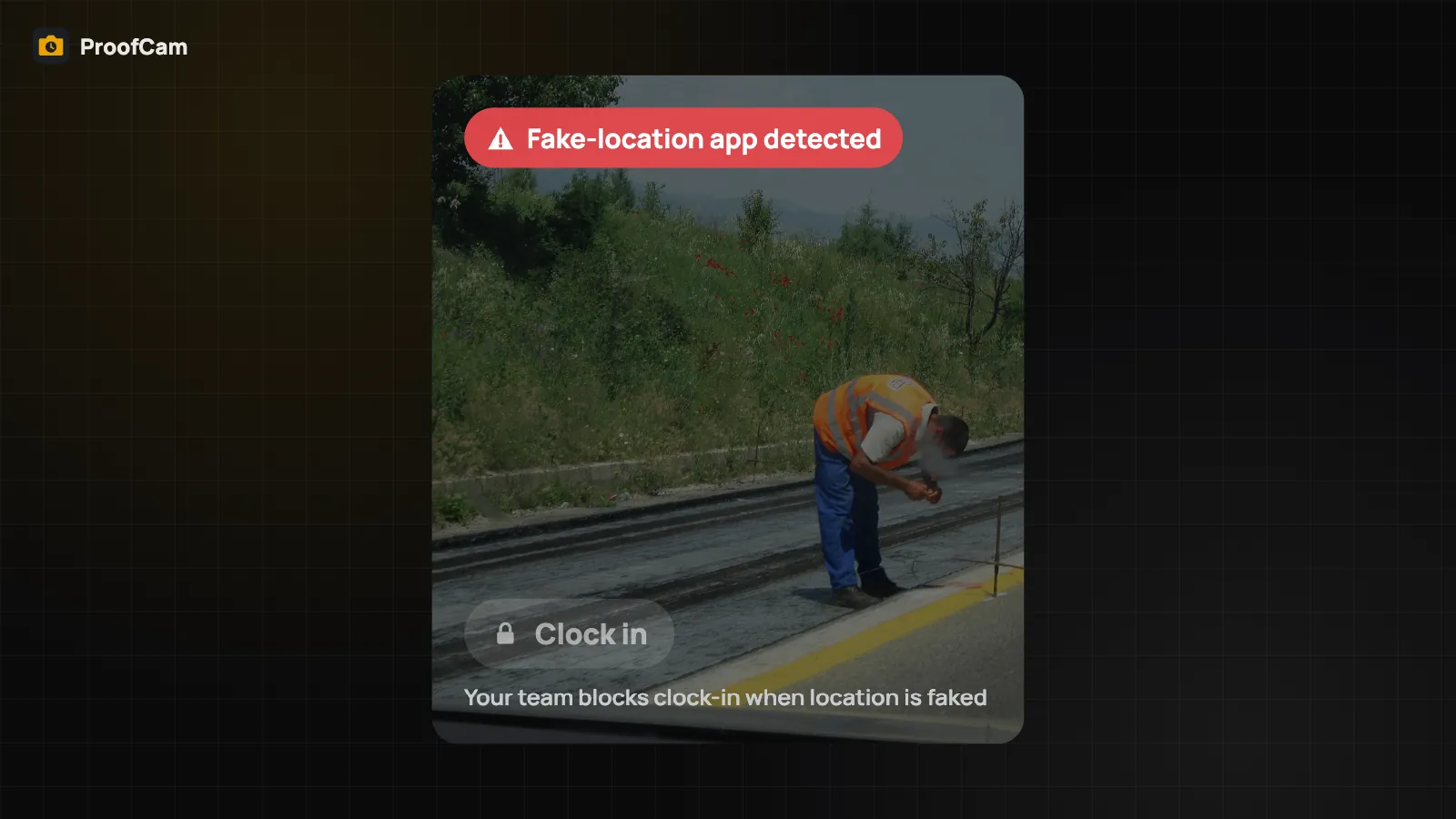
How ProofCam flags fake GPS and mock location apps, rooted phones and off-site photos, and how team policies can lock the clock-in button.
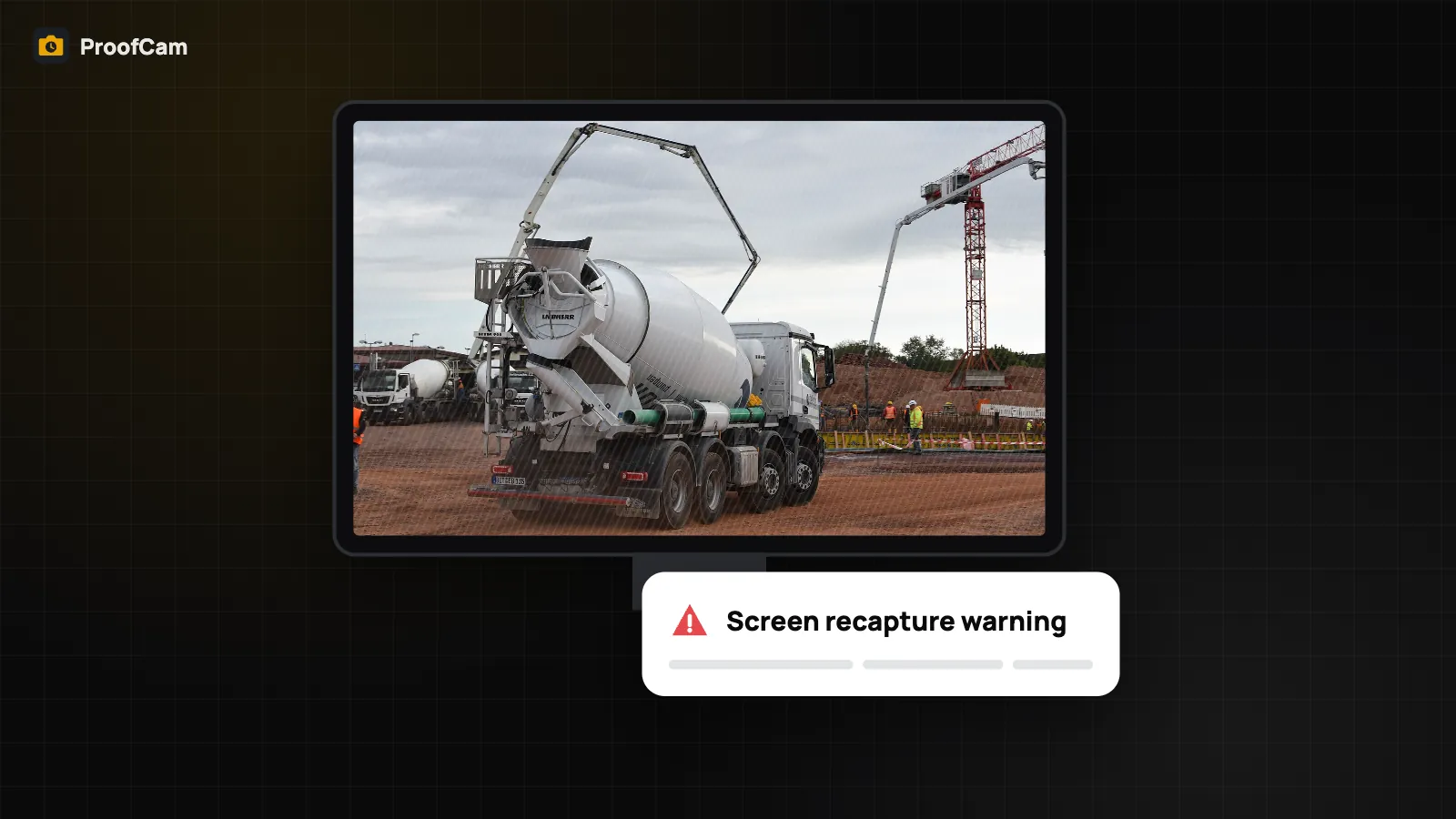
ProofCam warns when a photo looks like a shot of a screen or a print, and Live proof keeps a short clip around each photo. How both work.
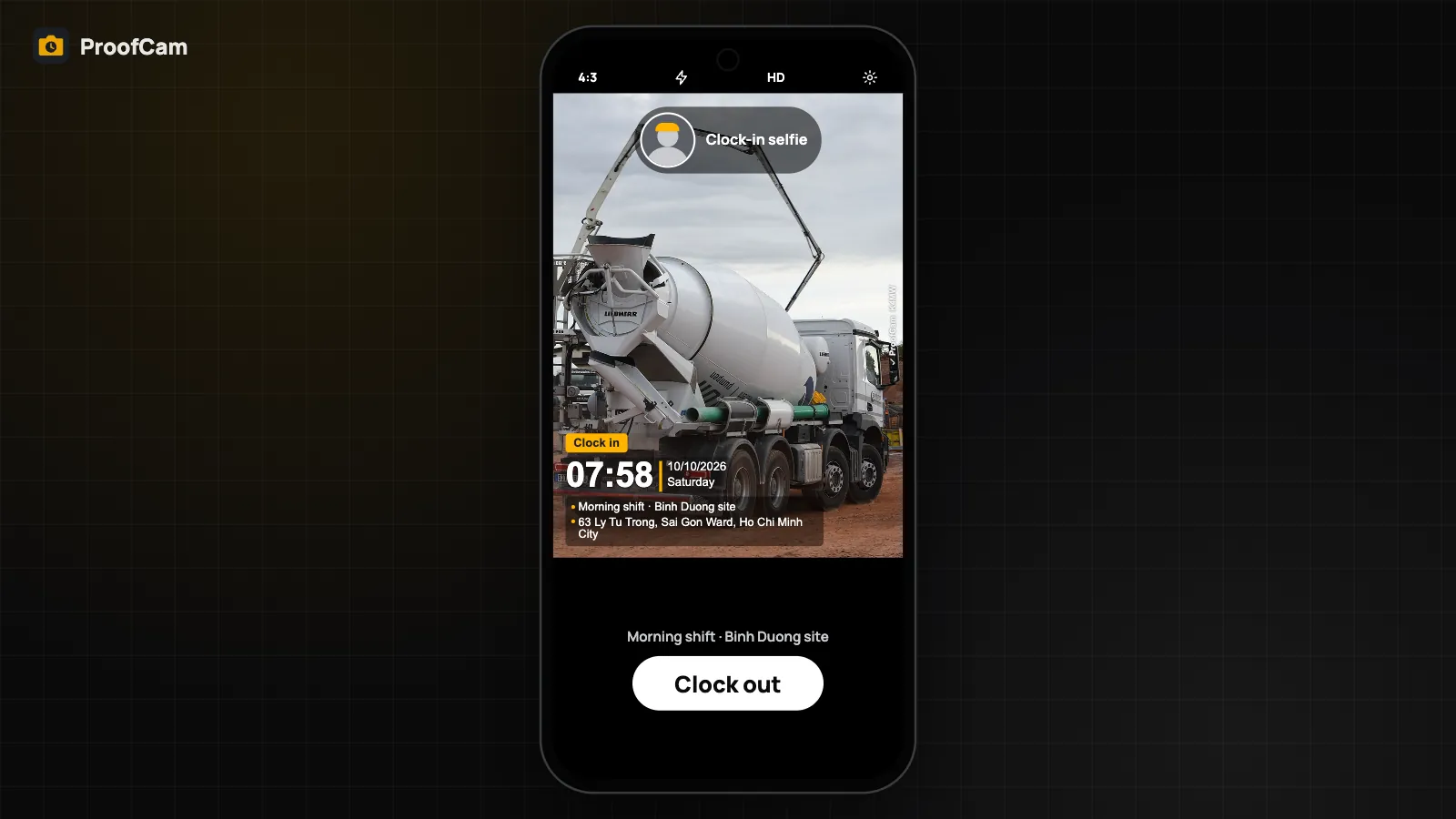
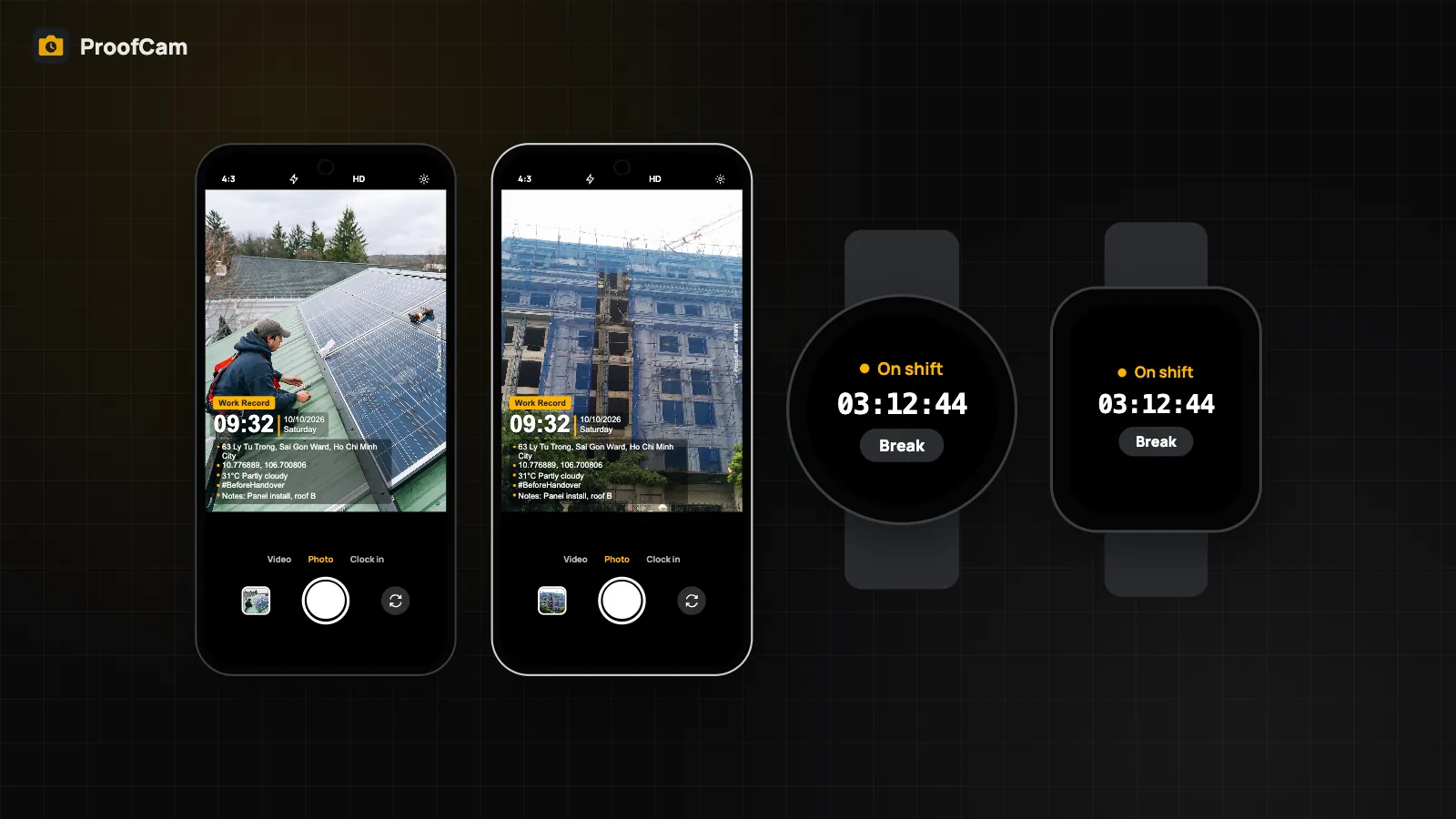
Clock in, take breaks and clock out with a stamped photo. Add a selfie liveness check, a site geofence, company Wi‑Fi or a rotating QR code.
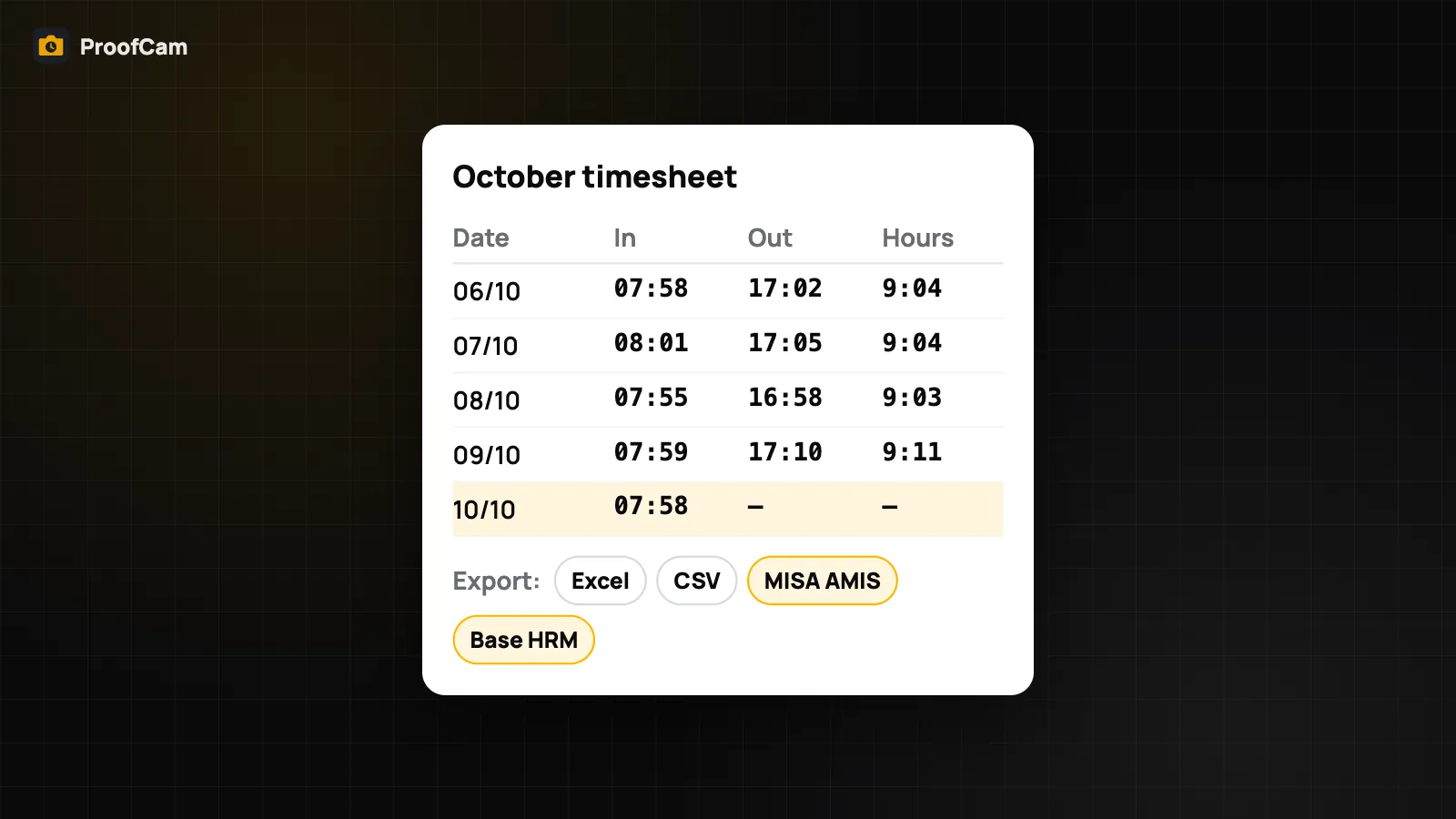
Turn photo clock-ins into a timesheet with hours, breaks, overtime and night hours, then export it to Excel (.xlsx) or CSV for payroll.
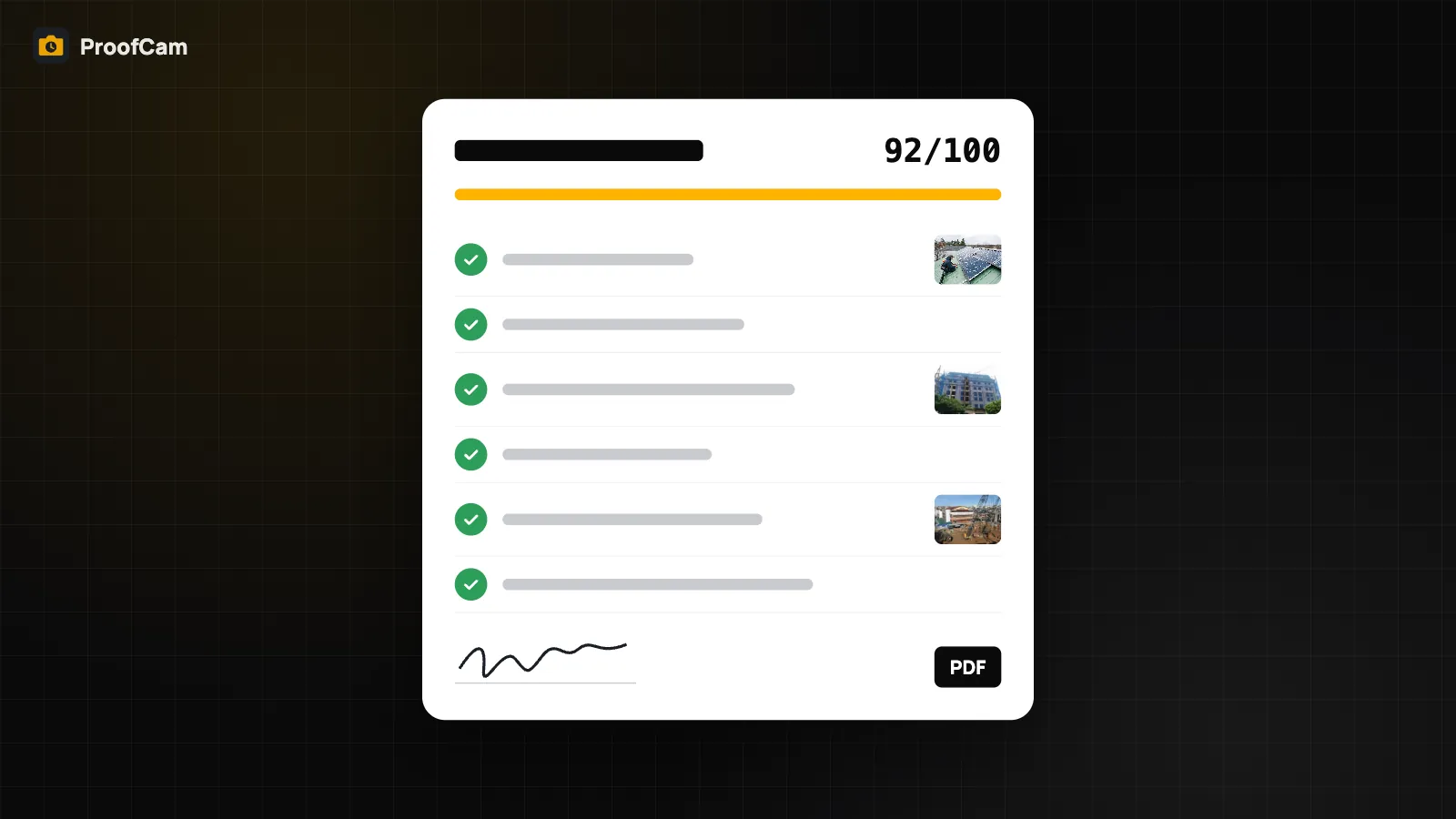
Build inspection checklists with 12 question types, required photos, signatures and scoring, then share a PDF report where every photo has a Photo Code.
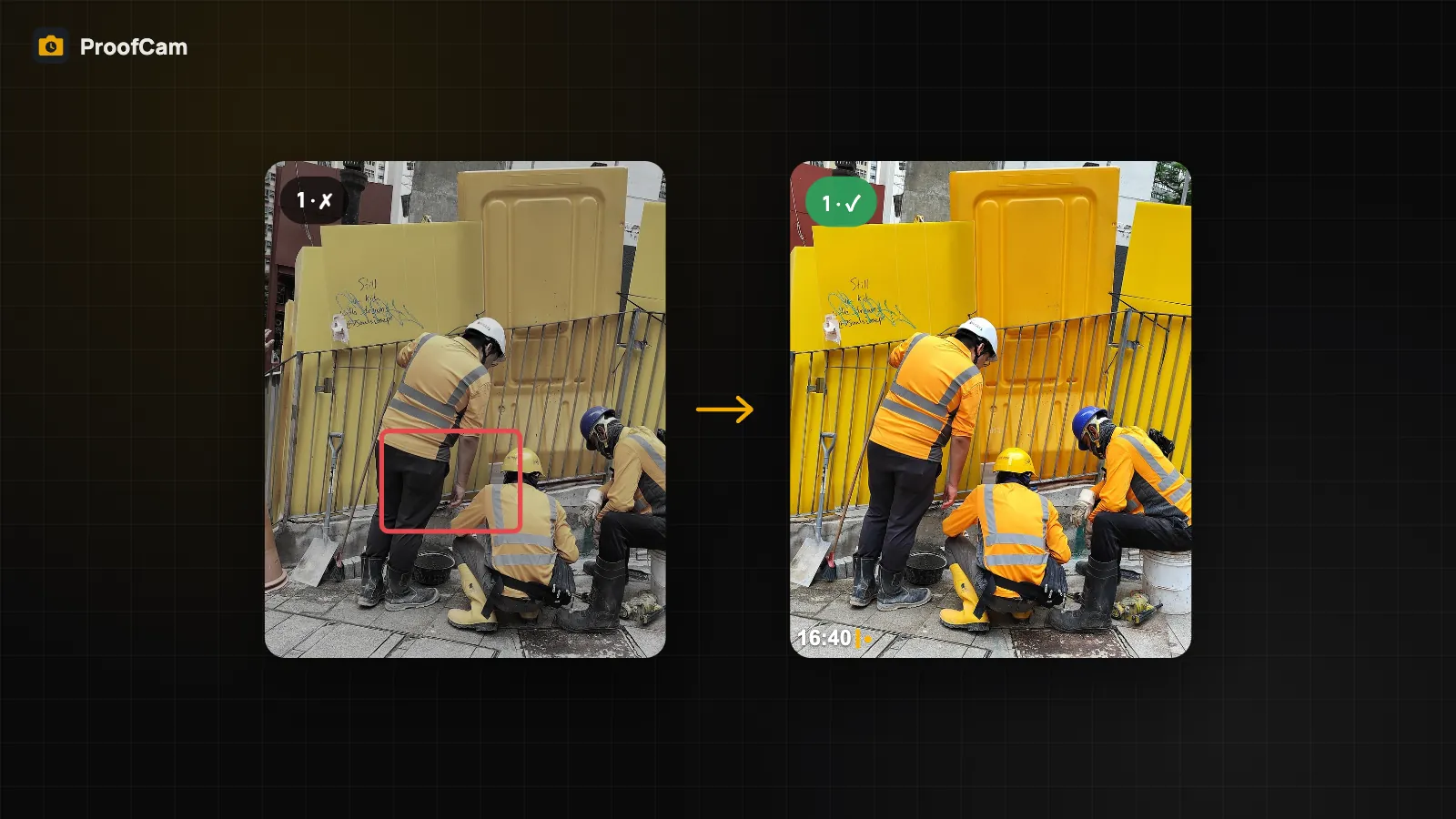
Turn site photos into tasks, assign them, and close them with an after photo taken over a 30% ghost of the before shot. Kanban, reminders, markup.
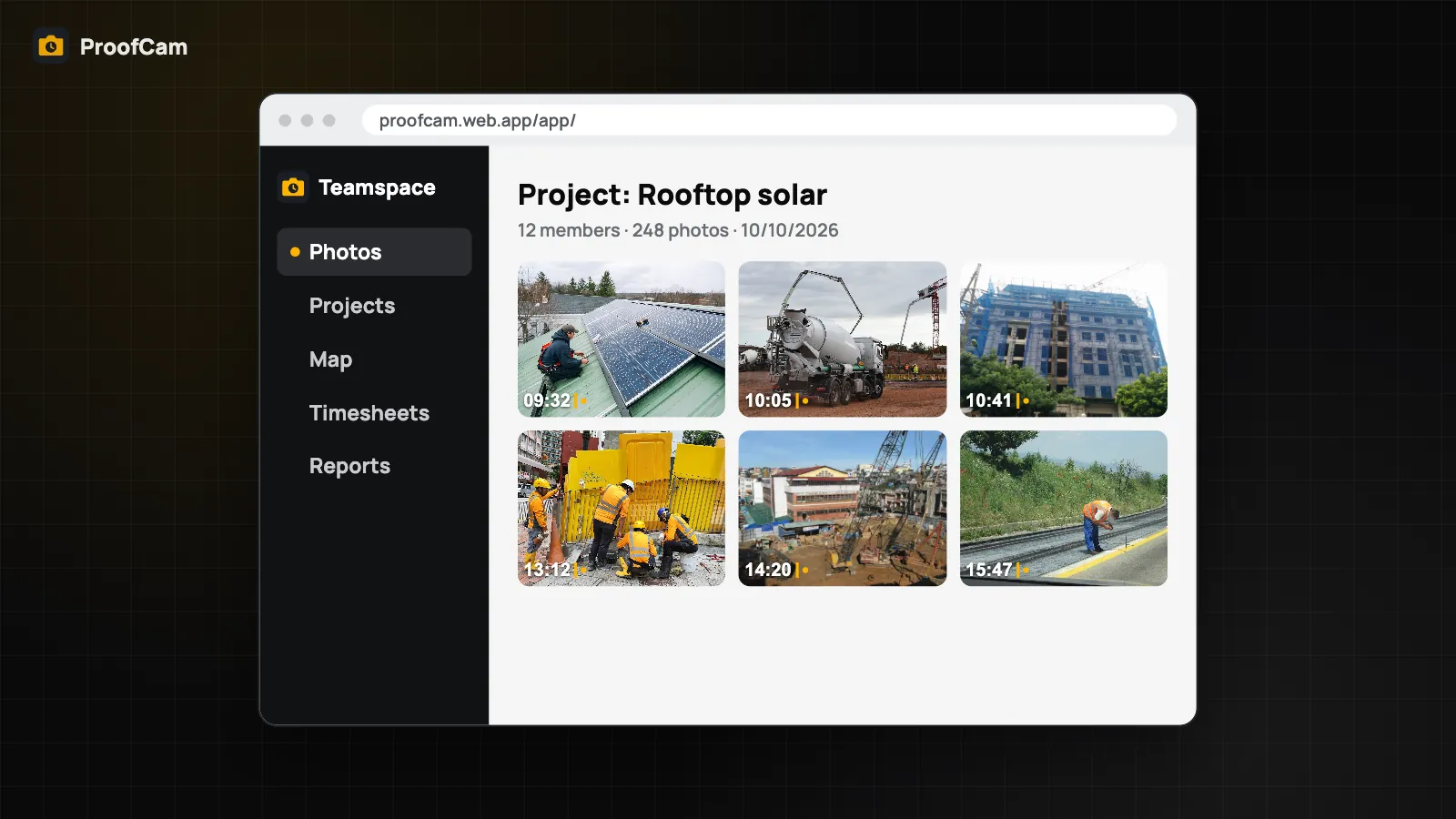
See your team's stamped photos by day, member or project, follow routes on a map, manage roles and templates, and export PDF, Excel, ZIP or KMZ.
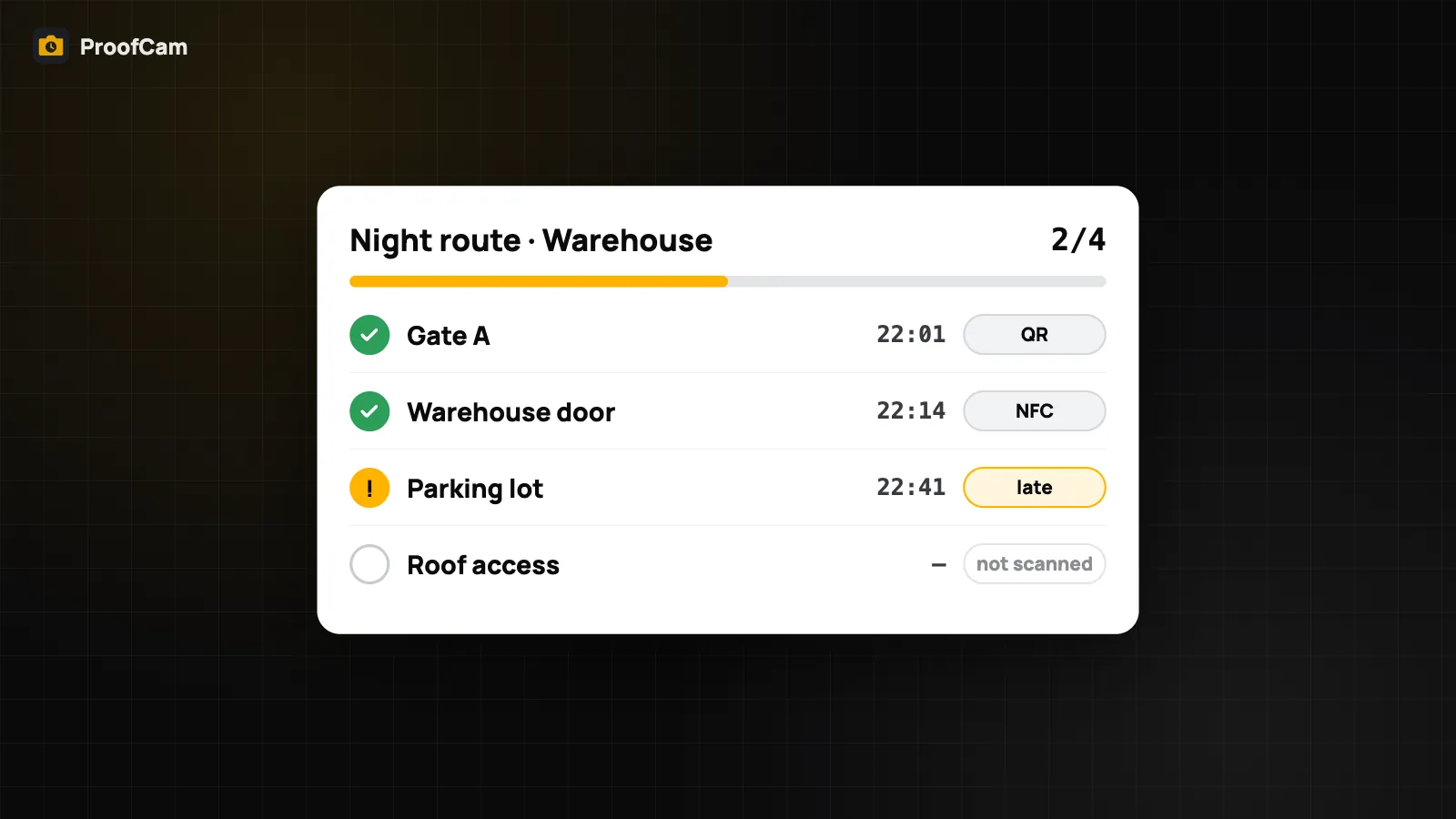
Guards scan a QR code or NFC tag at each checkpoint and get a stamped photo. Managers see rounds on time, late or missed, plus incident reports.
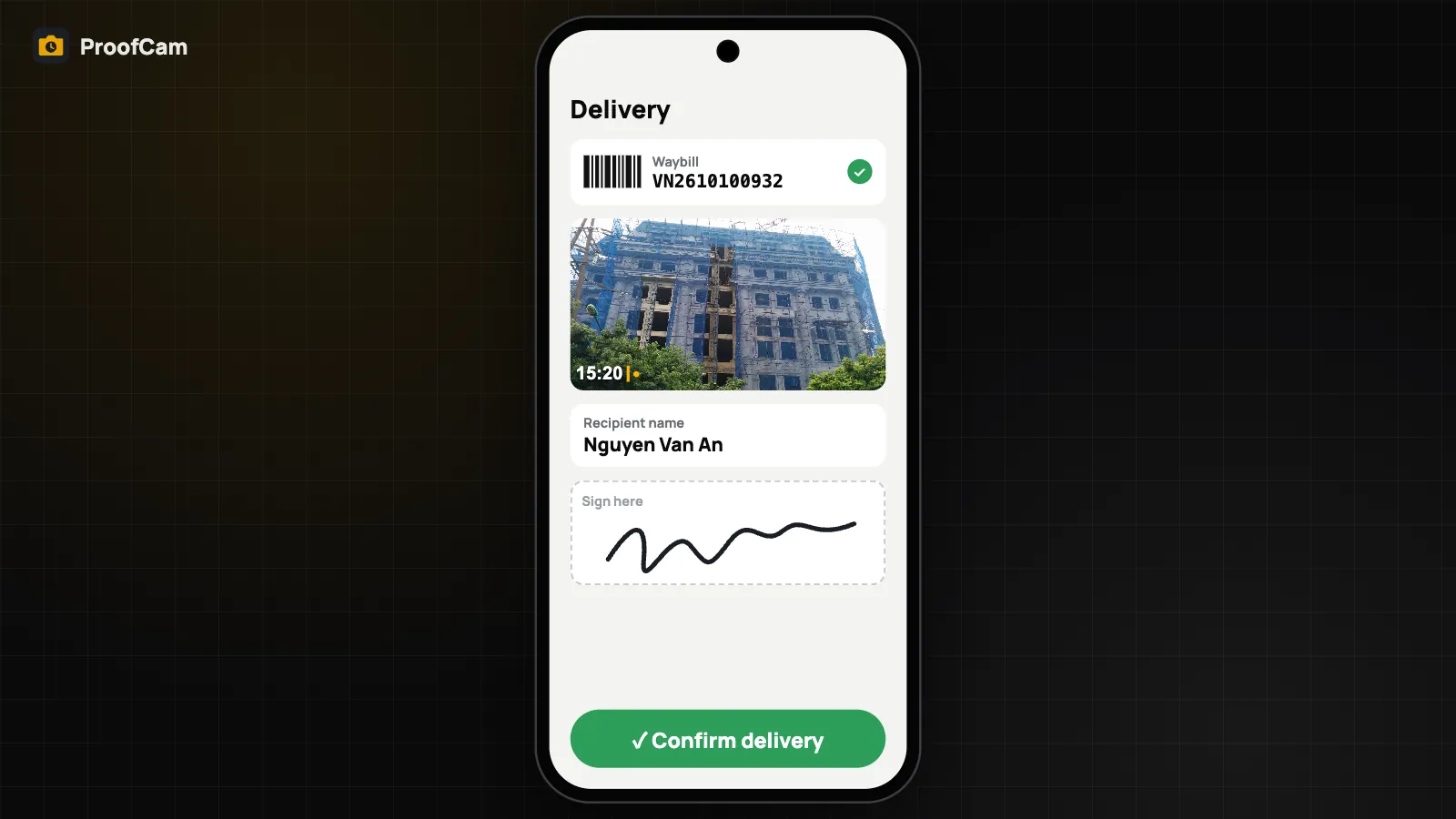
Scan the waybill, photograph the goods, collect the recipient's name and signature, then share a proof page link. Works offline and syncs later.
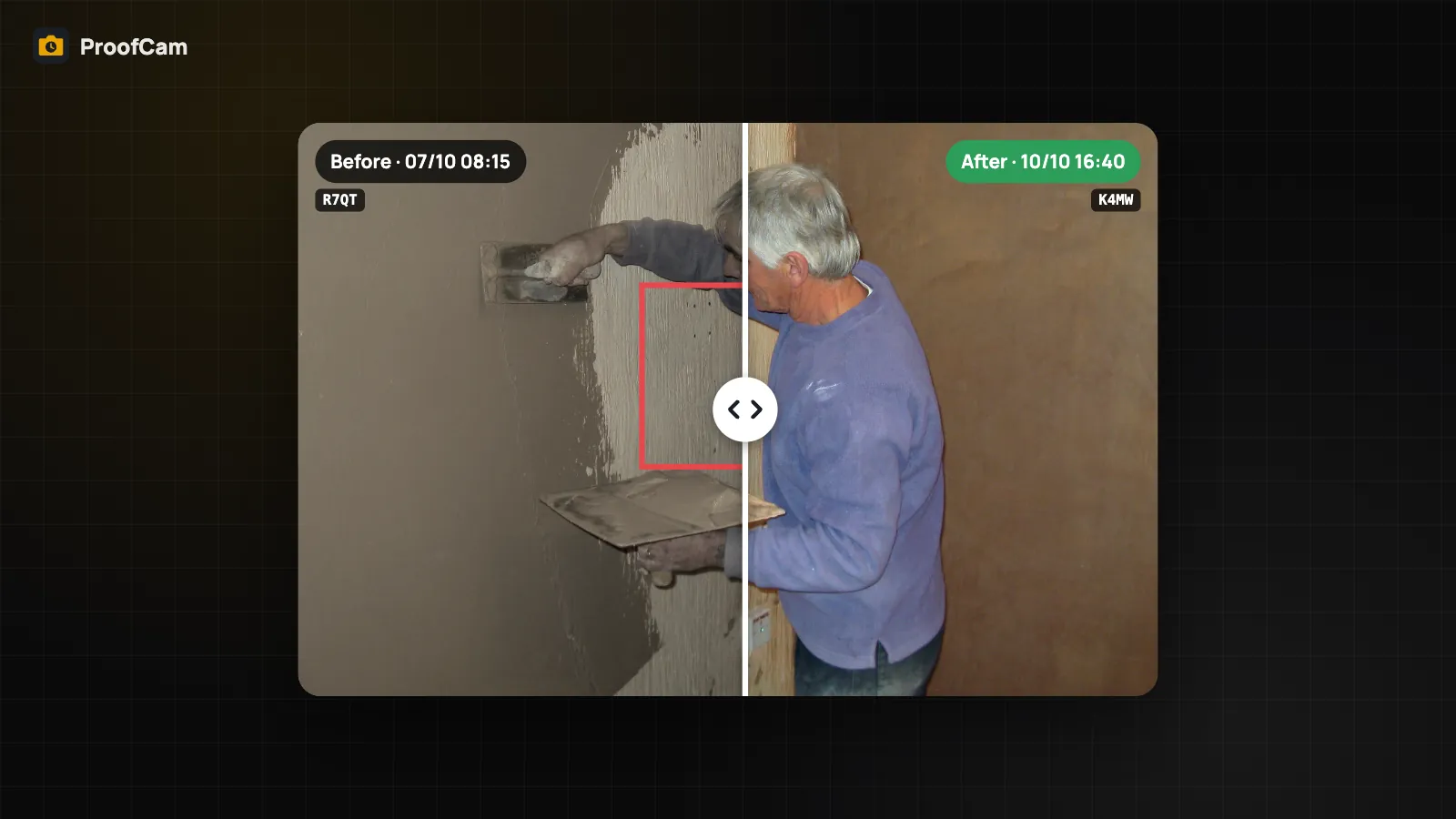
Compare before and after photos with a drag slider on Android and iPhone, or export a collage with both stamps. Free slider, Plus collage, task pairs.
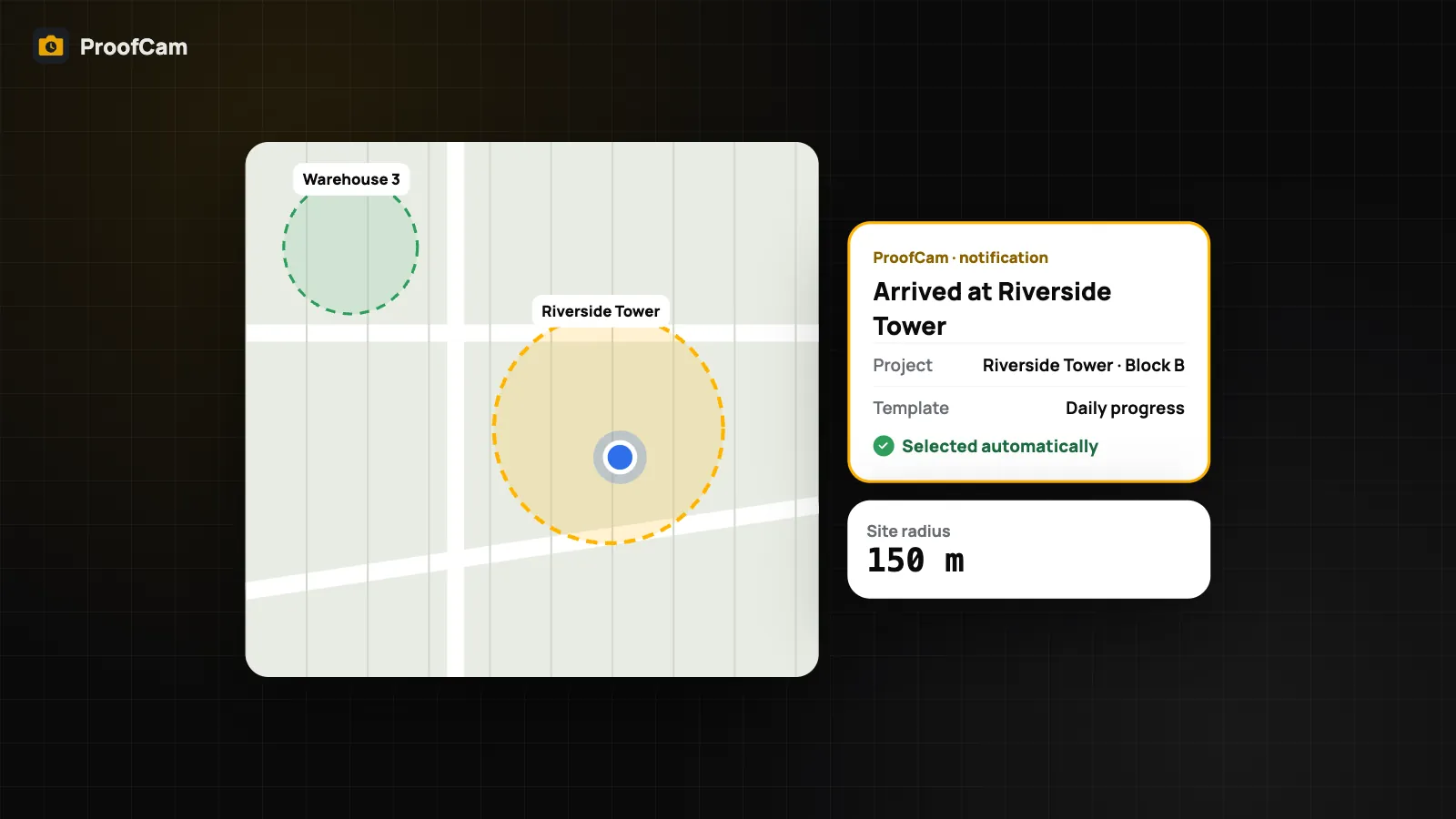
Organize job site photos by project: when you arrive at a site, ProofCam picks the project and watermark template for you, offline, on Android and iPhone.
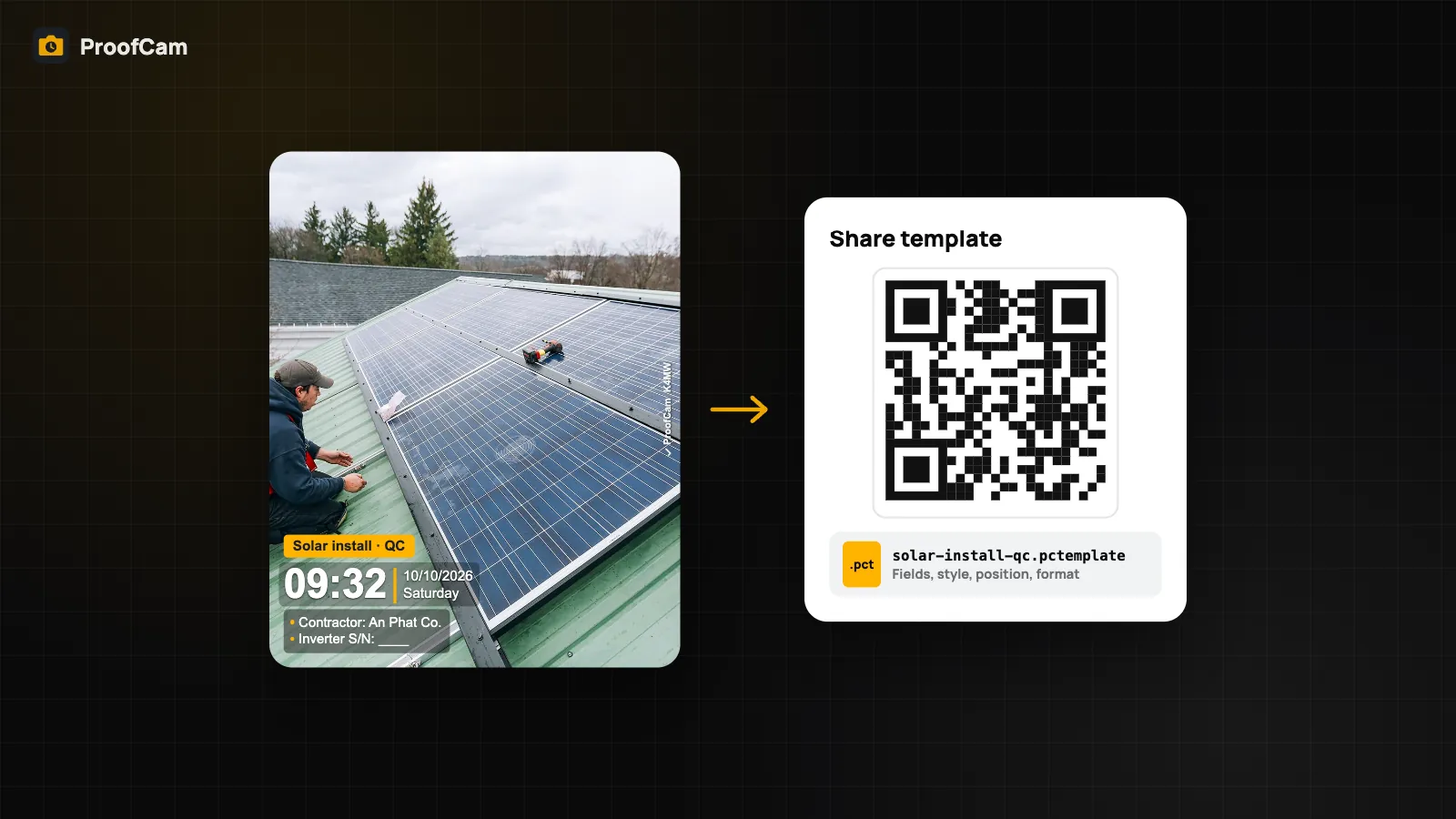
Share a watermark template as a .pctemplate file or a QR code, import it on Android or iPhone, and enforce team templates from the Teamspace web portal.
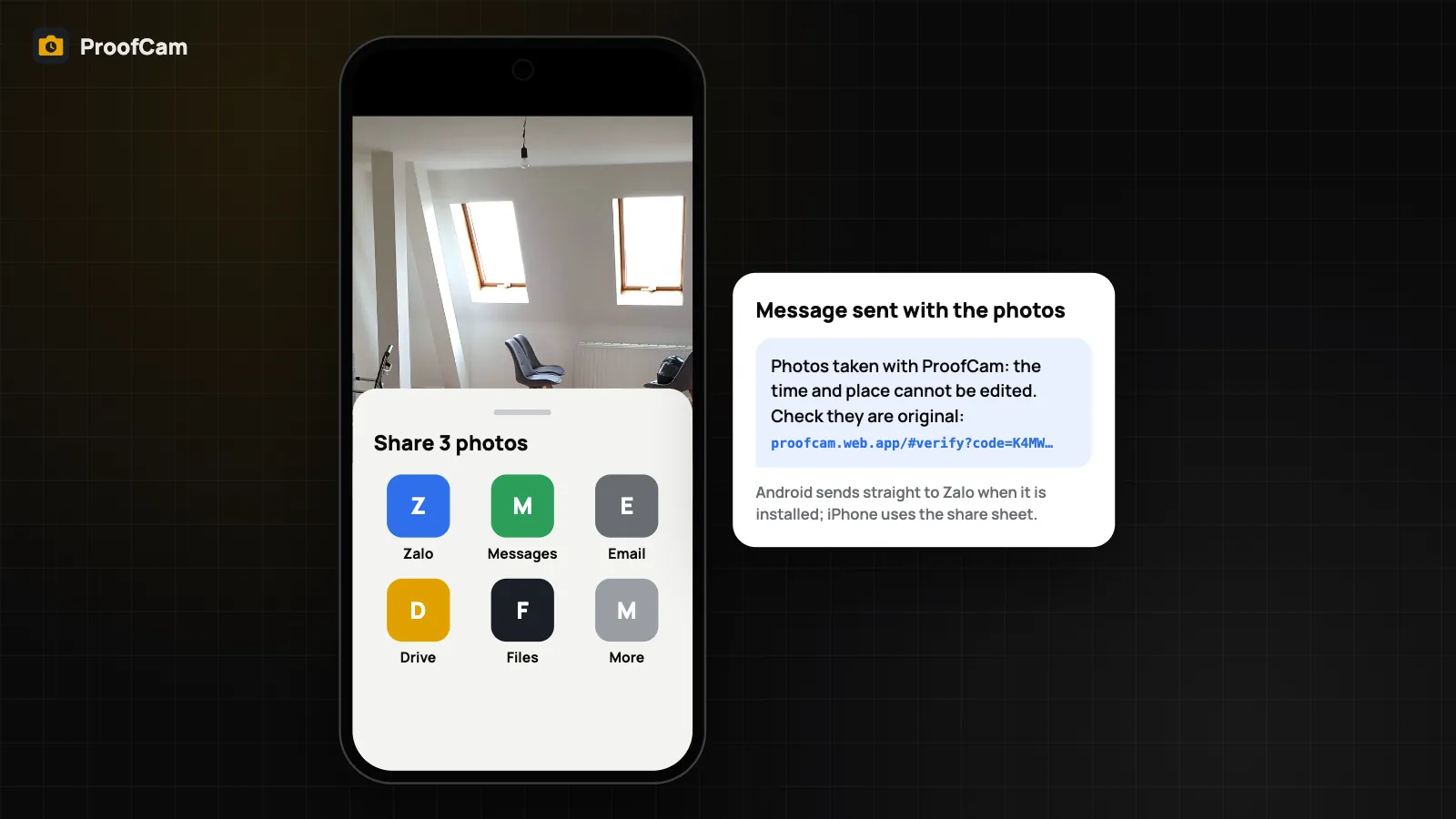
Share job photos with clients through chat apps, expiring share links or a live project link, each with a verify link that checks the original photo.
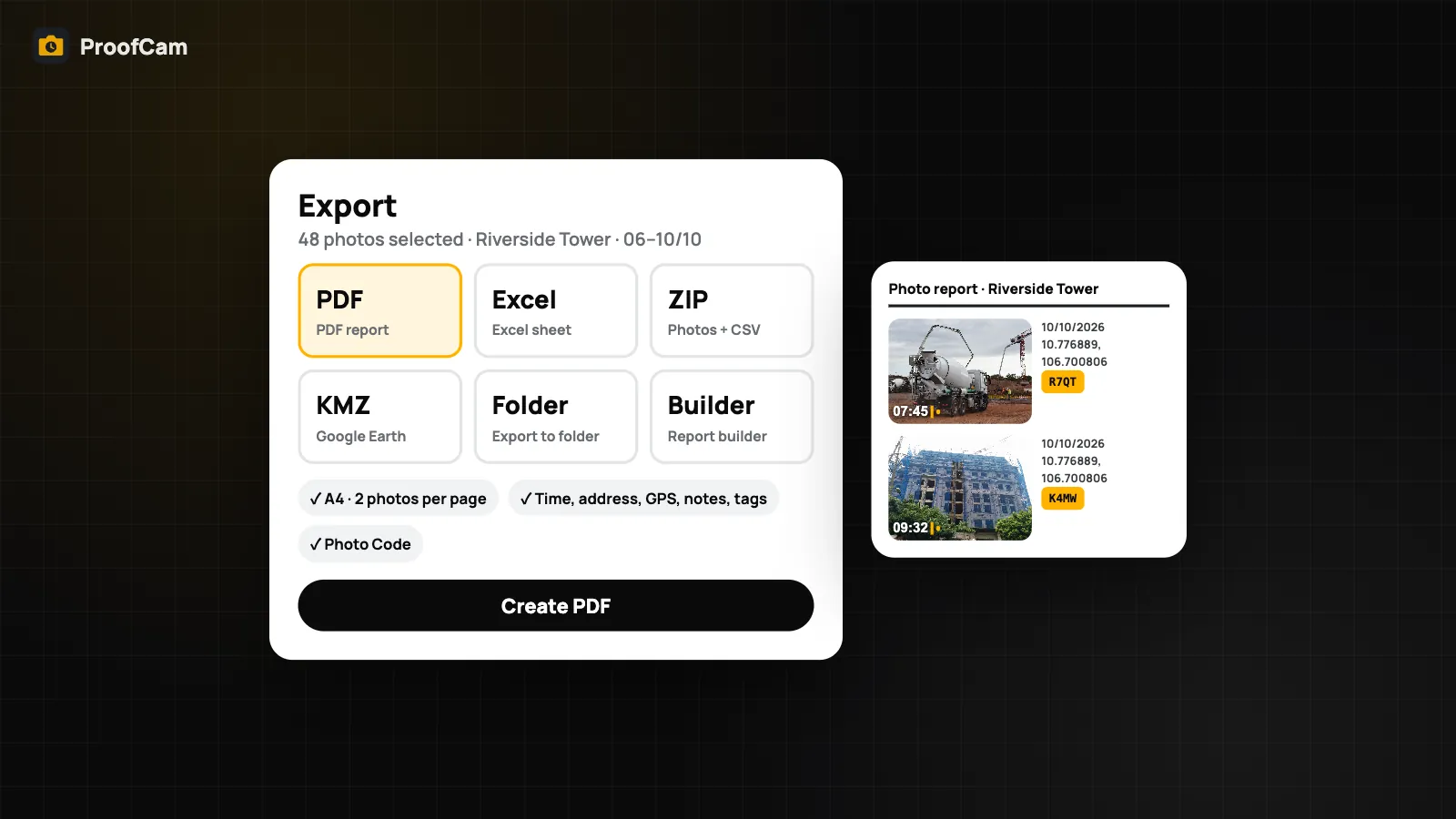
Export geotagged photos from your phone or the web portal as a PDF report, an Excel sheet with coordinates, a ZIP with CSV, or a KMZ for Google Earth.
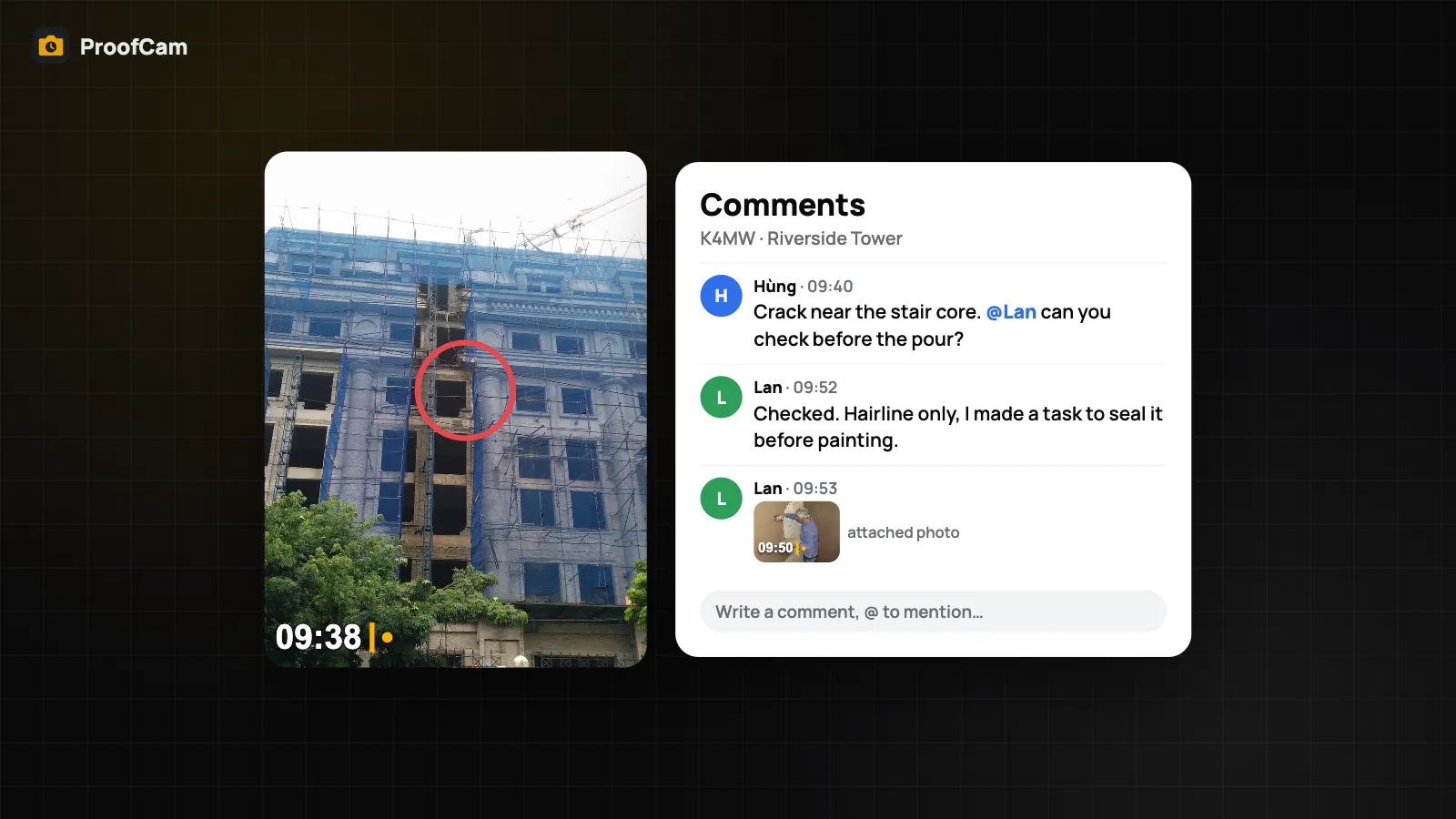
A field team collaboration app built on photos: comment and @mention on team photos, turn photos into tasks, and sign a daily report with photos.
Take stamped photos, Photo Codes and clock records with no signal, sync later, back up to an encrypted file, share over local Wi-Fi and verify offline.
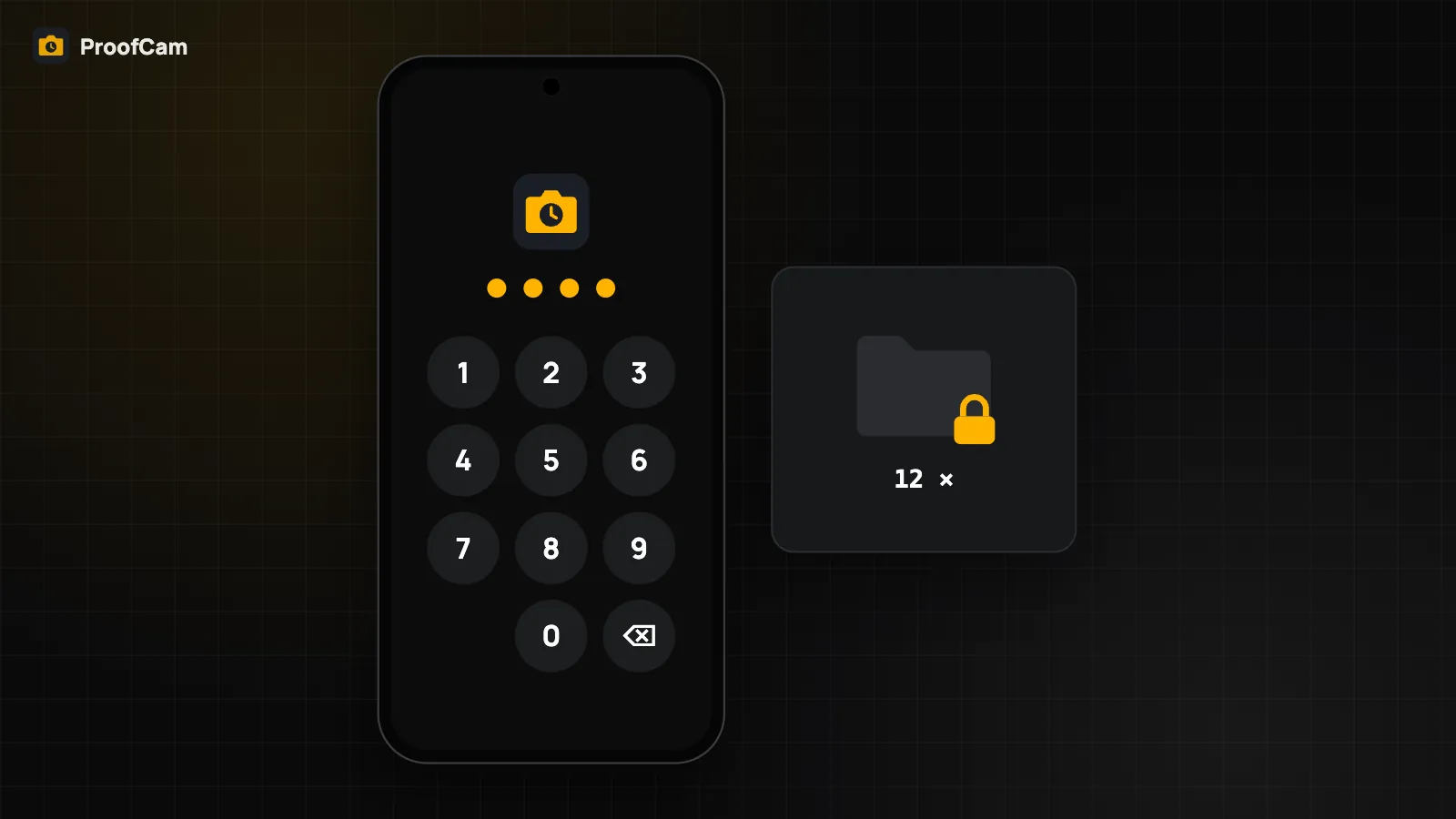
Lock ProofCam with a PIN or biometrics, keep photos in a private folder, share without your exact location and add C2PA Content Credentials.
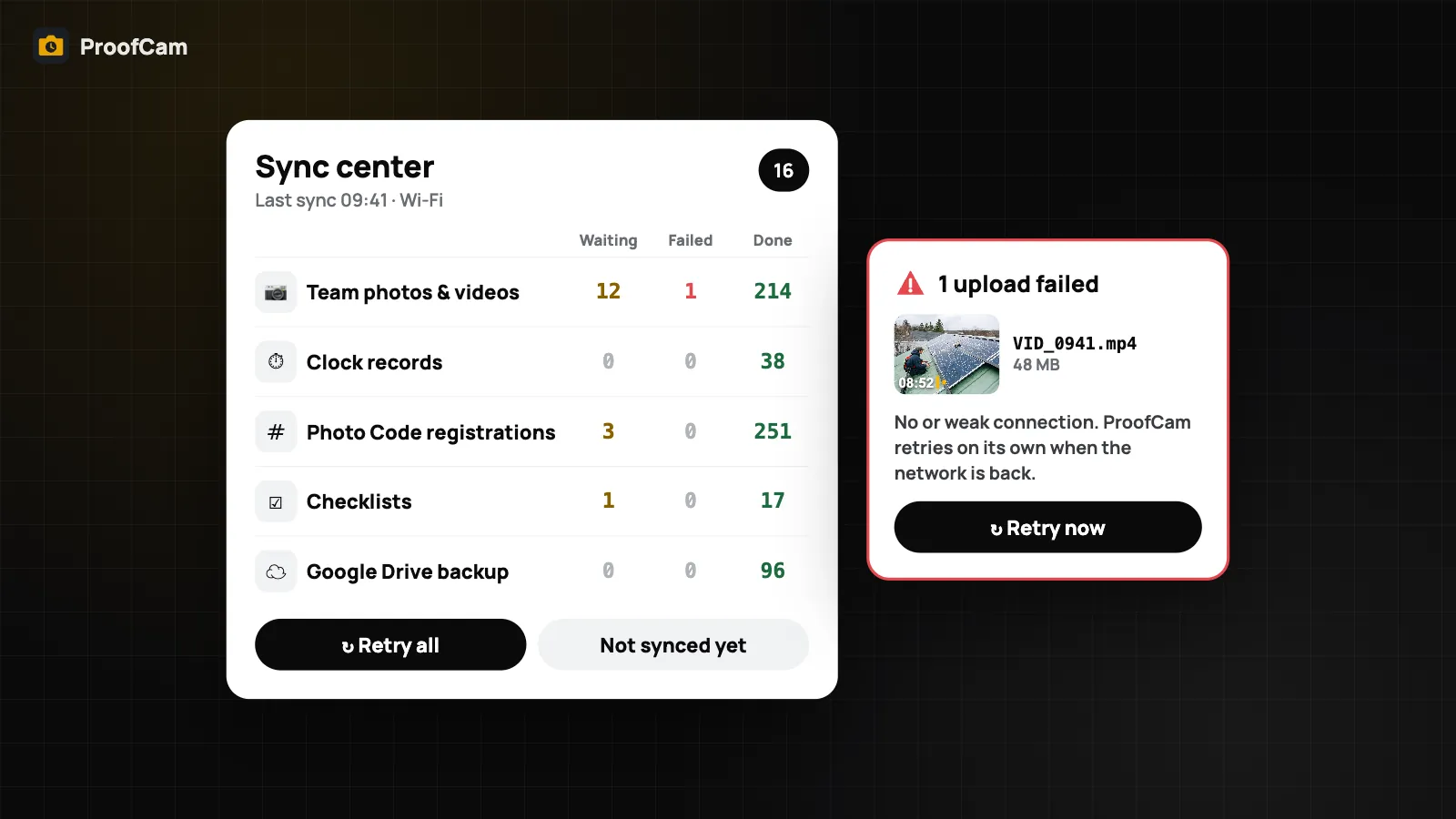
Photos not uploading? ProofCam's Sync center shows every photo upload queue, plain-language failure reasons, Retry all and Wi-Fi only options.
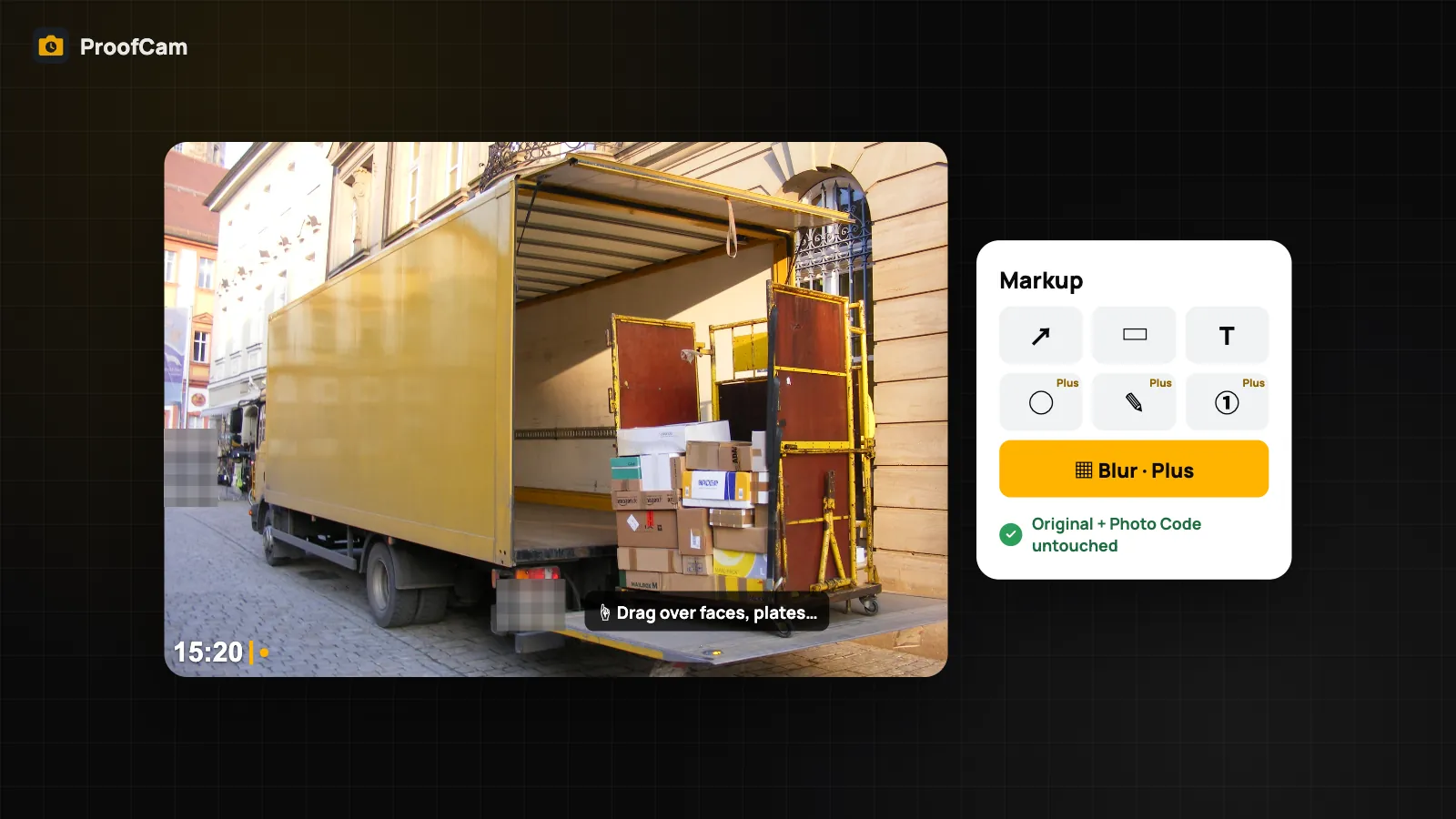
Blur faces and license plates by hand, add arrows and text, and share a copy without exact location. The original photo and its Photo Code stay intact.
Track your shift and breaks from Wear OS or Apple Watch, clock in faster with widgets, shortcuts and Quick Settings, and use ProofCam on tablets and iPad.
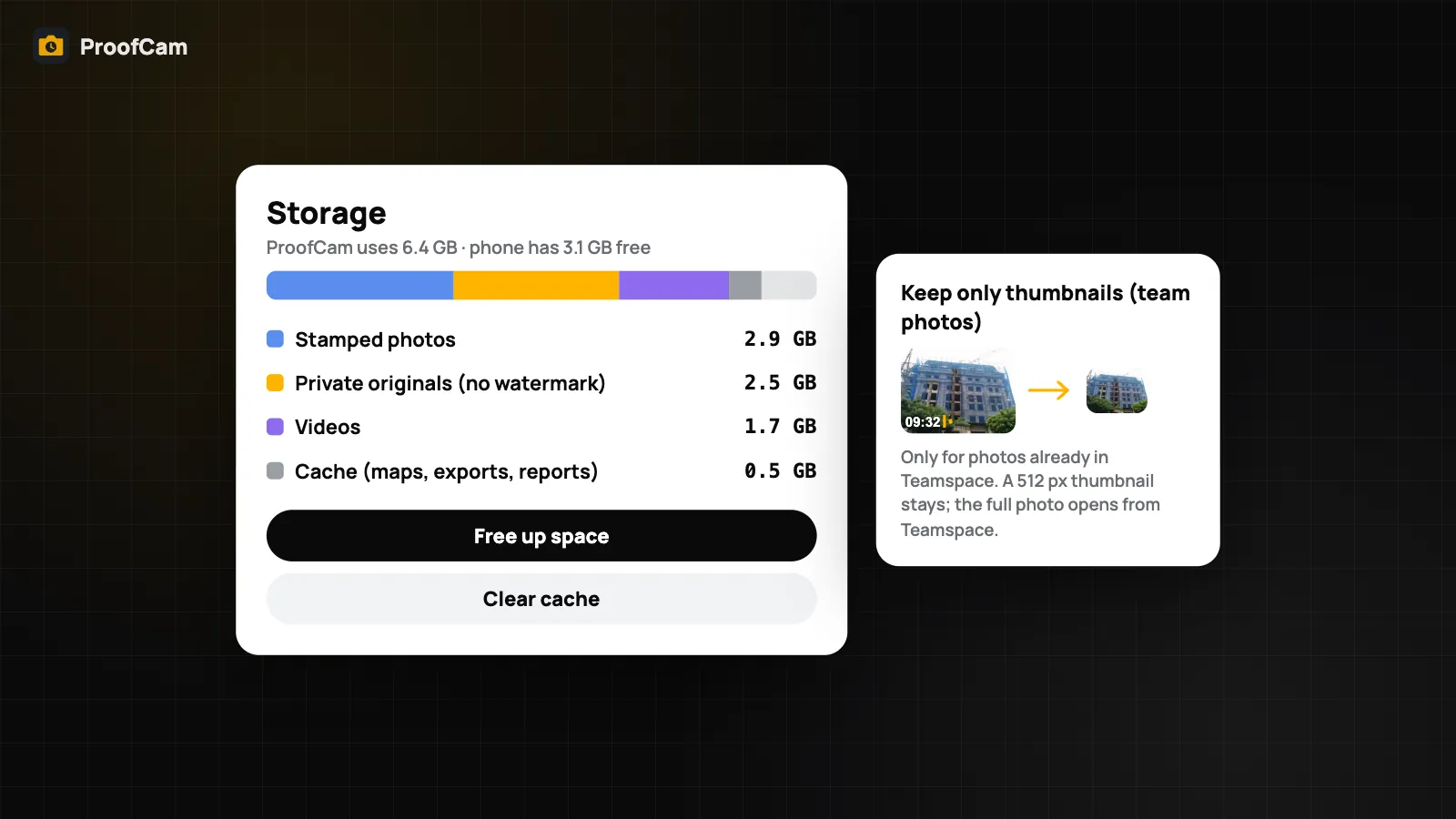
Phone storage full of site photos? Free up space by deleting only copies already backed up to the cloud. The stamped photo and Photo Code stay verifiable.
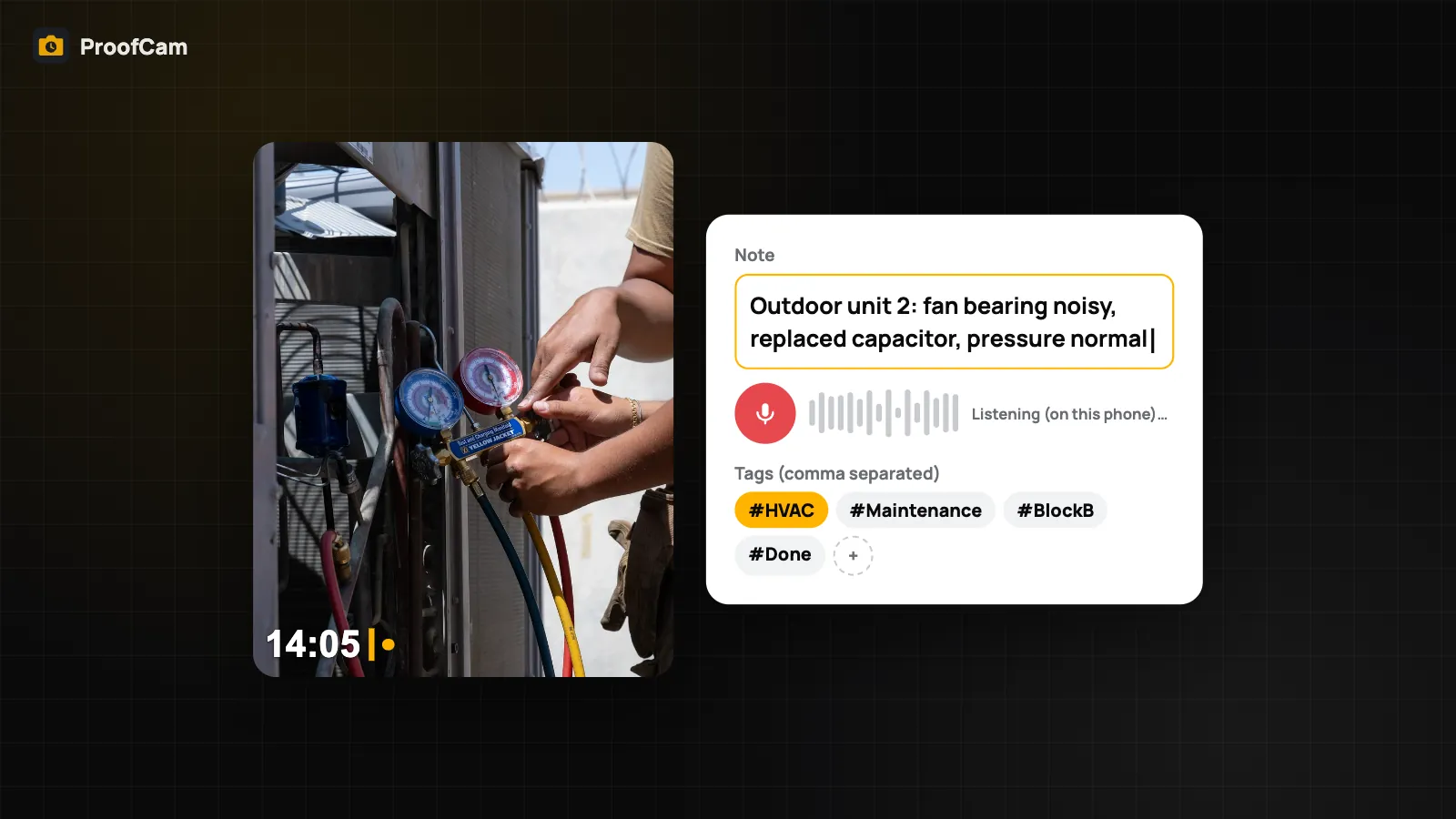
Add notes to photos before you shoot, by typing or dictating on the phone, plus tags and custom fields printed on the stamp and searchable later.
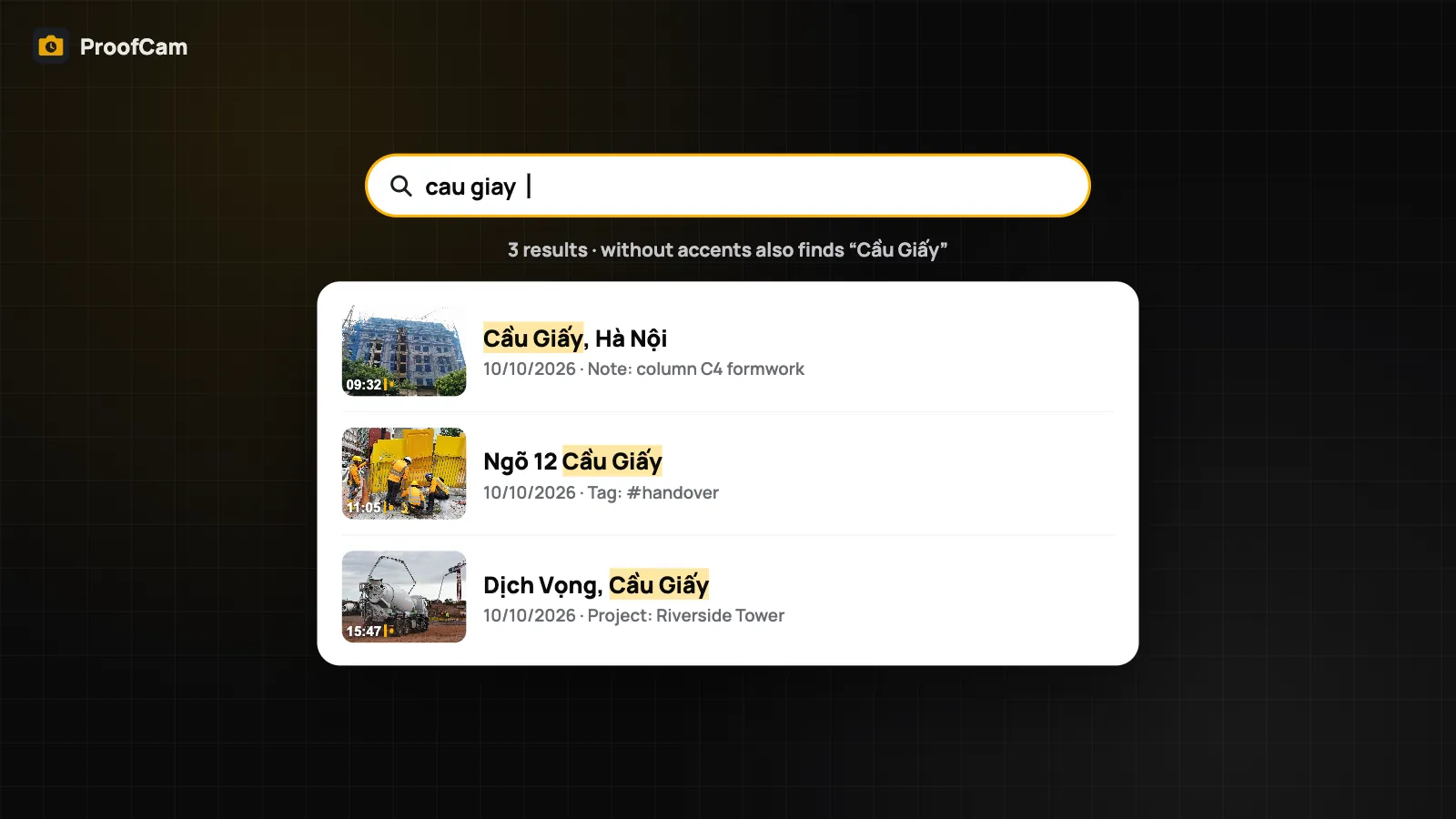
Search job photos on your phone by note, address, tag, project or Photo Code, with filters for today, 7 days, videos and clock photos. Works offline.
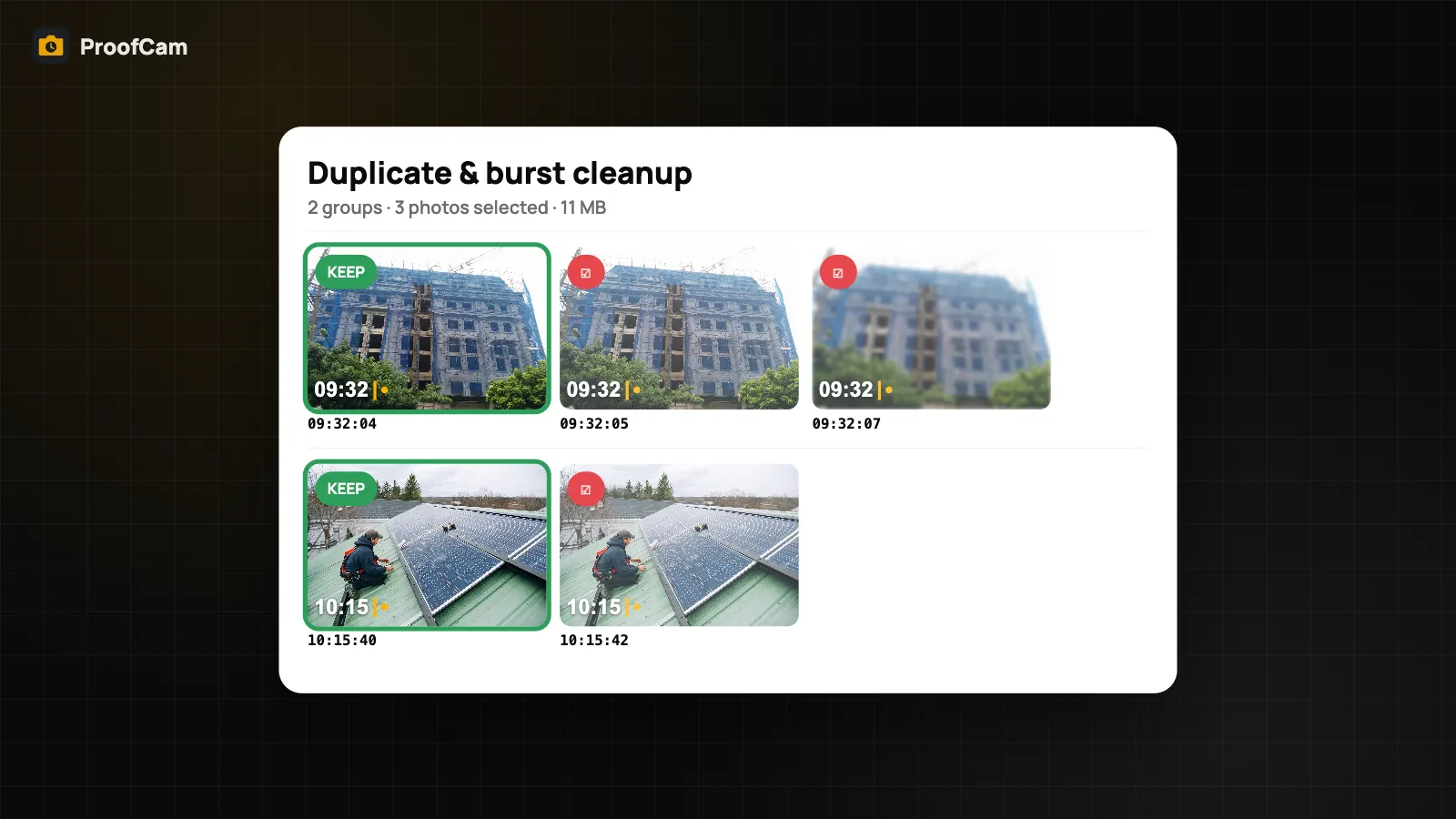
Find near-identical and burst photos in ProofCam, keep the best shot of each group and delete the rest from your phone. On device, nothing deleted for you.
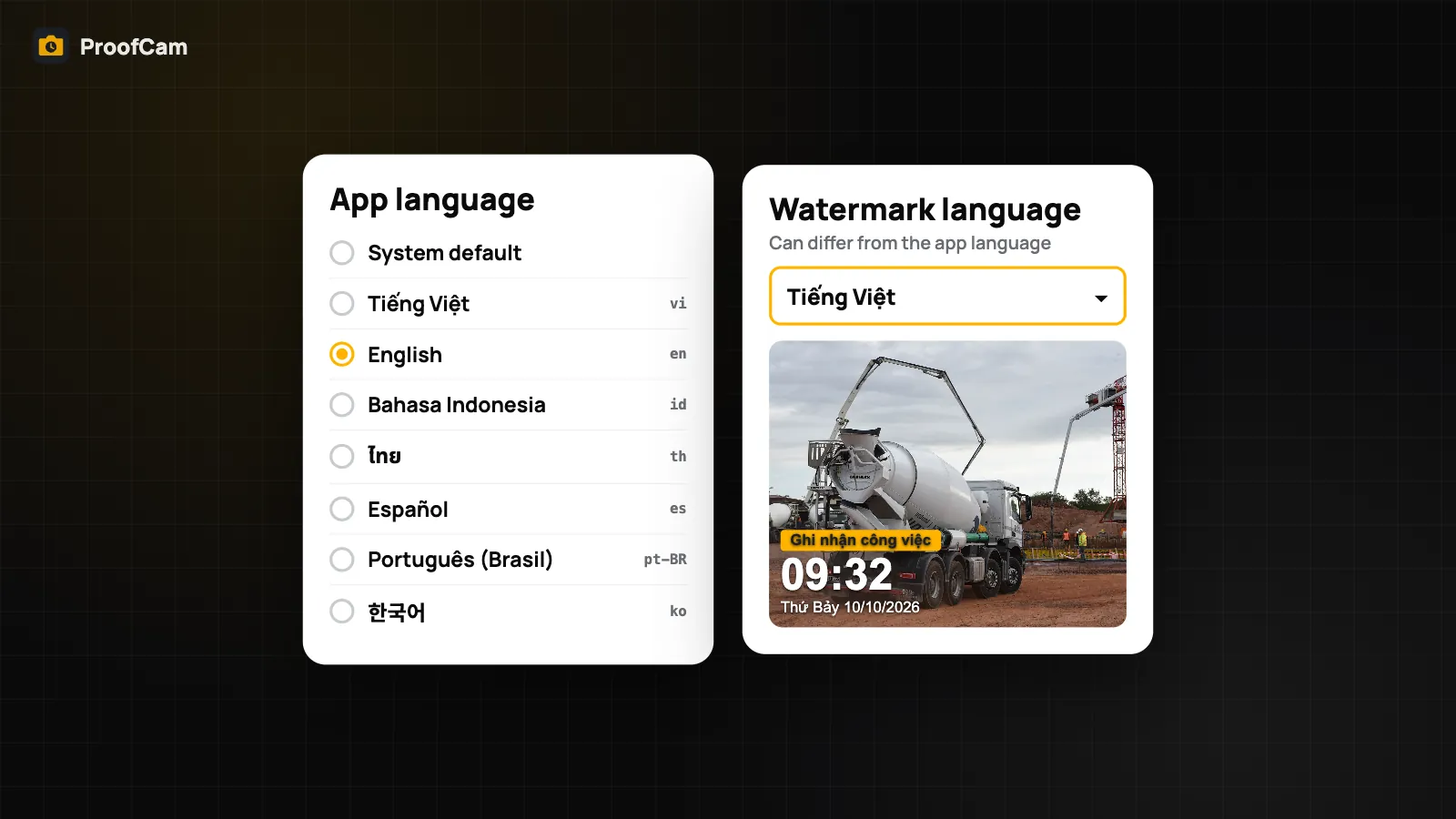
Change the watermark language separately from the app language, choose from 7 languages and translate photo notes on the phone, even with no signal.
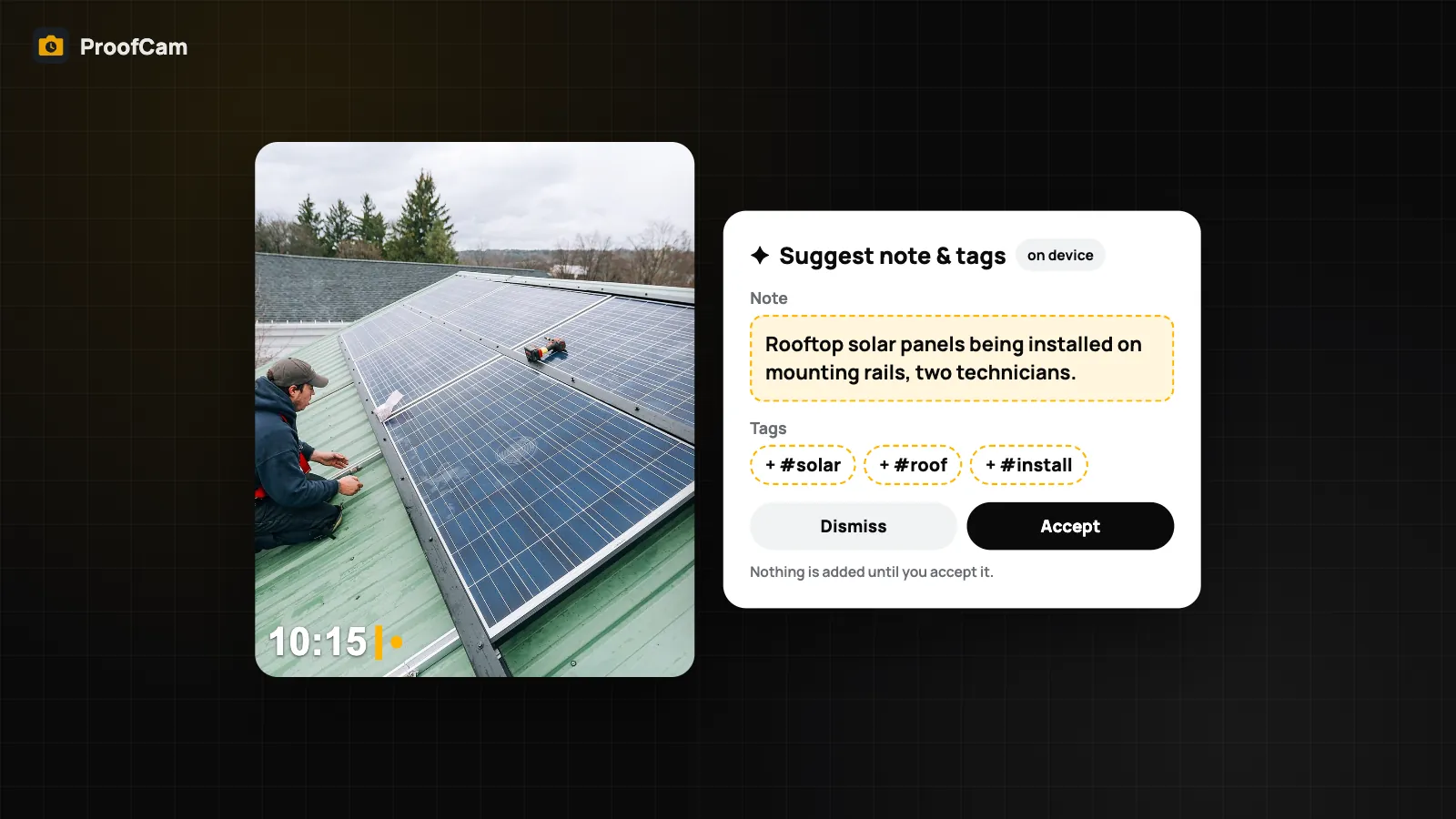
On-device AI photo captions: ProofCam suggests a note and tags for a photo and drafts report summaries on the phone, with no cloud upload. You accept or edit.
Pick your trade to see the workflow, checklist ideas and the plan you need.