Some things don't fit in a photo: a pump that won't start, water running along a road after rain, a gate that doesn't close, a patrol walk along a fence. A video shows it. But a plain phone video has no visible date or place, and anyone can trim it or claim it was shot somewhere else.
ProofCam records timestamp video with the same watermark and Photo Code as its photos. With Plus you can pause and resume into a single file, and export the time and GPS position for every second as SRT subtitles and a GPX track. This guide explains exactly what is on the video, what goes into the side files, and the limits you should know before relying on it.
Recording a video with date and location
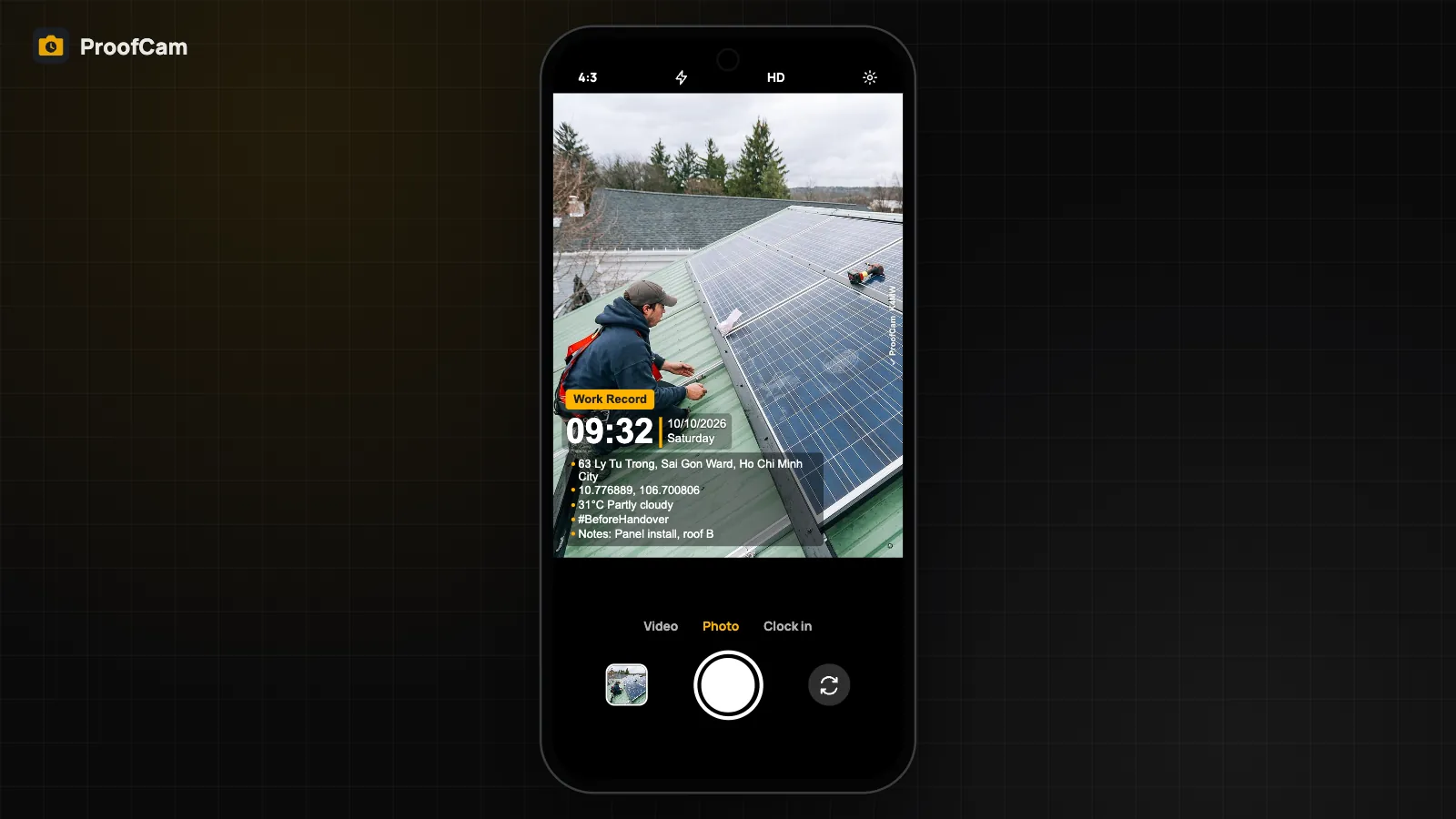
Switch the camera to Video mode and press record. The video gets:
- a burned-in watermark with your template: date, time, address, GPS coordinates, project and notes;
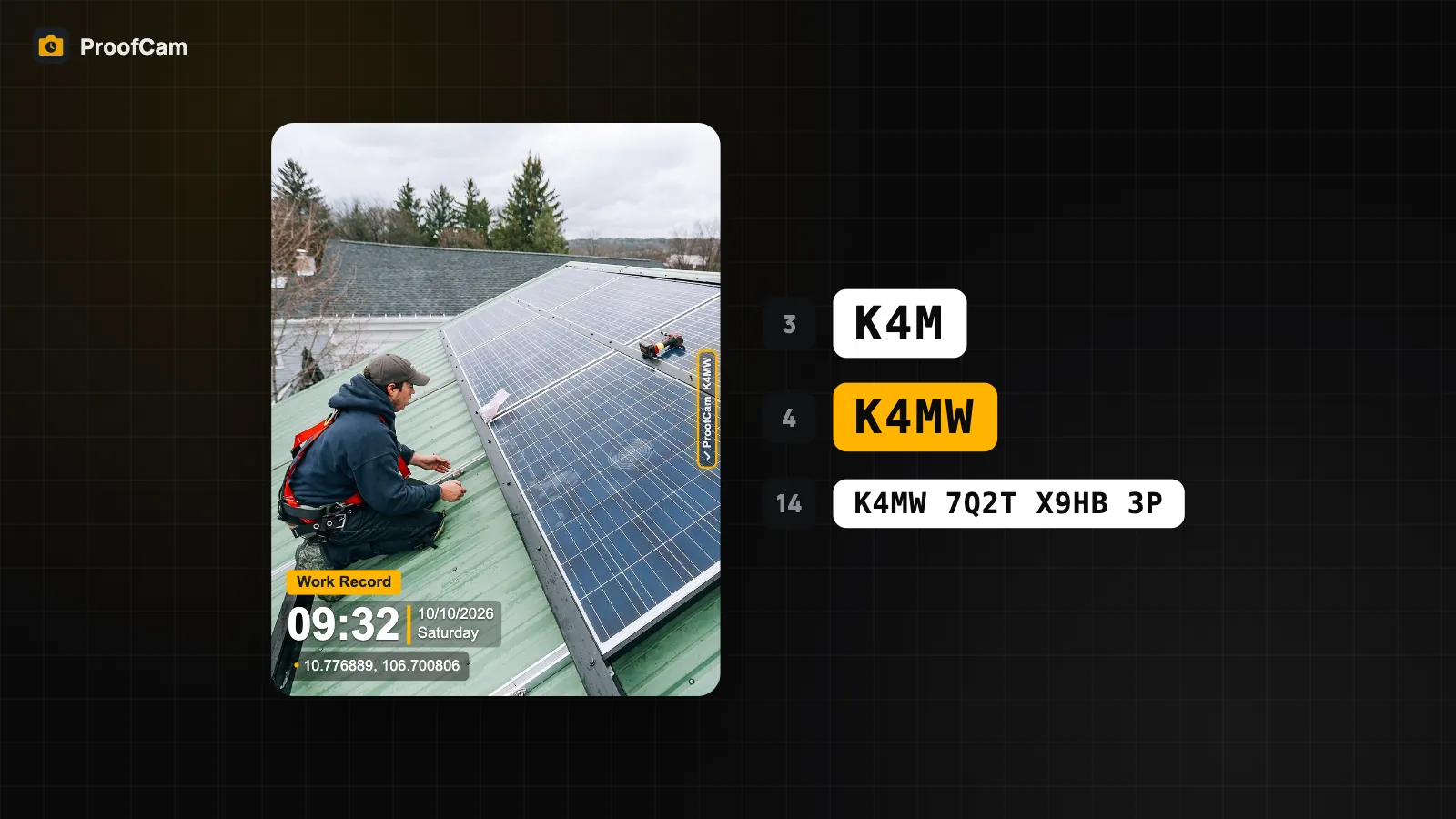
- a Photo Code, like a photo, so the recipient can check it at the verify page;
- evidence data (XMP) written into the MP4 file.
Length limits:
- Free: up to 15 seconds ("Free plan videos are limited to 15 seconds").
- Plus: up to 10 minutes.
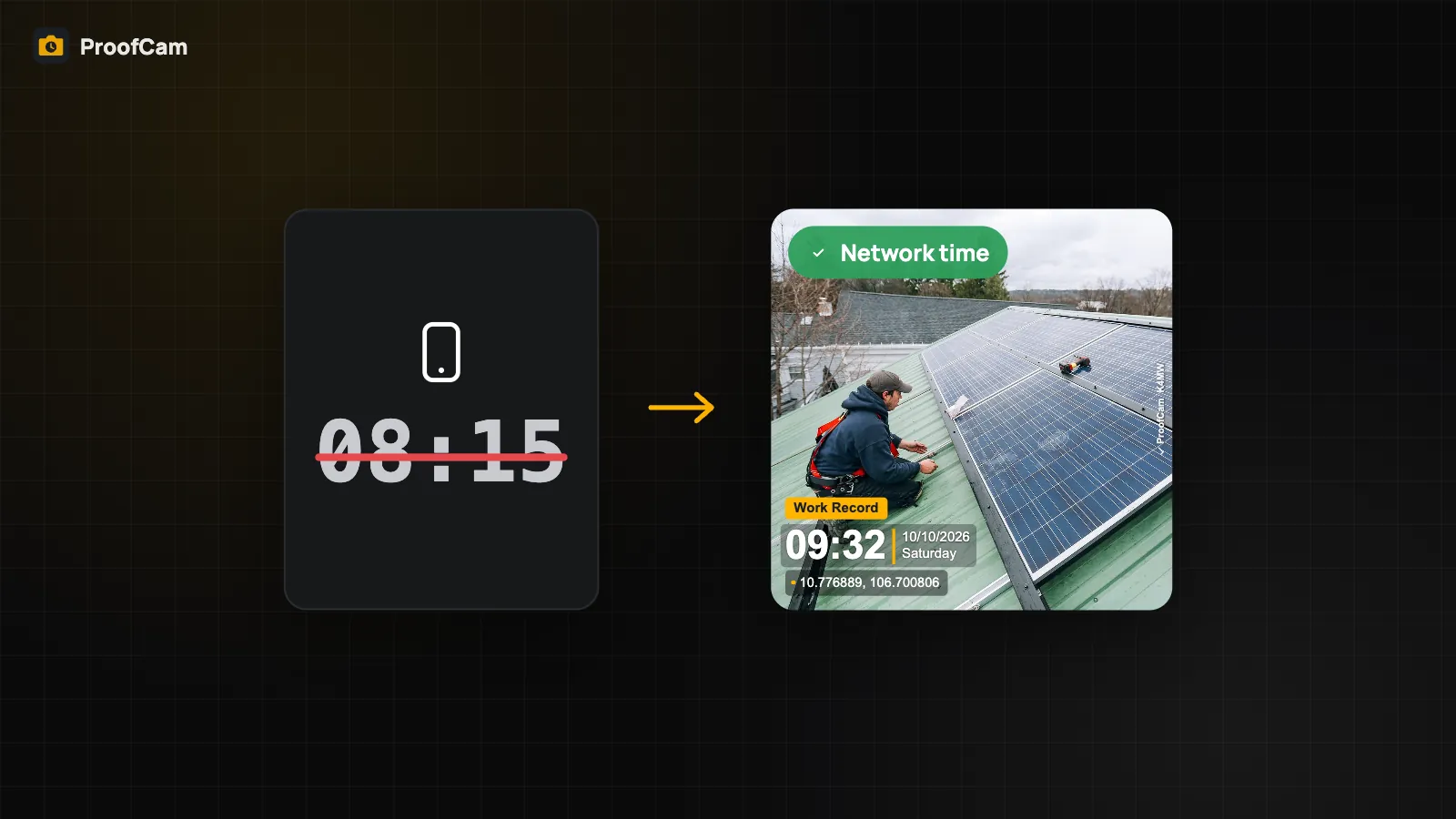
The time on the watermark comes from the same trusted clock as ProofCam photos, not just the phone clock; see network time vs the phone clock.
Important: the watermark shows the start time
The watermark on a ProofCam video is a still overlay. It shows the time and place when recording started. The clock on the video does not tick forward second by second.
That is deliberate: the overlay is burned into the frames once, the same way the photo stamp is. If you need the time and position for every second of the clip, use the SRT and GPX side files described below. They are the per-second record.
So, when you send a 4-minute video of a road defect, the stamp says 09:12 for the whole clip. The SRT file says 09:12:00, 09:12:01, and so on, with the coordinates for each second.
Pause and resume recording
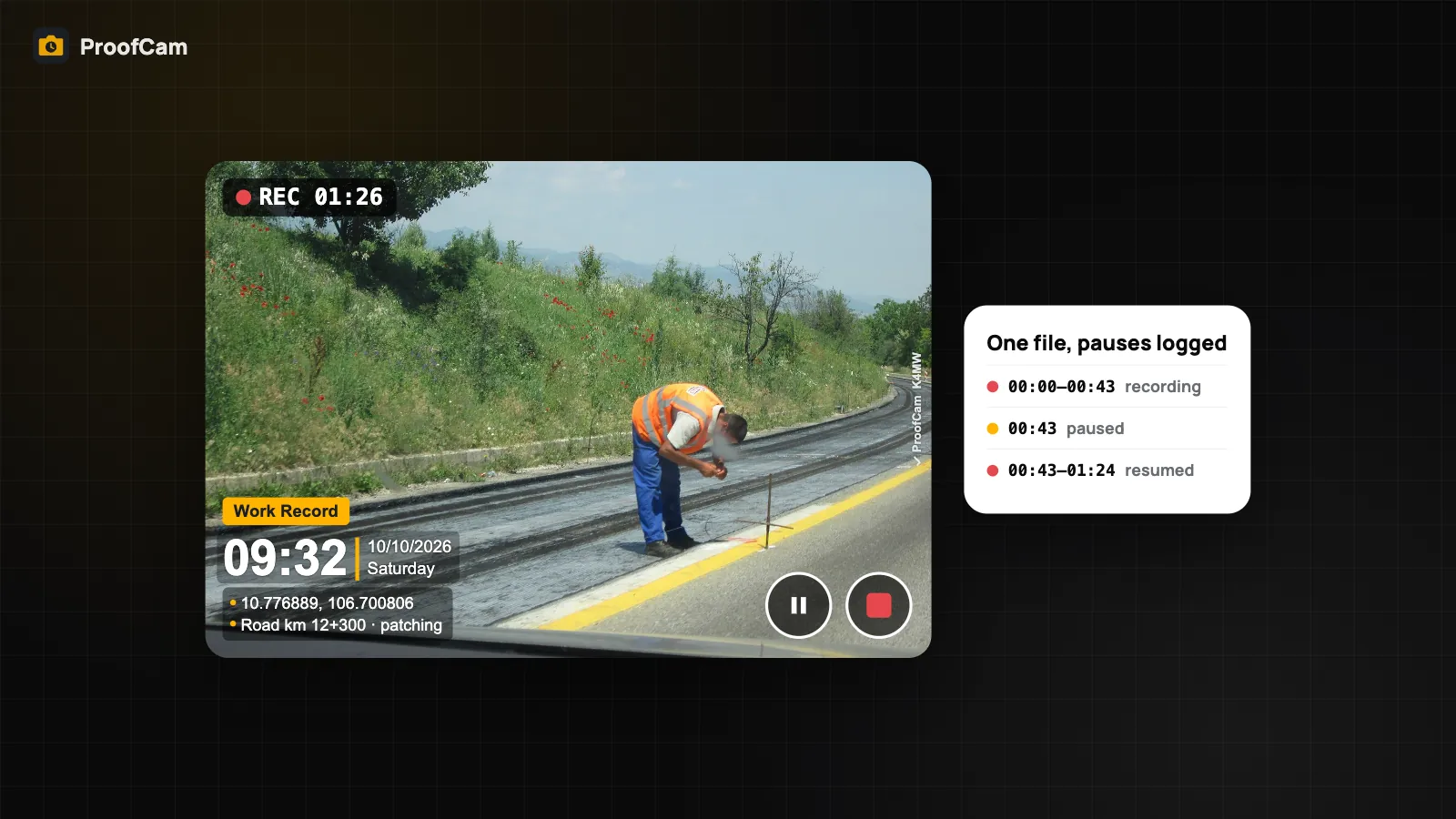
Walking a site, you often want to skip the boring parts: climbing stairs, waiting for a gate, walking between two areas. With Plus you can tap Pause recording, then Resume recording, and everything ends up in one file.
- While paused, the screen shows PAUSED.
- The on-screen timer excludes the paused time, so it shows how much video you actually have.
- Each segment and each pause is logged in the video's evidence data, timed on the trusted clock. Anyone reviewing it can see that the video was paused, when, and for how long.
That last point matters. A paused video is not a hidden edit: the gaps are recorded, not concealed.
On iPhone, pause needs iOS 18 or later; on older iOS the button is hidden.
GPS subtitle SRT and GPX track
From the video's detail screen, tap Share with SRT/GPX. ProofCam shares the MP4 together with two side files built from one sample per second while recording.
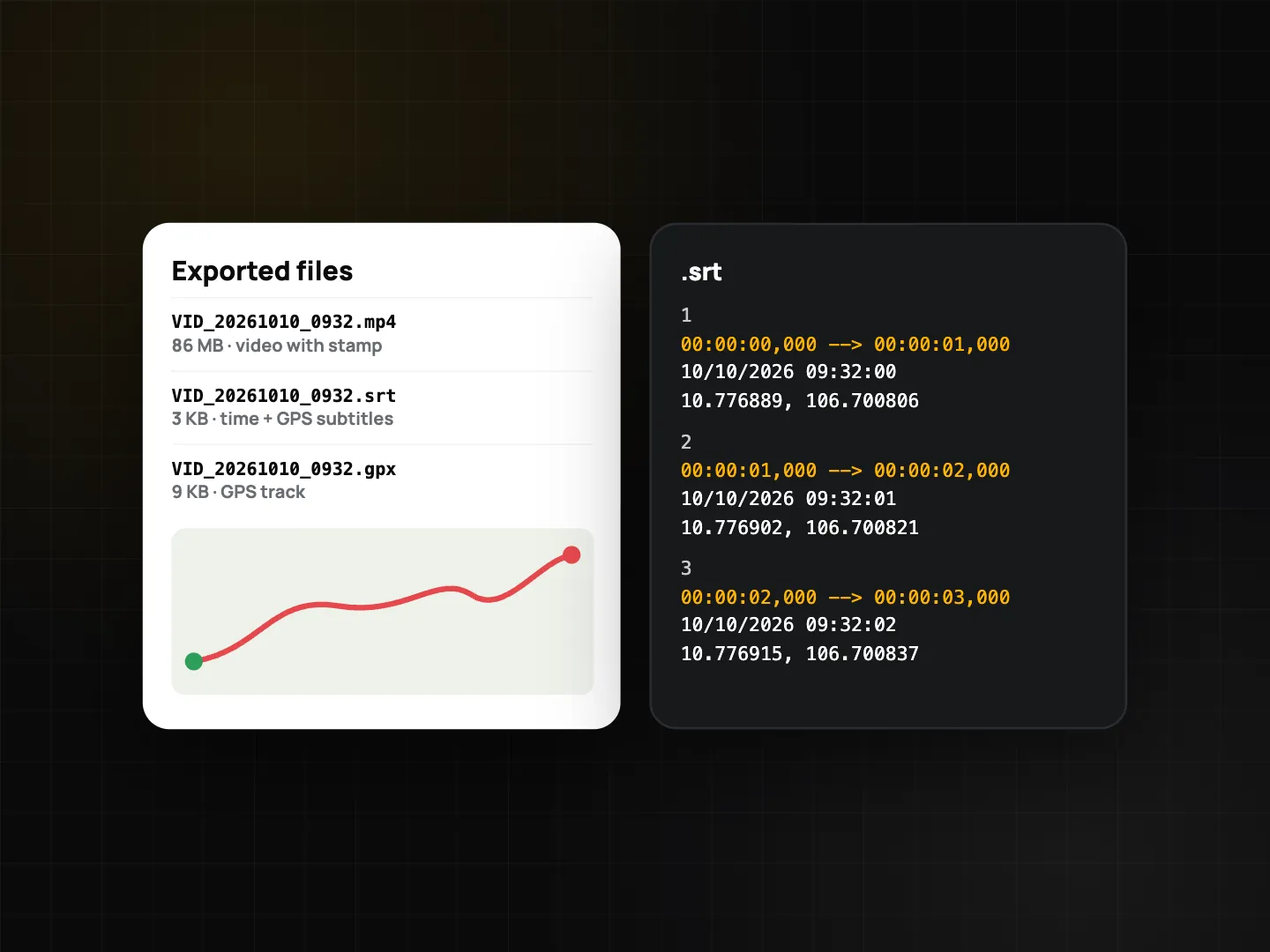
The SRT file works as subtitles in most video players. Each second shows:
- local time;
- latitude and longitude with the accuracy in metres (or "no fix" when there was no GPS position);
- heading in degrees, marked °T (true north) or °M (magnetic).
The GPX file (GPX 1.1) is a track you can open in mapping and GIS tools. Each recorded segment becomes its own track segment, so pauses show as breaks in the line instead of a jump.
ProofCam stores the SHA-256 fingerprint of both files in the video's evidence data, so you can show that the SRT and GPX belong to that video and haven't been changed. If you delete the video in ProofCam, its side files are deleted too.
Where timestamp video helps
- Road and public works inspections. Drive or walk a section and record the defects, then hand the office a GPX track showing where you went. See road defect reporting.
- Security patrols and incidents. A short clip with time and place on screen says more than a written note. See the security guard management app guide.
- Handover and start-up tests. Equipment running, doors closing, water draining — things a still photo can't show.
Limits to know
- The watermark is a single time and place. For movement over time, rely on the SRT/GPX files, not the overlay.
- GPS on the move varies. Under bridges, between tall buildings or indoors, the SRT shows a larger ± value or "no fix". That is honest, not a fault.
- Videos are left out of PDF reports and KMZ exports, and share links created from the phone for single items skip videos. Send the MP4 itself, or the ZIP.
- Markup does not apply to video. You can't draw arrows or blur areas on a clip.
- Long Plus videos are large files. Use Wi-Fi only uploads if your crew is on mobile data; see photo upload queue and Sync center.
- Pause, SRT and GPX need personal Plus. Being in a Business team alone doesn't unlock them.
These video tools are new. Test them on your own phones with your workflow before you depend on them for a critical job.
Which plan and platforms
| Feature | Free | Plus | Android | iPhone |
|---|---|---|---|---|
| Video with watermark, Photo Code, XMP evidence | Up to 15 s | Up to 10 min | Yes | Yes |
| Pause / resume into one file | — | Yes | Yes | iOS 18+ |
| Share with SRT/GPX (one sample per second) | — | Yes | Yes | Yes |
| SHA-256 of SRT and GPX in the evidence | — | Yes | Yes | Yes |
A Business team on its own doesn't unlock pause or SRT/GPX; each person needs personal Plus.
FAQ
Does the clock on the video tick?
No. The watermark is a still overlay showing the start time and place. The time and GPS position for every second are in the SRT file.
Can someone tell that I paused the recording?
Yes. Each segment and pause is logged with its time in the video's evidence data, and the GPX track has one segment per recorded part.
Can I open the SRT file in a normal video player?
Most video players can load an SRT file as subtitles when it has the same name as the video and sits next to it.
Does a Free account get SRT and GPX?
No. Free videos are limited to 15 seconds and don't include pause or SRT/GPX. These need Plus.
Related: timestamp camera for work proof and Photo Code: verify original photos.