A timestamp on a photo tells you when it was taken. It doesn't tell you whether someone changed the photo afterwards, or whether the stamp itself was edited. That is what the Photo Code is for. Every photo taken with ProofCam gets a unique code, and anyone who receives the photo, such as a client, inspector or manager, can look it up to see the original time and place and check whether their file is the original.
This article explains how the code works, the short and full formats, and the ways to verify a photo: on the web, in the app and fully offline.
What the Photo Code is
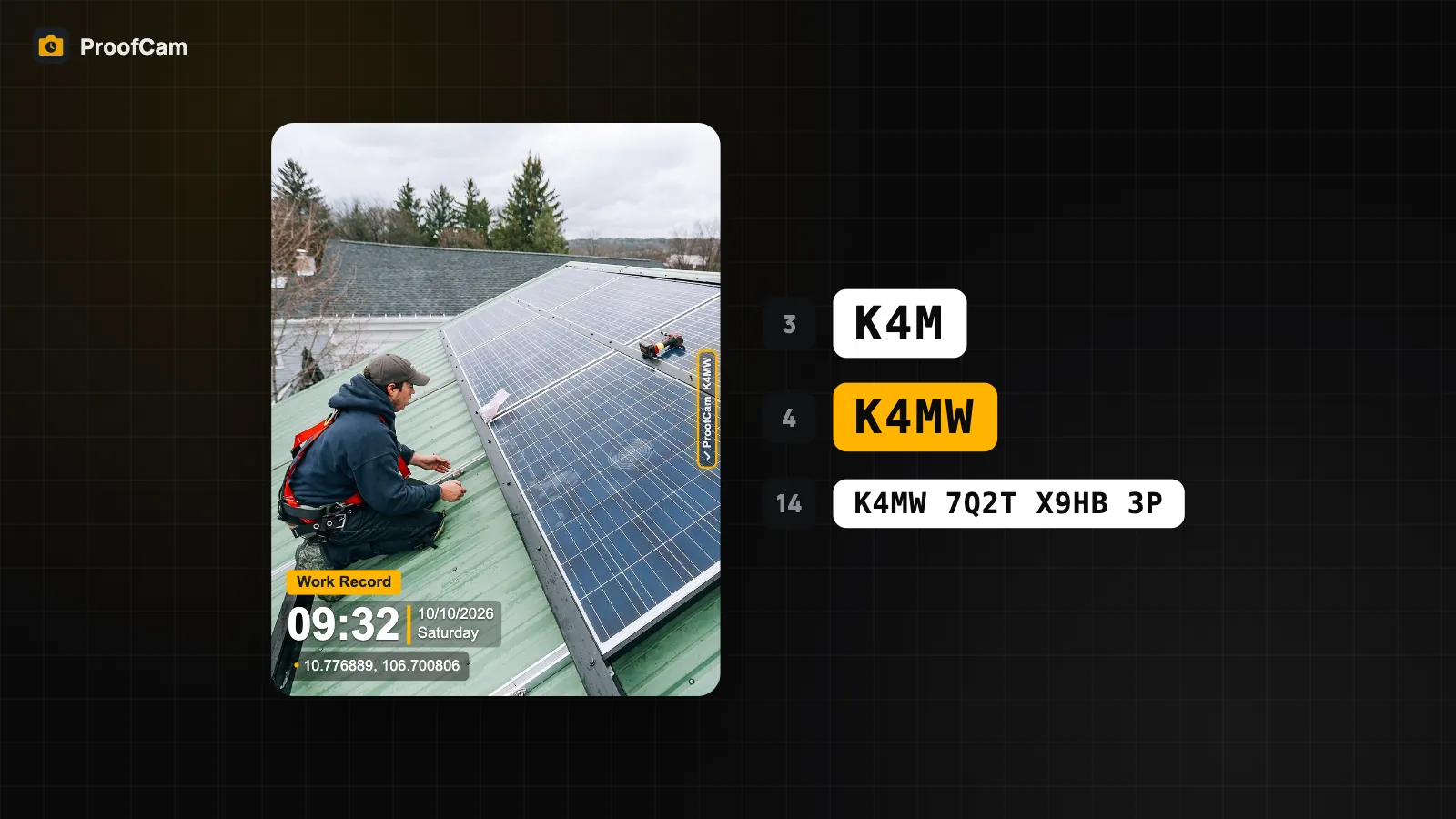
Each photo gets a 14-character code made of letters and digits (the letters I, L, O and U are never used, so codes are easy to read aloud and hard to mistype). ProofCam:
- prints the code on the watermark,
- writes it into the photo file's metadata, together with an evidence block that includes the capture details,
- registers the code with the capture time, place and a SHA-256 fingerprint of the file.
Codes come from a pool kept on the phone, so you still get a code when you shoot without internet. The record is registered when the phone is back online. If that happens more than 24 hours after capture, the verify page shows it as a late registration, so nobody can quietly register an old photo much later.
Short or full code on the photo
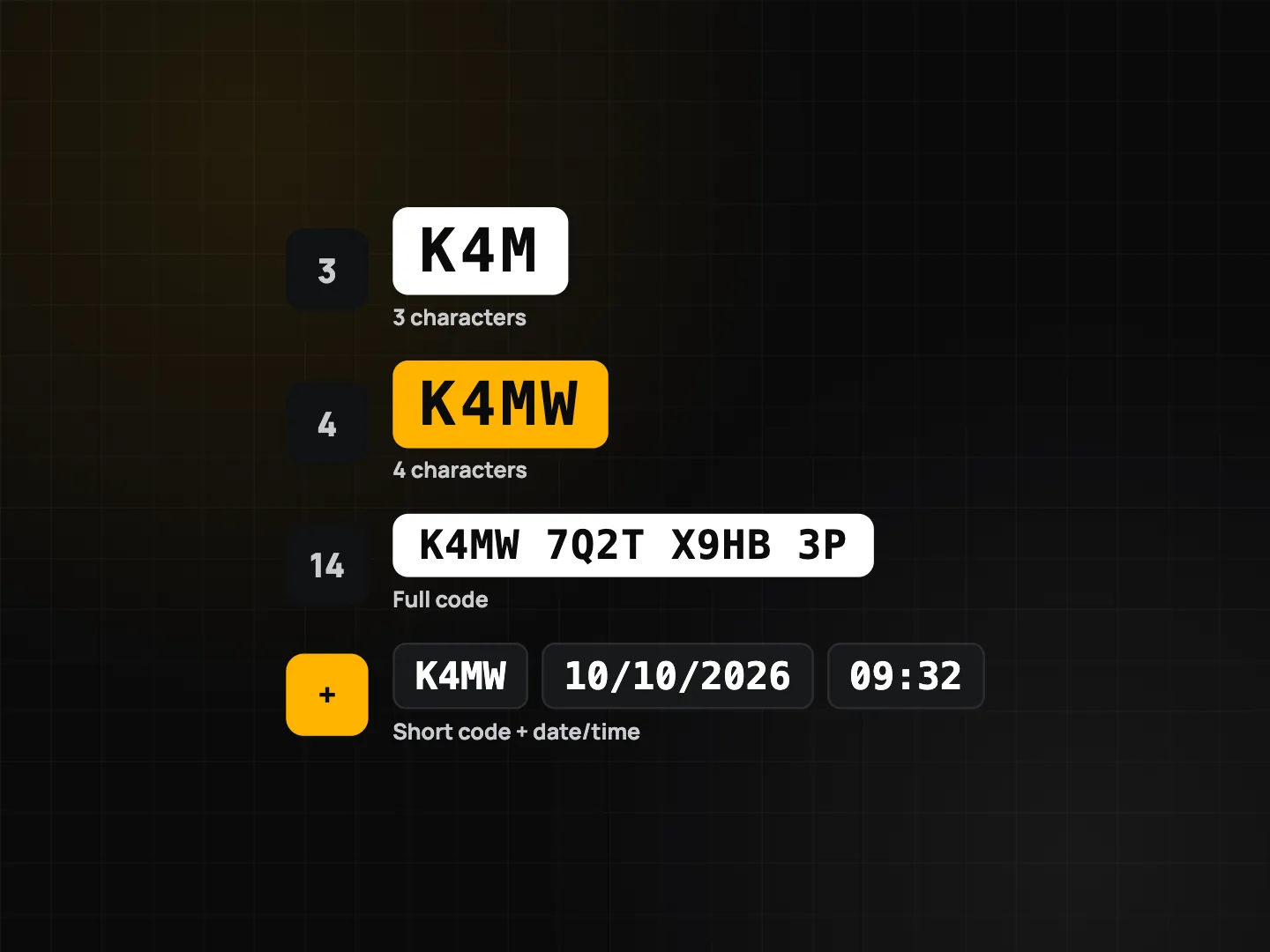
A 14-character code takes up space on the stamp. In Settings → Photo Code on photo you can print:
| Option | Example | How it is verified |
|---|---|---|
| Short (3) | K4M | Code + date and time printed on the photo |
| Short (4) | K4MW | Code + date and time printed on the photo |
| Full (14) | K4MW 9MQ3 XB6N 2P | Code alone |
The short code is the first 3 or 4 characters of the full code. The full code is always stored in the file and registered, so nothing is lost by printing a short one. Short codes simply need the date and time from the photo to find the right record.
How to verify on the web
- Open the ProofCam website and go to the verify section (
/#verify). No account is needed. - Type the code printed on the photo. Lowercase letters, spaces and dashes are fine.
- For a short code, also enter the date and time printed on the photo. If several photos still match, the page lists them so you can pick the one whose time and place match yours.
- Optionally drop in the photo file (JPEG). If you add the file without typing a code, the page reads the code from the file.
- Press Verify.
The fingerprint is computed in your browser. The photo itself is never uploaded, and the result does not reveal who took the photo.
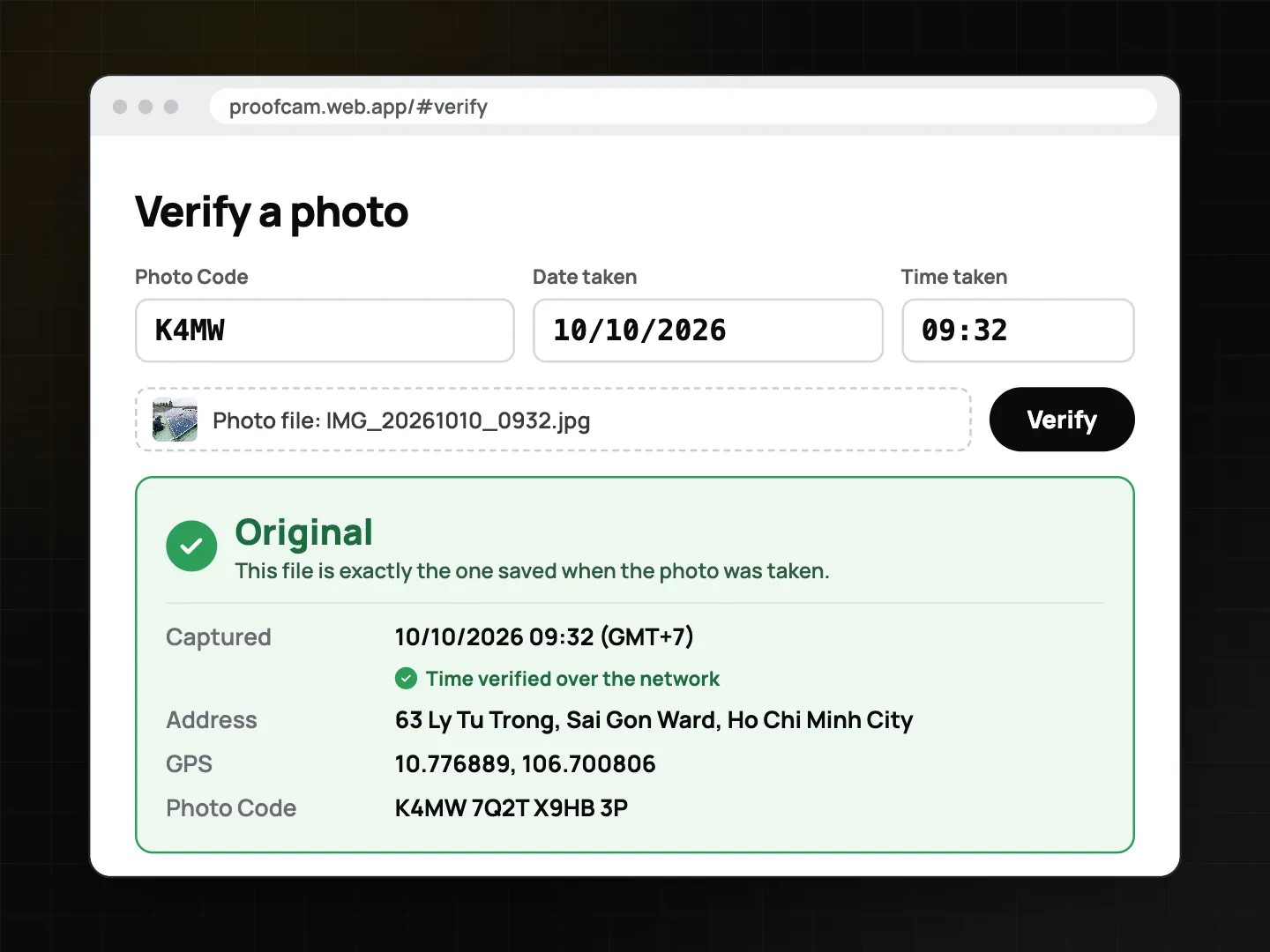
Reading the result
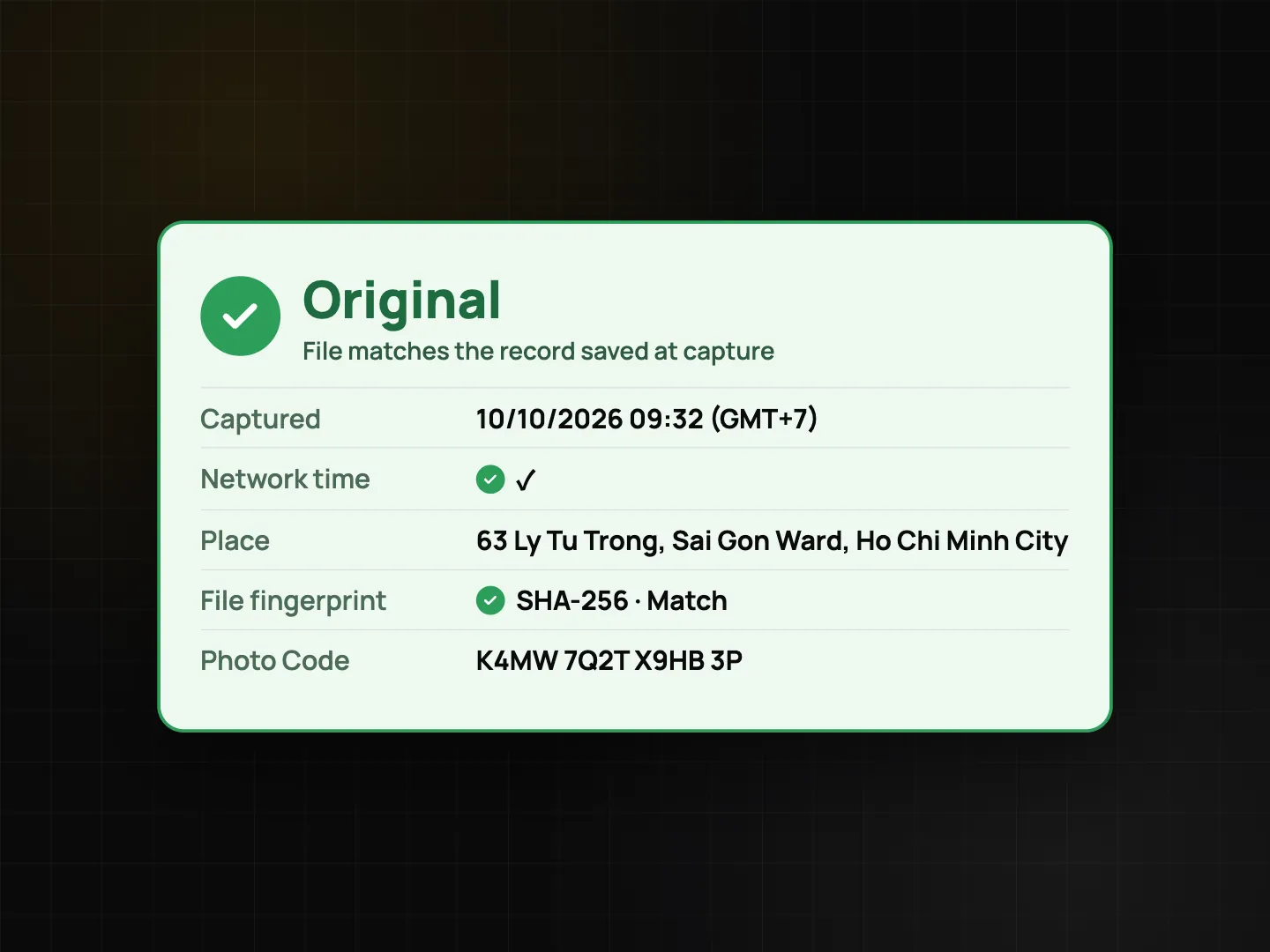
- Original: the file is exactly the one saved when the photo was taken.
- Code registered: the code exists and you see its time and place; add the file to compare fingerprints.
- Edited by owner: the owner changed the watermark in ProofCam after capture. The time and place still come from the original capture.
- Modified copy: the file is not the registered original. It may have been recompressed by a chat app, resized, cropped or edited. The time and place shown come from the original record, not from this file.
- Not found: check for typos, or the photo was taken offline and hasn't been uploaded yet.
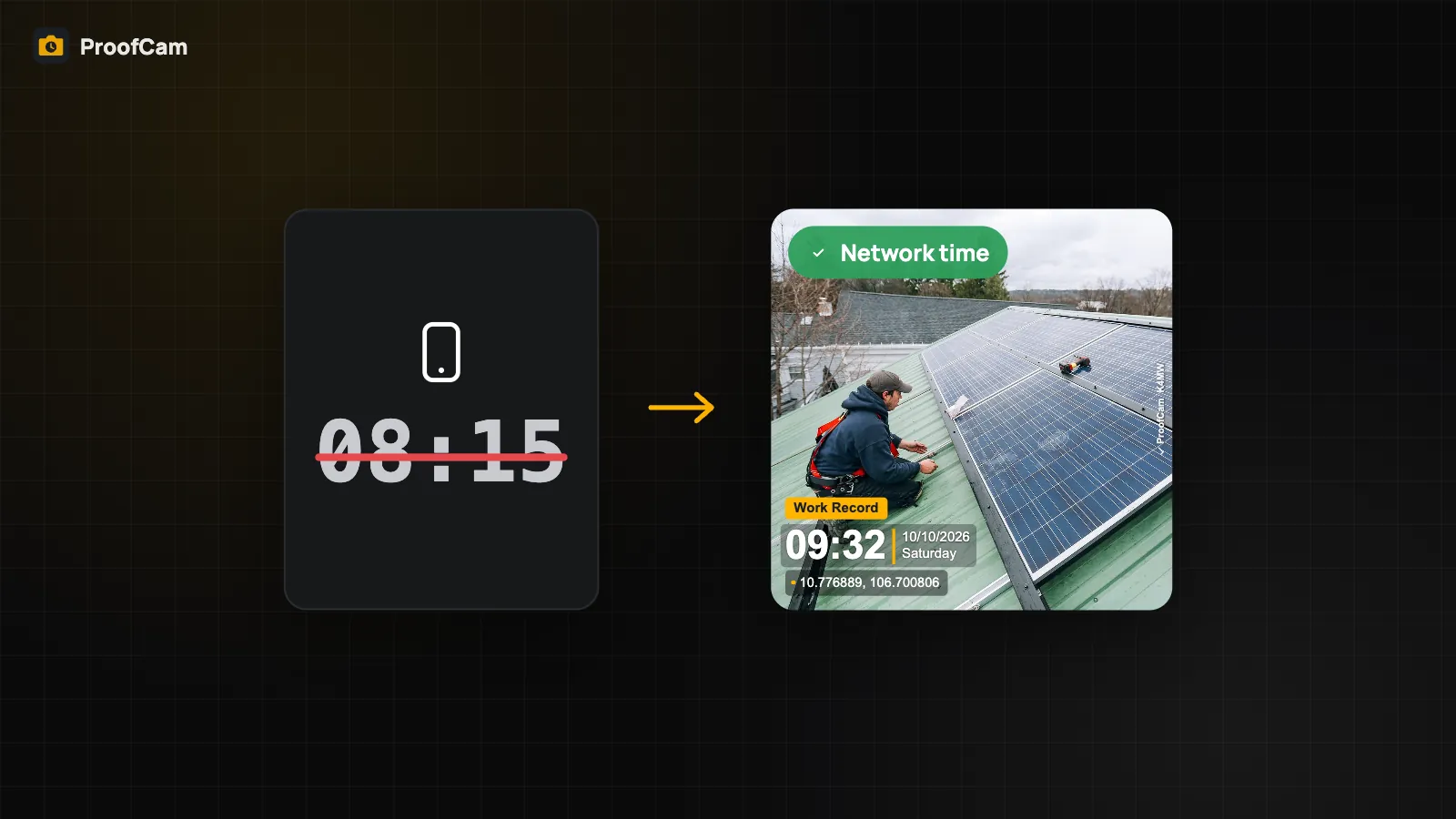
The card also shows whether the capture time was verified by network time or is only device time (see network time vs. phone clock), plus flags such as suspected mock location.
A note on chat apps: Zalo, Messenger and similar apps compress images, so a forwarded copy will show as a modified copy. That is expected. The code still leads to the original time and place; ask the sender for the original file when you need an exact match.
Verifying inside the app, even offline
ProofCam can also check a photo on the phone. Under Offline & privacy → Verify a photo offline, pick a JPEG or MP4 (from a chat app, a USB drive or Files). Without sending the file anywhere, the app checks:
- the evidence block embedded in the file,
- the file fingerprint against the record on this phone,
- the Content Credentials (C2PA) signature, when the photo has one,
- the code printed on the watermark (read by text recognition, for information only).
The verdict is Intact, Modified or Not a ProofCam photo. Offline verification is free on Android and iPhone. Note that ProofCam's Content Credentials are signed with a key kept on the device, not by a public certificate authority, so checkers show them as "signature valid, signer not trusted". More in privacy, app lock and C2PA.
Tips
- Print a QR code on the watermark (optional template setting) so anyone can scan the photo with their phone camera and open the verify page.
- Send originals when the exact file matters, for example as a file attachment instead of a compressed photo.
- Use the full code on photos you expect to be checked by people outside your team; it needs no date or time.
- Markup is safe: arrows, boxes and blur are saved on a separate copy, and the original with its Photo Code stays untouched.
FAQ
Does verifying a photo upload it?
No. On the web, only the SHA-256 fingerprint computed in your browser is used. In the app's offline check, the file never leaves the phone.
Why does my forwarded photo say "Modified copy"?
Chat apps recompress images, which changes the file. The code still shows the original time and place, but the file no longer matches byte for byte.
Do I need Plus for the Photo Code?
No. The Photo Code, web verification and offline verification are included in every plan, including Free.