A proof camera records a lot about your day: where you were, when, and what you saw. That's the point of it, but it also means the photos deserve care. ProofCam is built so that your photos stay on your phone unless you choose to share or sync them, and most of the processing (watermarks, codes, text recognition, verification) happens on the device.
This article covers the privacy tools you control: the app lock, the private folder, sharing without your exact location, Content Credentials (C2PA) and offline verification.
What stays on your phone
- Photos and videos are saved on your phone. They leave it only when you join a Teamspace, create a share link, turn on a cloud backup or send them to another app.
- Location is read while the camera is open, while you clock in or patrol, and for site reminders if you turn them on.
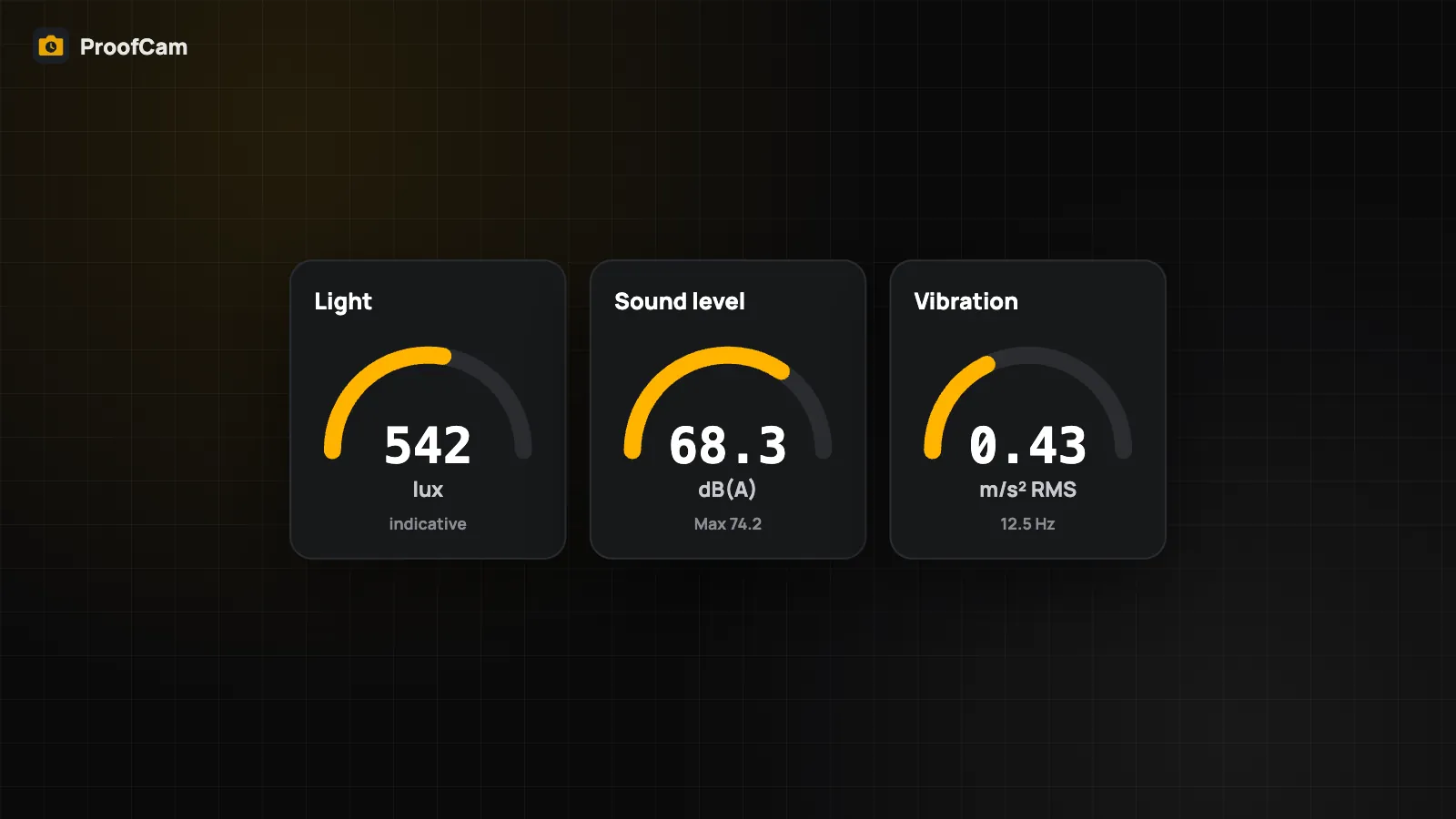
- Sensors like the microphone (for the sound meter), motion or Bluetooth are only used when you open a feature that needs them. The sound meter analyzes audio on the phone and never records it.
- Text recognition, speech-to-text notes and AI suggestions run on the device.
The full details are in our privacy policy.
App lock (Free)
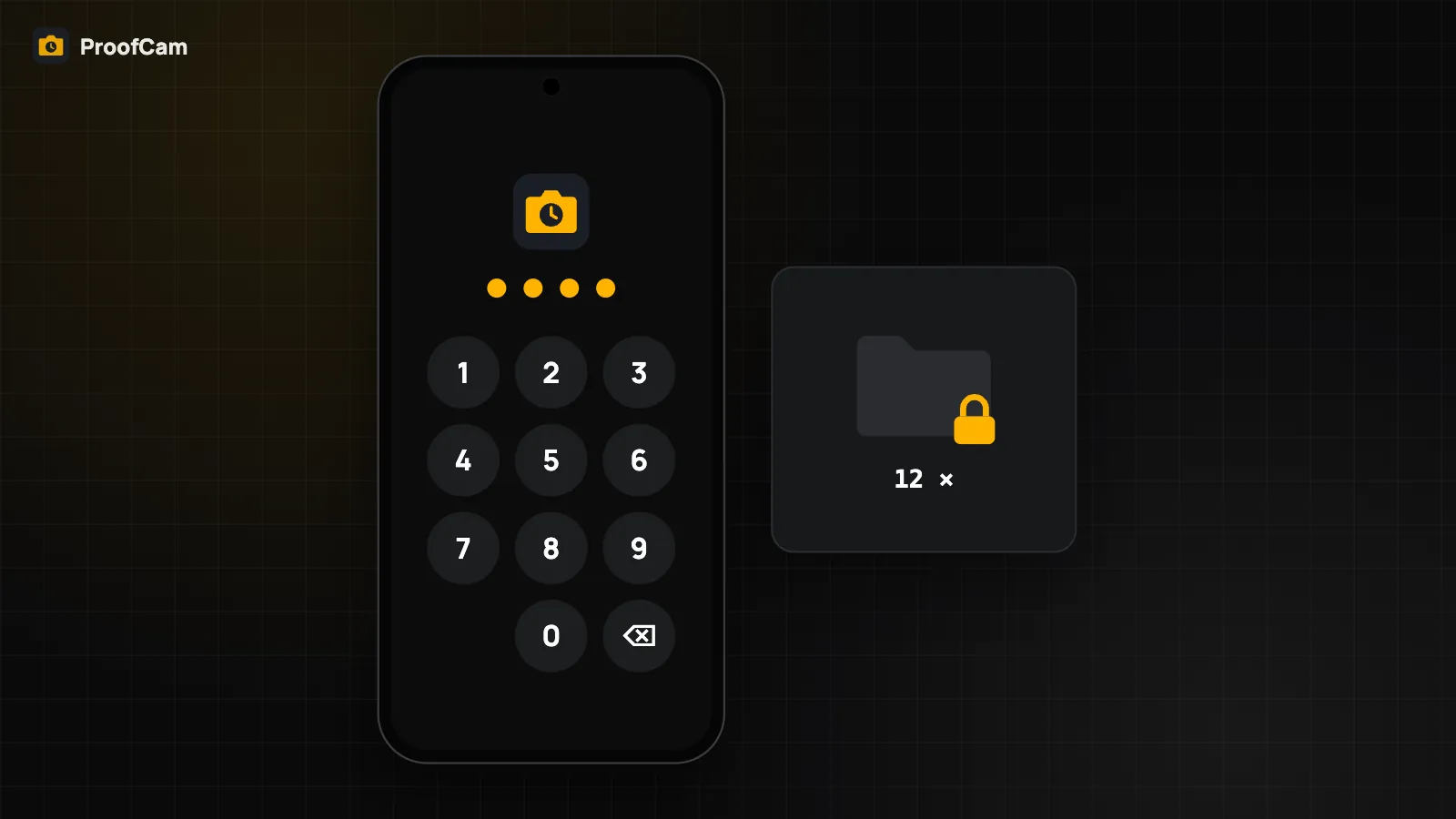
The app lock is free on Android and iOS:
- Open Settings and turn on the app lock.
- Choose biometrics (fingerprint or face) and set a backup PIN of 4–8 digits.
- Choose how long ProofCam can stay in the background before it locks again.
After repeated wrong PINs, ProofCam waits longer and longer before you can try again. On iPhone, the app is blurred in the app switcher. On Android, private photos and the lock screen can't be captured in screenshots or screen recordings.
Private folder (Plus)
Some photos shouldn't appear when you hand your phone to a colleague or show the gallery to a client. With Plus, you can mark single photos, or whole projects, as private. Private photos are hidden from:
- the gallery and search,
- local Wi‑Fi and nearby sharing,
- scheduled automatic reports and exports.
On iPhone they're also removed from Spotlight, and widgets and Live Activities don't show the project name. Private photos are still on your phone and keep their Photo Codes.
Share without your exact location (Free)
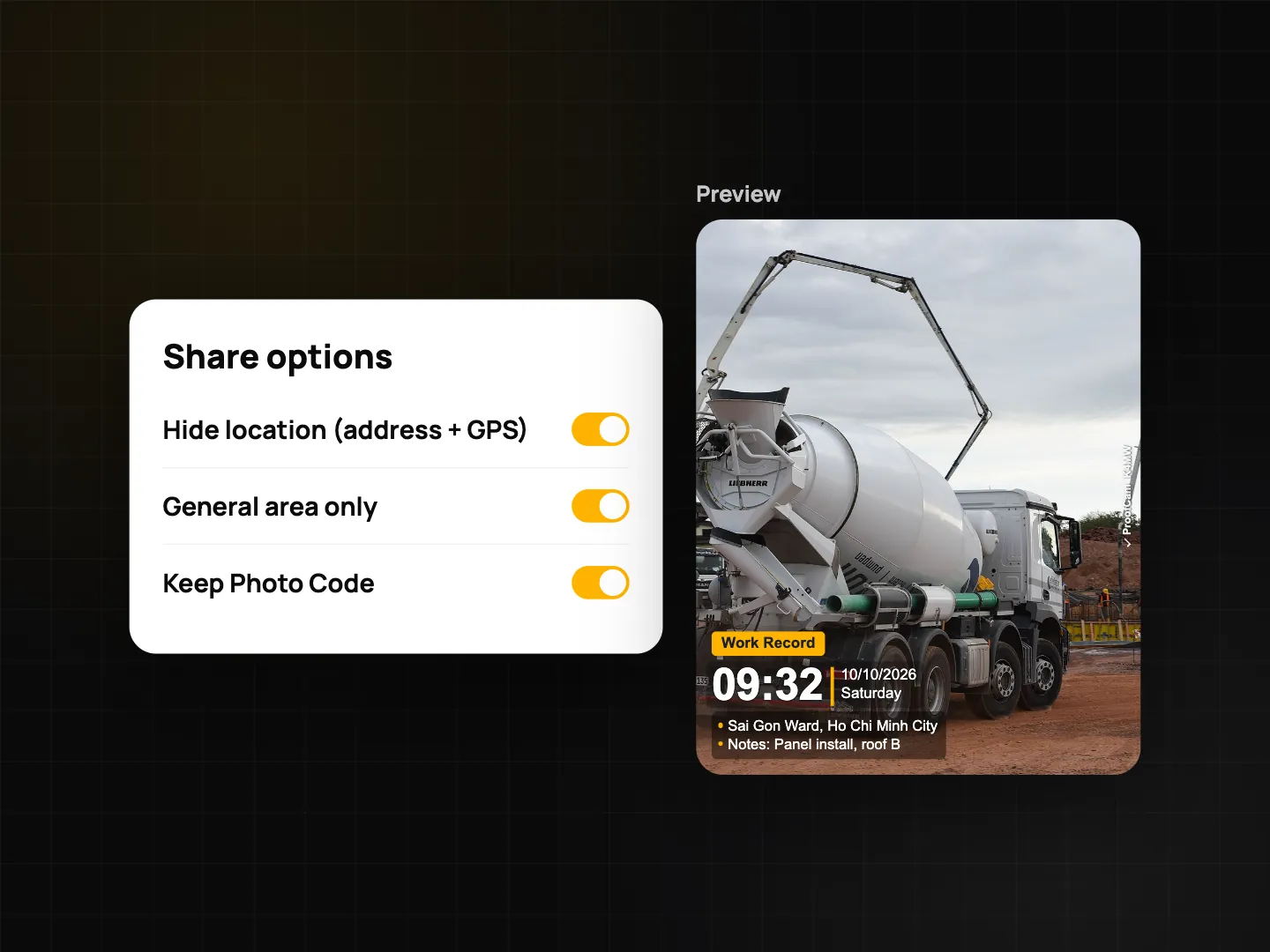
Sometimes you need to prove a job was done without revealing a home address or exact coordinates. In a photo's details, choose "Share without exact location":
- ProofCam creates a new copy from the original photo and leaves the original unchanged.
- The copy has no GPS in its file data and none of ProofCam's embedded evidence data.
- The watermark drops coordinates, altitude, Plus Code, the map and external device lines. The address is cut down to the general area, with house numbers removed, and a "Reduced share copy" line is added.
- The Photo Code and verify QR stay, and they point to the original record.
Content Credentials (C2PA)
C2PA is an open standard for attaching a signed record of how a photo was made. With Plus or a Business team, you can turn on Content Credentials in Settings (it's off by default). ProofCam then embeds a C2PA manifest that includes the capture details and a hash of the image, signed with a key created on your phone (Android Keystore, or the Secure Enclave on iPhone). The private key never leaves the device.
To be clear about what this does and doesn't mean:
- The signing certificate is a local device certificate, not one issued by a trusted certificate authority. Other C2PA tools will show the credentials as valid but not from a trusted signer. In ProofCam, these photos show a "C2PA · local, untrusted" chip.
- C2PA makes edits detectable: if the image changes after signing, the hash no longer matches. That doesn't stop anyone from editing a file, and it doesn't prove who held the phone.
- Imported 360° photos aren't signed.
Verify a photo offline (Free)
You don't need internet to check a photo. Offline verification is free. On Android it's in Settings → "Offline & privacy", and on iPhone in Settings → "Offline tools". Open a photo or video and ProofCam checks:
- the Photo Code in the file,
- the embedded evidence data,
- the SHA-256 fingerprint against the photo records on this phone,
- the local Content Credentials (C2PA), if there are any.
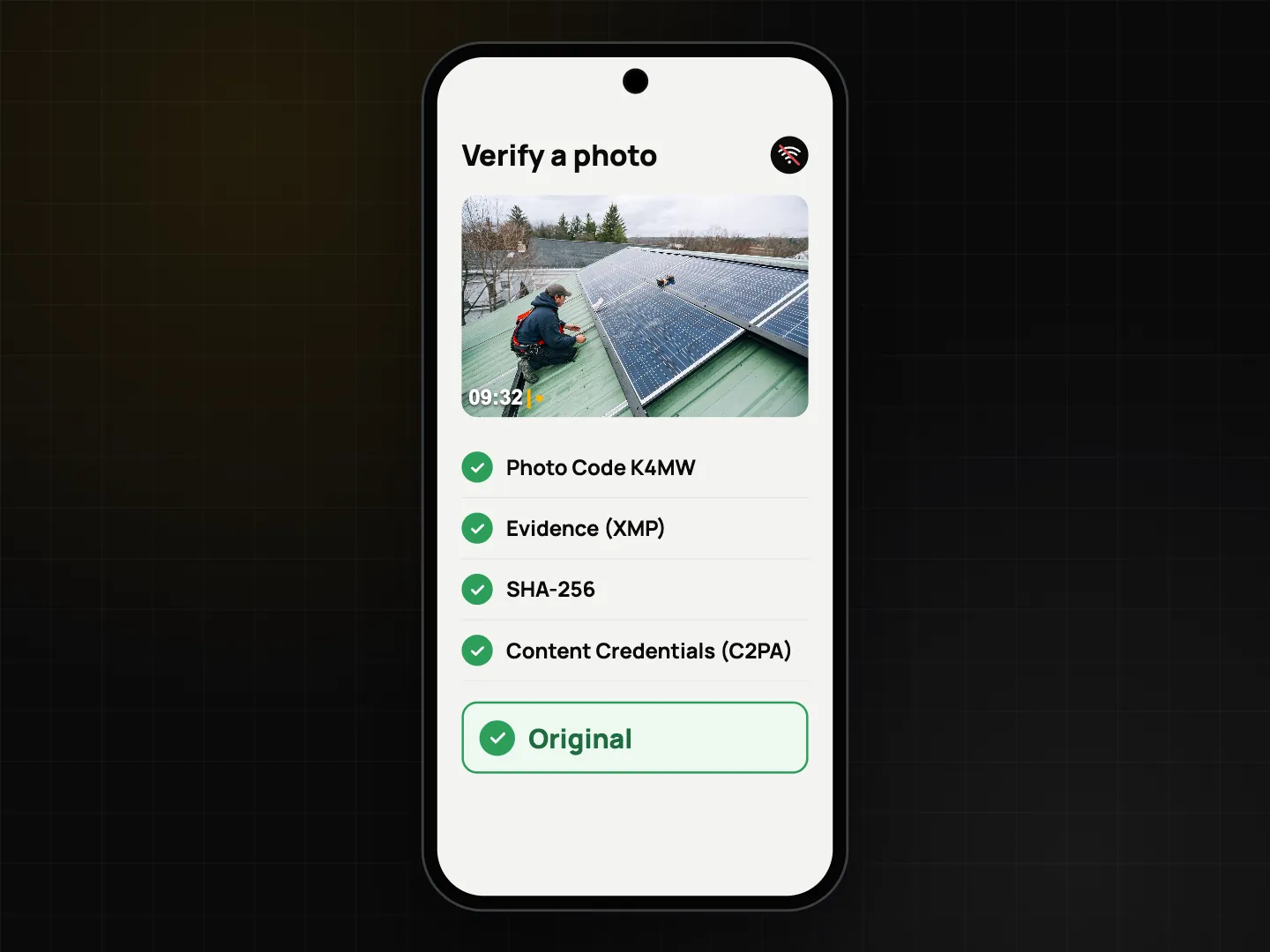
ProofCam also reads the watermark text, but only as a hint. A watermark is easy to copy, so the result is based on the file data. When you're online, the web verify page computes the fingerprint in your browser without uploading the photo. See how Photo Codes work, and for encrypted backups and sharing without internet, see offline photo proof.
Which plan
| Feature | Plan |
|---|---|
| App lock (biometrics / PIN) | Free |
| Share without exact location | Free |
| Offline verification | Free |
| Private folder / private projects | Plus |
| Content Credentials (C2PA, local device certificate) | Plus or Business team |
FAQ
Does the sound meter record what people say?
No. The microphone signal is turned into a single dBA number on the phone. Nothing is recorded, saved or sent.
Does "share without exact location" change the original photo?
No. It creates a separate copy. The original, with full GPS and evidence, stays on your phone.
Does C2PA prove that a photo is authentic?
No. C2PA from ProofCam is signed with a local, untrusted certificate. It helps show whether the file changed after capture. It doesn't certify the content or the photographer.