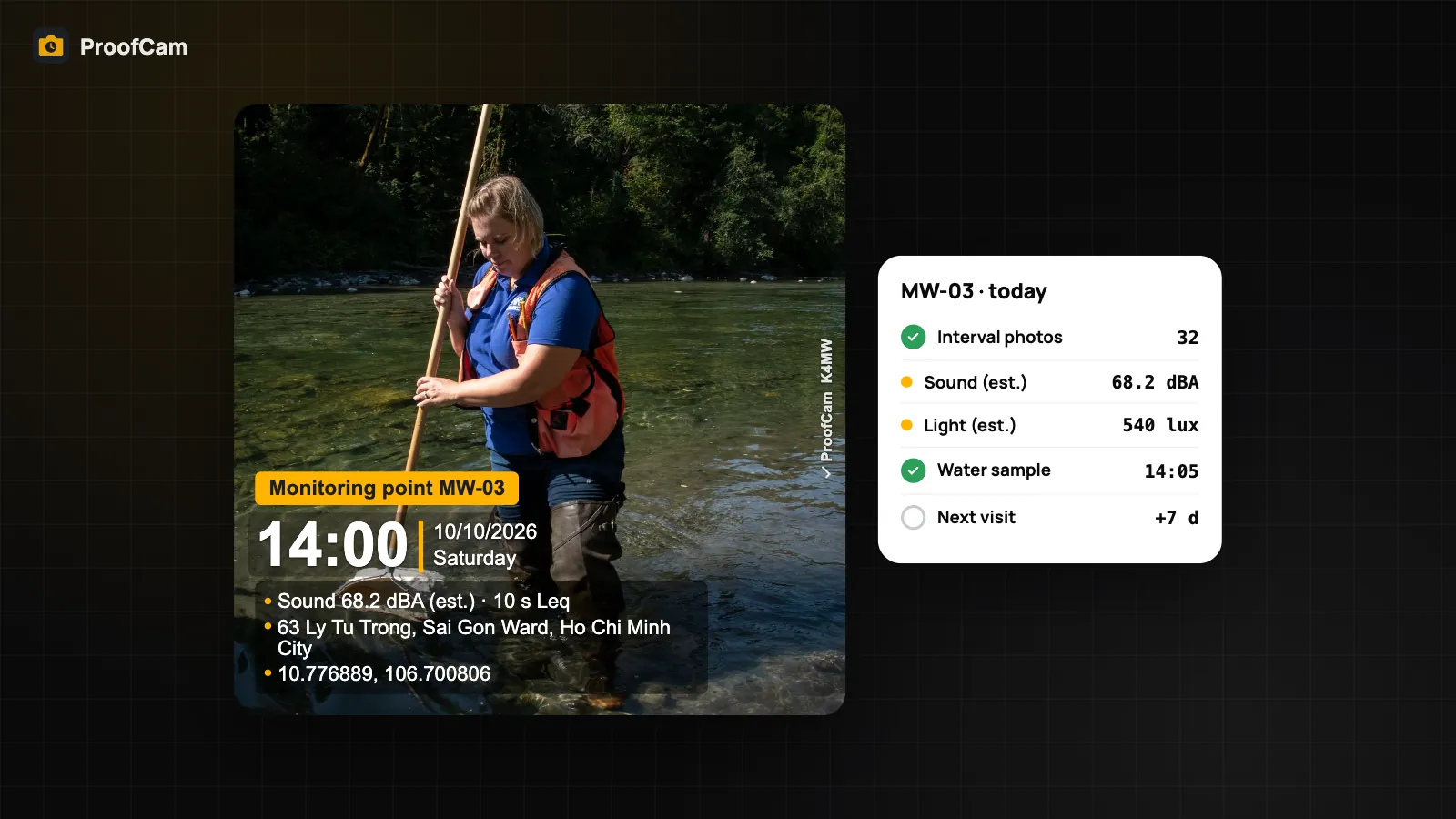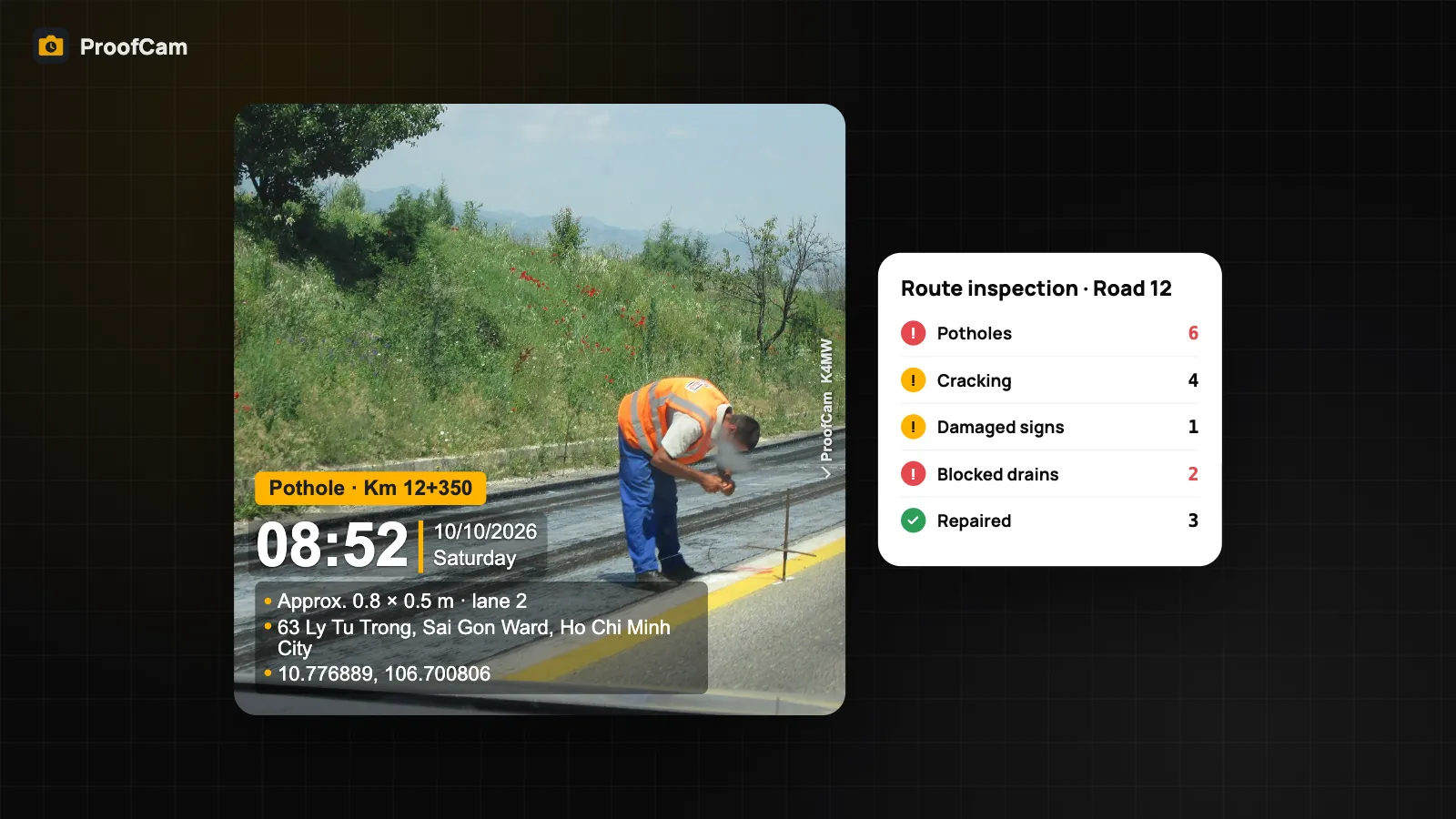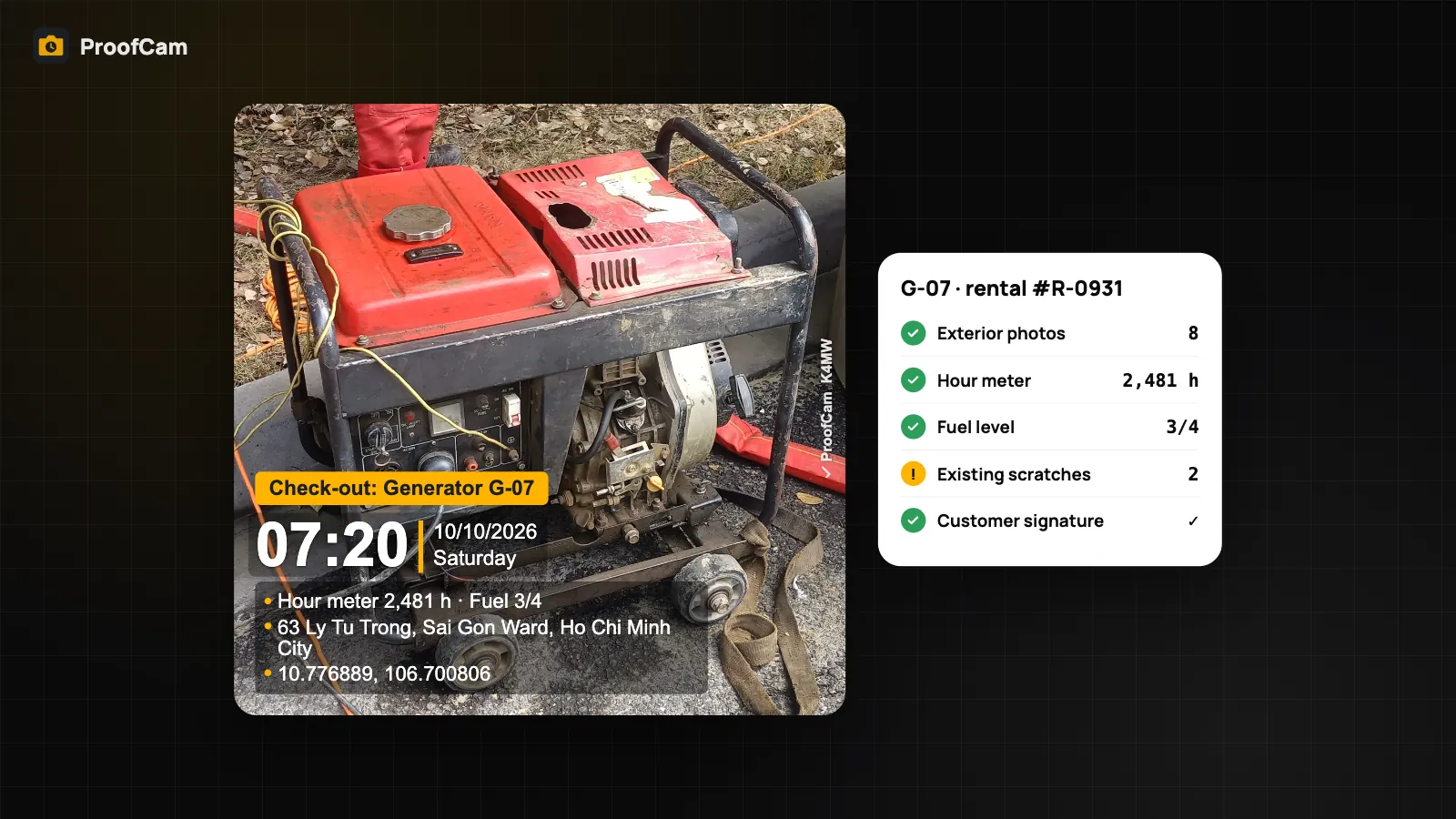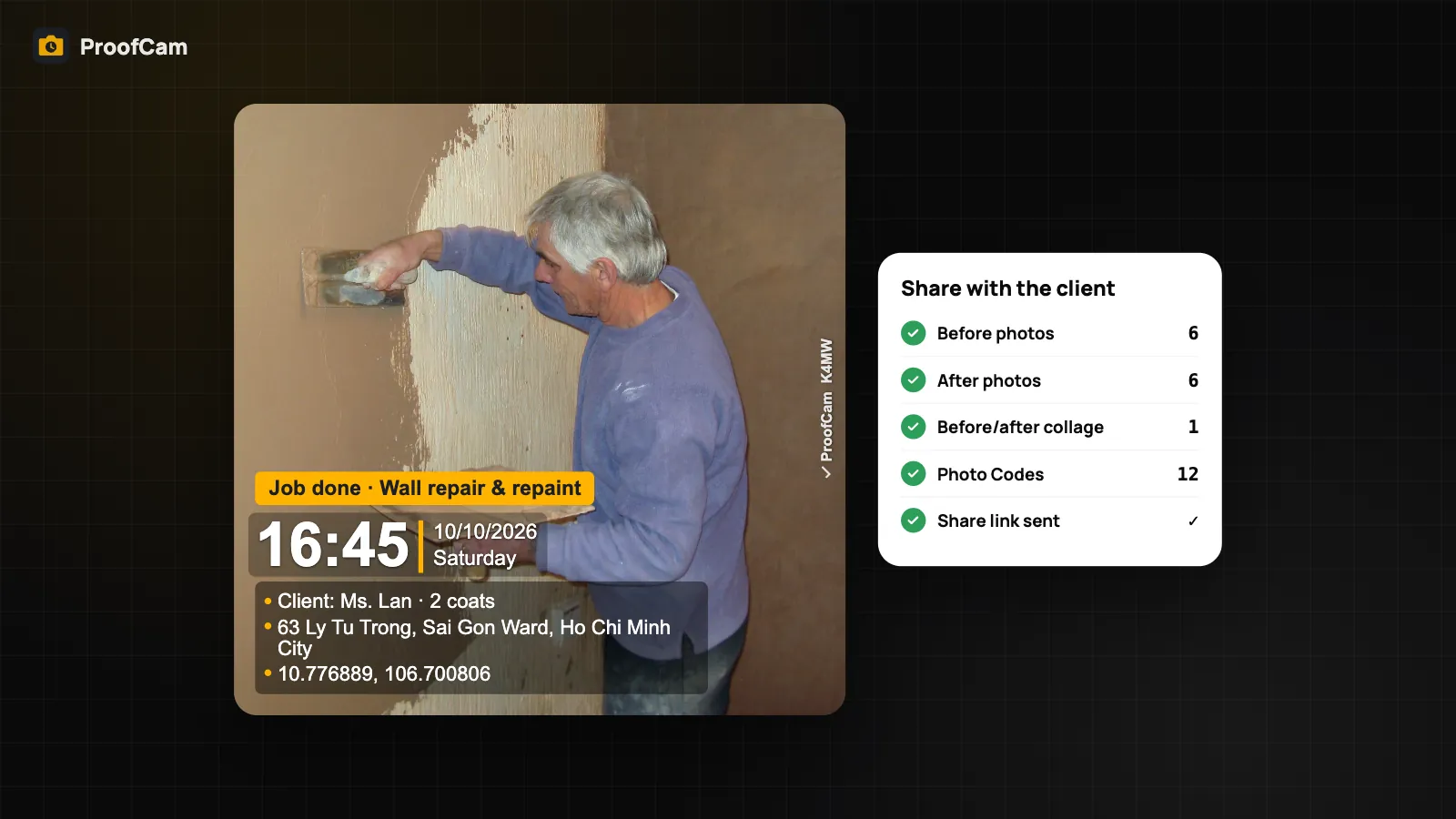
When you work alone, nobody else saw the job. You painted the bedroom, fixed the leak, installed the shelves, cleaned the flat after the tenants left. Then the client is abroad, or busy, or simply unsure, and the message arrives: "Was the second coat really done?" or "That scratch on the floor wasn't there before." Proof of work photos with a trustworthy time, place and code on each picture won't end every argument, but they make disputes much easier to settle. This guide is for painters, handymen, installers, cleaners and other solo tradespeople who want clear photo proof without paying for a team system.
Most of what follows works on the Free plan. At the end we cover when Plus is worth it.
Why solo jobs turn into disputes
- Your word against theirs. No site manager, no colleague, no paperwork. If the client wasn't home, they only have your say-so.
- Ordinary photos prove little. A gallery photo has no visible time or place, and an overlay from a basic camera app can be edited. Clients know this.
- "Before" is forgotten. You start working and only remember the before photo halfway through. Without it, you can't show what the wall, pipe or floor looked like when you arrived.
- Extra work with no record. The client asks for one more shelf or a patch of plaster, verbally. At invoice time, it becomes "I never asked for that." Photos of the change, taken when it was agreed, help.
- Photos lost in chats. Pictures sent one by one over a chat app arrive compressed, out of order and mixed with everything else.
Which ProofCam features help
| Need | ProofCam feature | Plan |
|---|---|---|
| Time, date, place and address on every photo | Watermark with network time, GPS coordinates and address | Free (small ProofCam logo on photos) |
| A code the client can check | Photo Code, checked at /#verify without an account |
Free |
| Client name and job number on the photo | Custom fields and templates | Free: 3 custom templates, 3 custom fields; Plus: unlimited templates, 10 fields |
| Before and after | Comparison slider in photo details | Free |
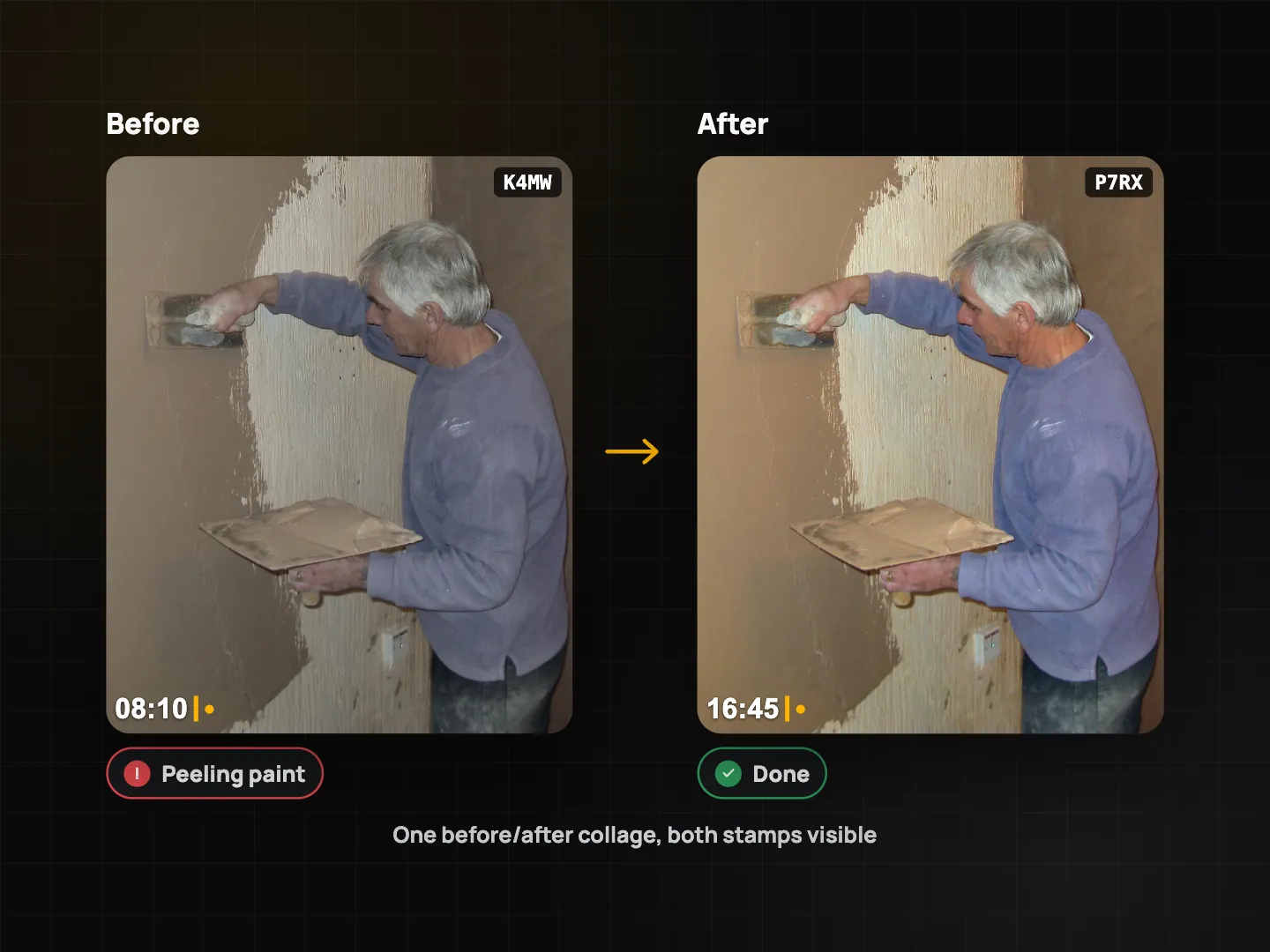
| One before/after image for the client | Before/after collage export | Plus |
| Send a set of photos | PDF or ZIP export | Free: up to 10 photos per export; Plus: unlimited |
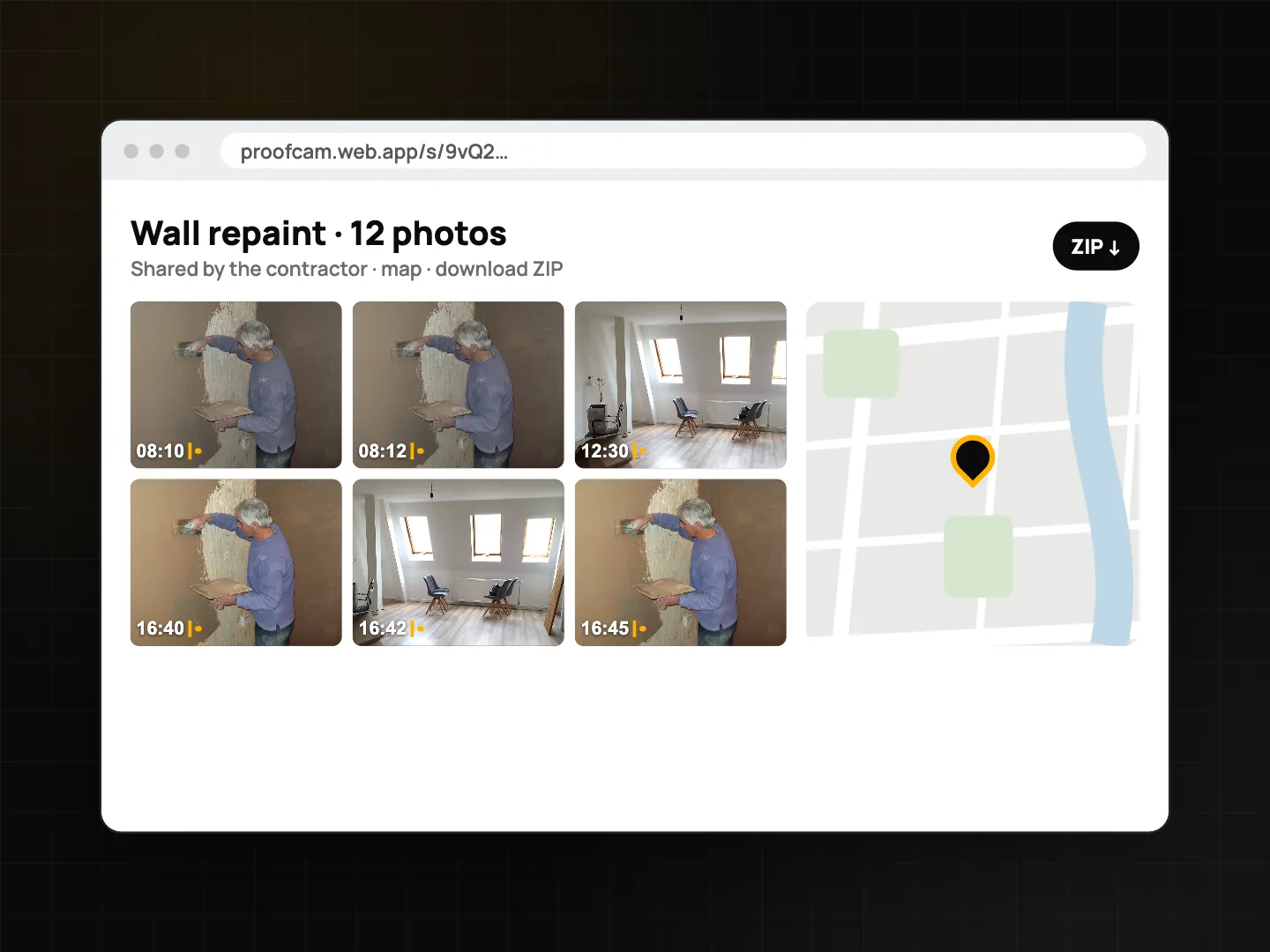
| A gallery link for the client | Share link /s/… with photo grid, map and ZIP download |
Needs an account/Teamspace; a free team has 100 photos and 3 projects |
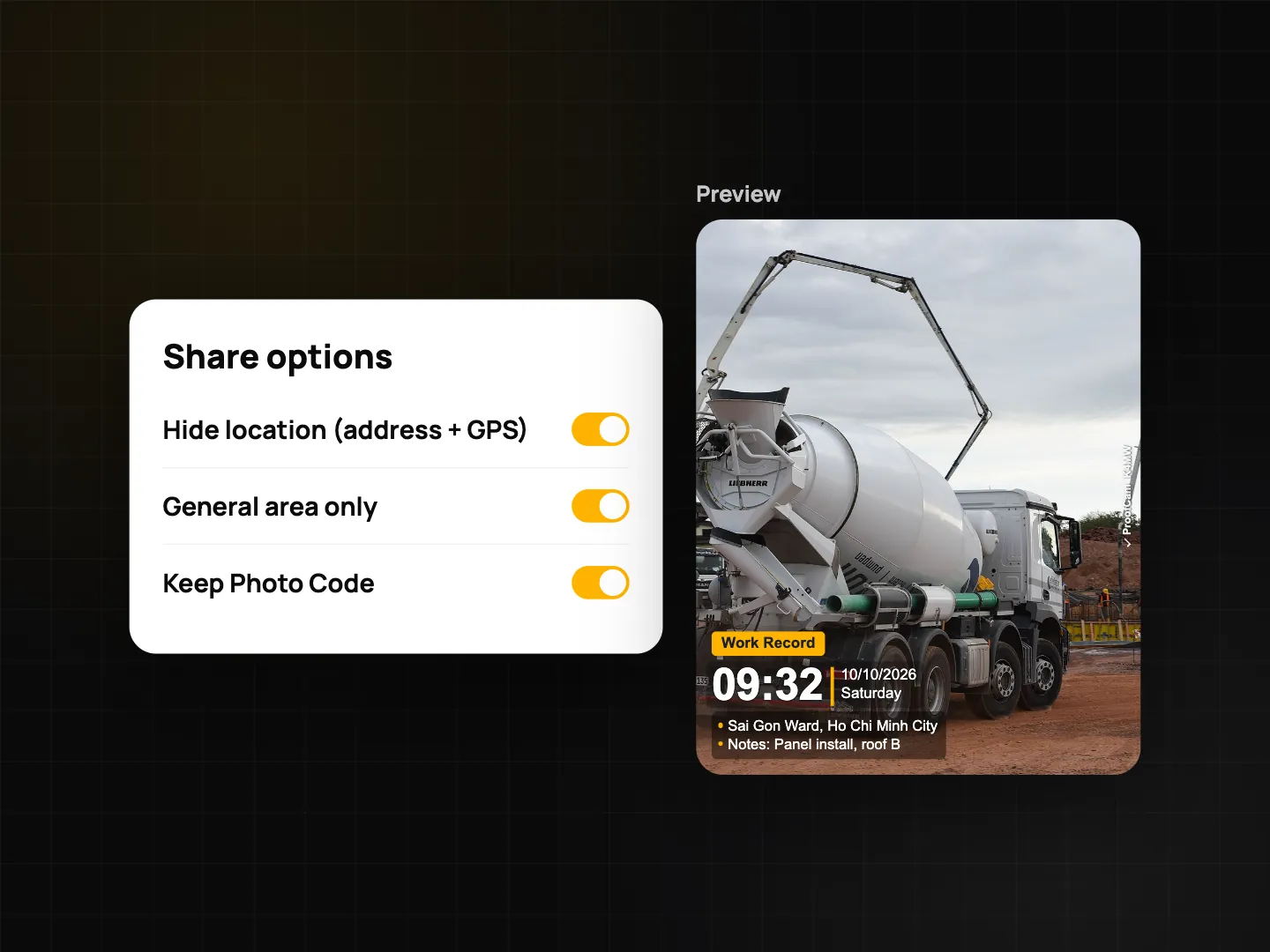
| Private homes | Share without exact location (Photo Code kept) | Free |
| No signal in the basement or new build | Offline capture, sync later | Free |
| Your own branding | Hide ProofCam logo, company logo, report builder PDF with logo | Plus |
Taking proof of work photos clients can check
Every ProofCam photo carries a stamp with network time (the phone clock is ignored once the time has synced), GPS coordinates, the address and a Photo Code. The code is the part that matters most for a sceptical client. They type it on the verify page and see whether their file is the original, with the time and place it was taken. Their browser computes the fingerprint, so the photo is never uploaded, and they don't need an account. How the stamp works is covered in timestamp camera for work proof, and the code itself in Photo Code: verify original photos.
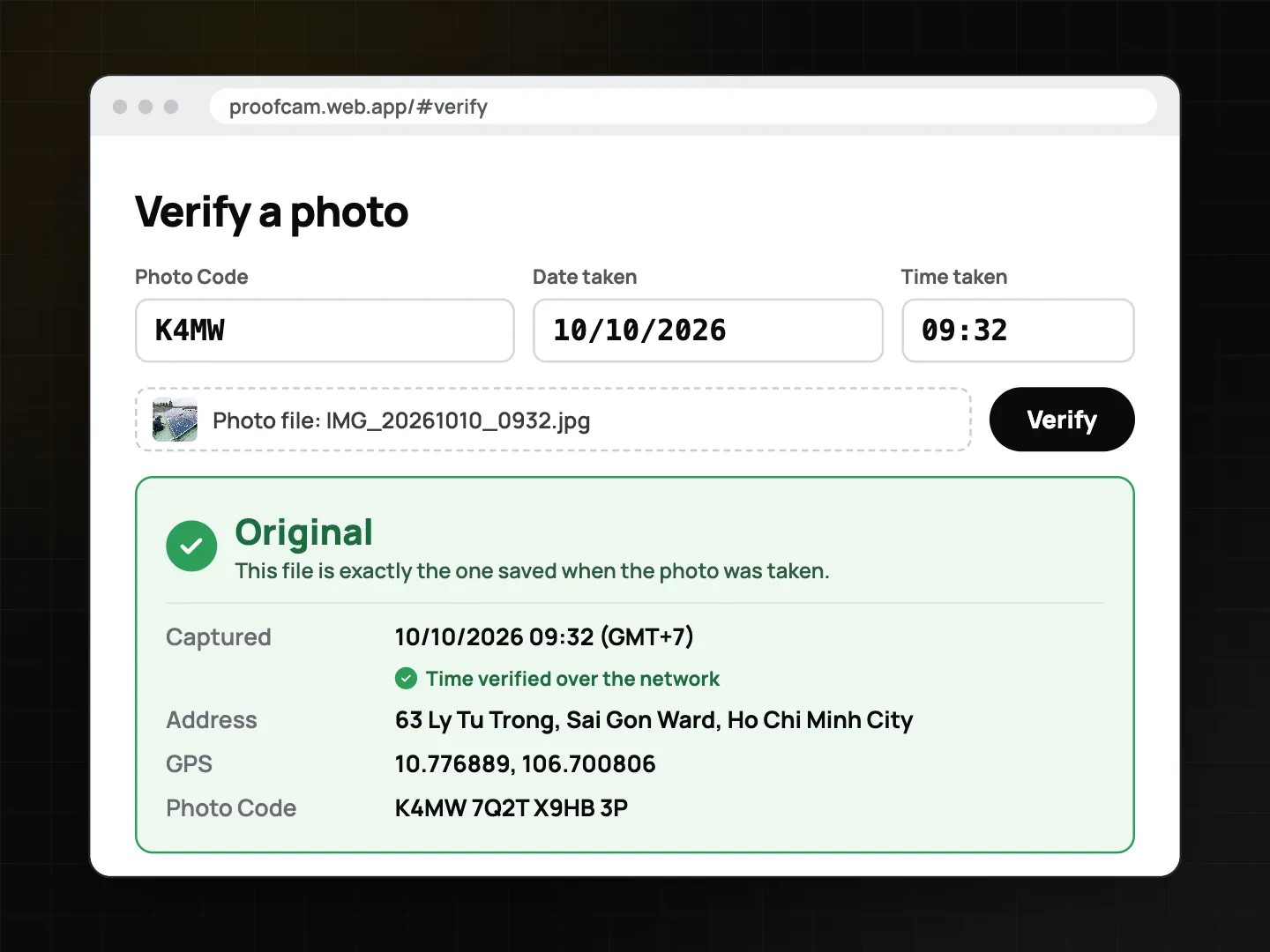
One honest caveat: chat apps recompress images, so a photo forwarded through one shows as a "Modified copy" on the verify page. That's expected. The code still leads to the original time and place, and you can send the original files when it matters.
Step-by-step workflow
- Make a job template. Start from the Work Record preset and add up to 3 custom fields on Free, for example "Client", "Job no." and "Job". Save it; Free allows 3 custom templates, which is enough for, say, painting, repairs and cleaning. Custom fields can also go into file names. See watermark templates and custom fields.
- Arrive and shoot the "before" set. Wide shot of the room, then each problem: peeling paint, the leaking joint, existing scratches on the floor. Pre-existing damage photographed on arrival is the best protection you have.
- Record agreed changes. If the client adds work on site, take a photo of the area and write the change in the note ("Extra: patch plaster above door, agreed 10:40"). That's simple change-order photo proof.
- Work, then shoot the "after" set from the same spots. Doorways and corners are easy to repeat.
- Compare. Open an after photo and use the comparison slider against its before photo to check you got the same angle.
- No signal? Keep going. Photos and codes work offline and register when you're back online. More in offline photo proof.
- Send it. Export a PDF or ZIP (up to 10 photos per export on Free; make two exports for a bigger job), or send a share link if you have a Teamspace account. For private homes, use Share without exact location so the copy drops the address and GPS while keeping the Photo Code (see privacy, app lock and C2PA).
- Keep the originals. Don't delete the job after payment. If a question comes up months later, the photos and their codes are still on your phone, and you can make an encrypted backup file for free.
Shot list and custom fields by trade
A simple list you can copy into the note field or build as a checklist (Free includes one checklist template):
| Trade | Before | During | After | Custom fields |
|---|---|---|---|---|
| Painter | Each wall, cracks, damp spots, furniture covered | Primer, first coat | Each wall from the same spot, cleaned floor | Client, Job no., Colour code |
| Handyman | Fault close-up, wide view | Parts used, hidden work before it's closed up | Working fix, tidy area | Client, Job no., Task |
| Installer | Empty wall/space, existing wiring or pipes | Brackets, fixings, connections | Installed item, serial plate, test running | Client, Job no., Model |
| Cleaner | Each room, problem spots | — | Same rooms, same angles | Client, Address label, Visit |
For hidden work (pipes before tiling, wiring before plasterboard), the "during" photos are often the only proof that the work was done properly. Take them.
When Plus is worth it
Free is enough to prove the work. Plus is about presentation and volume:
- Your brand, not ours. Hide the ProofCam logo and add your company logo to the stamp.
- Unlimited exports instead of 10 photos per PDF or ZIP.
- Report builder PDF with your logo, brand colour, cover page and 1, 2 or 4 photos per page, plus a one-tap Quick PDF report.
- Before/after collage export, one image that says it all.
- Site diary PDF for jobs that run over several days.
- Edit the watermark after capture to fix a typo in the client's name or a note. Time and place can never be edited.
Share links are separate: they need an account and a Teamspace. A free team has 100 photos and 3 projects, which suits a few showcase jobs. The client opens the link, sees the photo grid and a map, and downloads a ZIP.
FAQ
Will photos make clients pay on time?
No app can promise that. Clear photos with a verifiable time, place and code make disagreements about what was done much easier to settle, and they support your records if a dispute goes further.
Can I use ProofCam completely free?
Yes. Stamped photos, Photo Codes, verification, 3 custom templates and fields, the comparison slider, offline capture and exports of up to 10 photos are free. Free photos carry a small ProofCam logo.
Does the client need to install anything?
No. They can check a Photo Code on the verify page in any browser, open a PDF, or view a share link without an account.
Can I hide the client's home address?
Yes. Share without exact location makes a copy without the address and GPS, and the Photo Code still works.
Related: HVAC, plumbing and electrical job photos and insurance claim photo app.