Field work happens where the signal doesn't: basements, tunnels, rooftops, rural sites, the middle of a warehouse. A photo-proof app that needs the internet to take a photo is useless exactly when you need it. ProofCam is built offline-first: everything you capture is saved on the phone with its stamp and code, and syncing is something that happens later, in the background.
This guide covers what works without a connection, how syncing catches up, and the tools for backing up and moving photos without any server.
What works with no signal
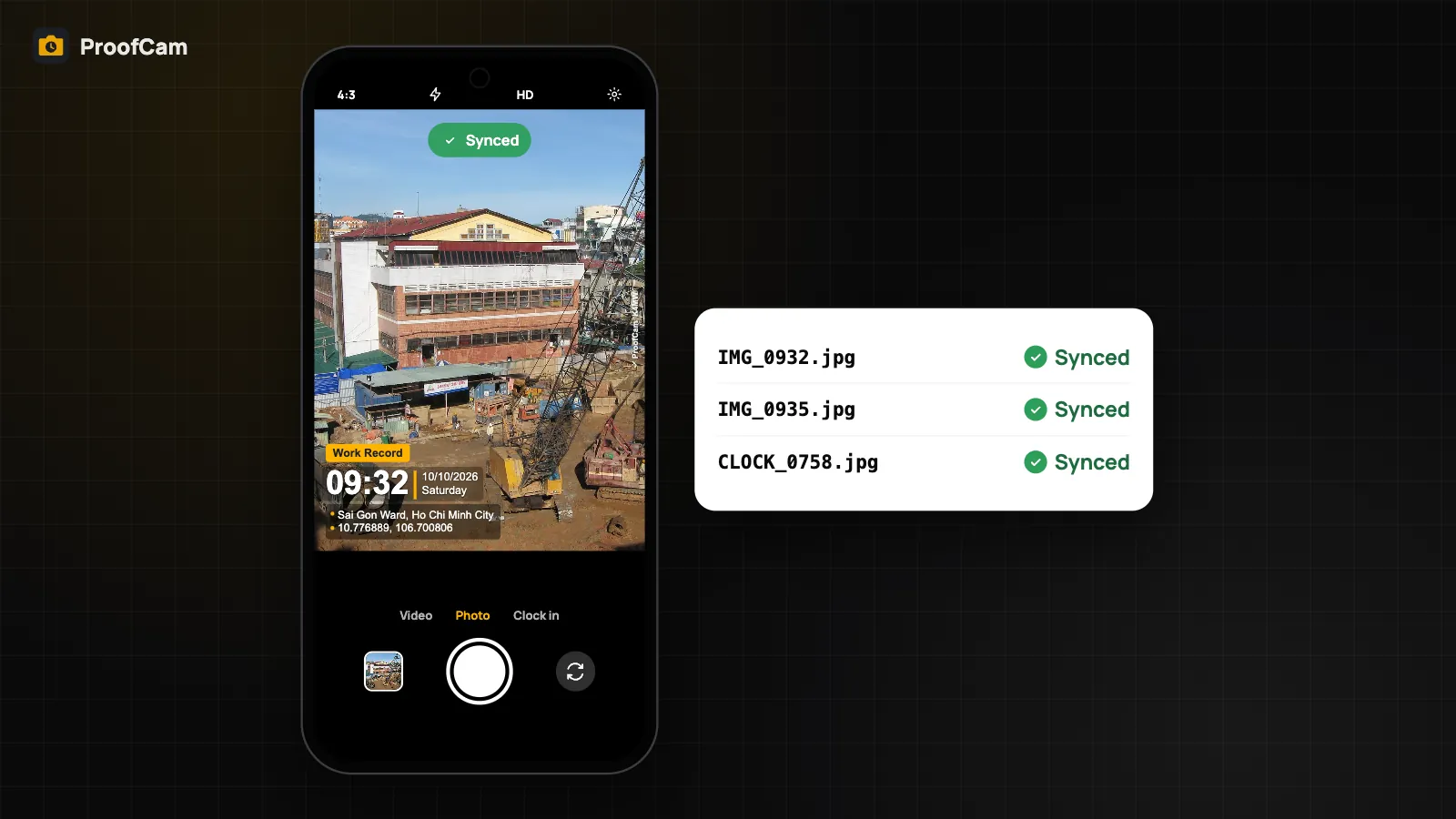
- Stamped photos and videos. Time, date, GPS coordinates, altitude and compass come from the phone's sensors. The time comes from the last network time sync and satellite (GNSS) time, not just the phone clock. If network time couldn't be checked, the photo says so.
- Photo Codes. If you're signed in, ProofCam keeps a pool of codes issued in advance by the server and refills it whenever you're online. Photos taken offline still get a real code, and it becomes verifiable from any device once the photo is registered after sync. Without an account, the phone prints a code it generates itself.
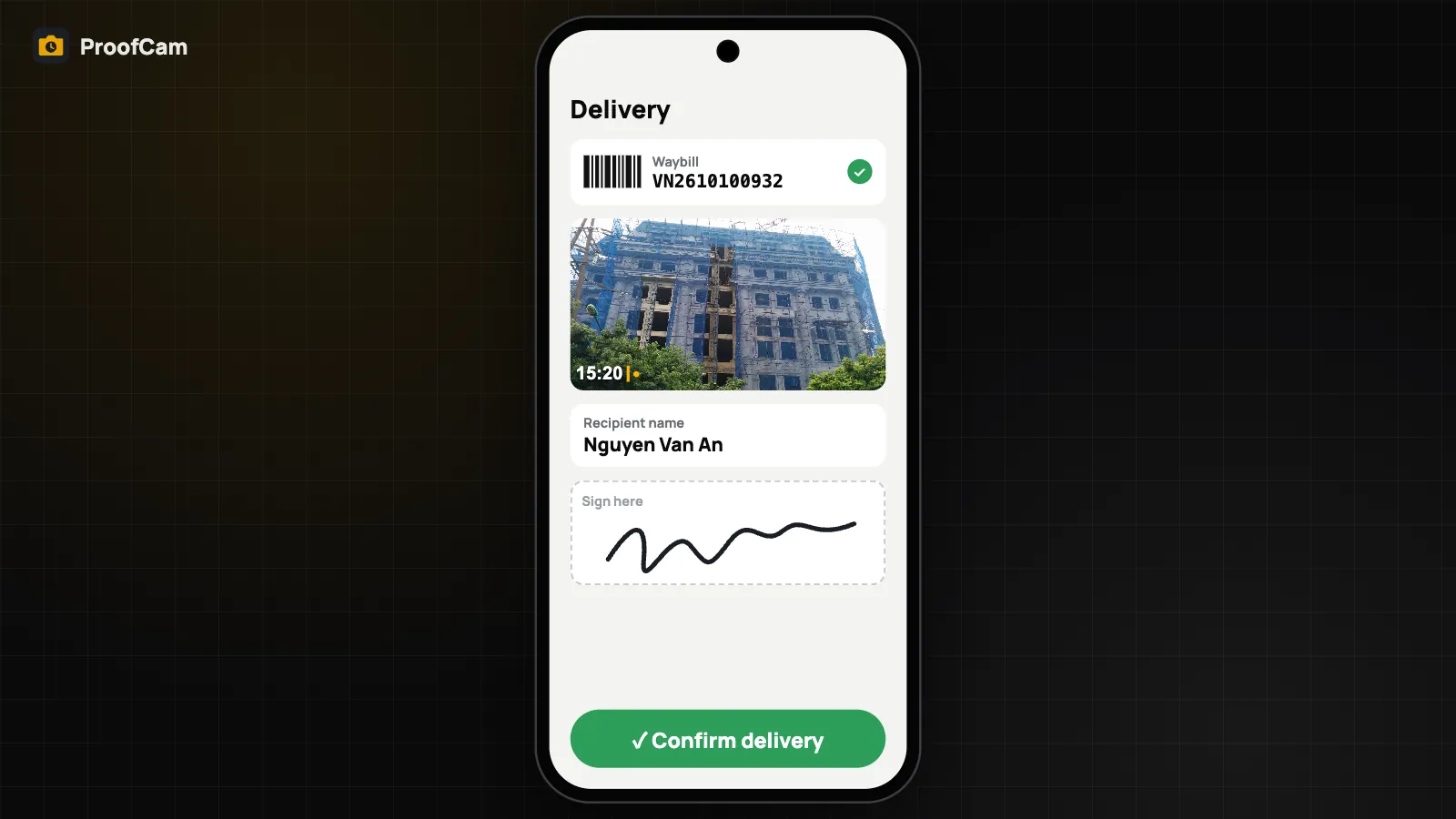
- Clock-in, breaks and clock-out, checklists, tasks' after photos, patrol scans and deliveries are saved locally and queued.
- Addresses in Vietnam. When the online address lookup fails, ProofCam uses a built-in dataset of Vietnam's 2025 administrative units (34 provinces and cities and their communes and wards) and prints the commune and province marked as approximate. Outside Vietnam, the coordinates are always on the stamp.
The Sync center: see what's waiting
Back online, uploads resume on their own. If you want to know exactly where things stand, open the Sync center:
- each queue (team photos and clock records, Photo Code registrations, markup, patrol scans, deliveries, Google Drive and OneDrive backup) with counts for waiting, failed and done;
- failure reasons in plain words, not error codes;
- a Retry all button and the list of captures not synced yet;
- a status chip on each thumbnail in the gallery.
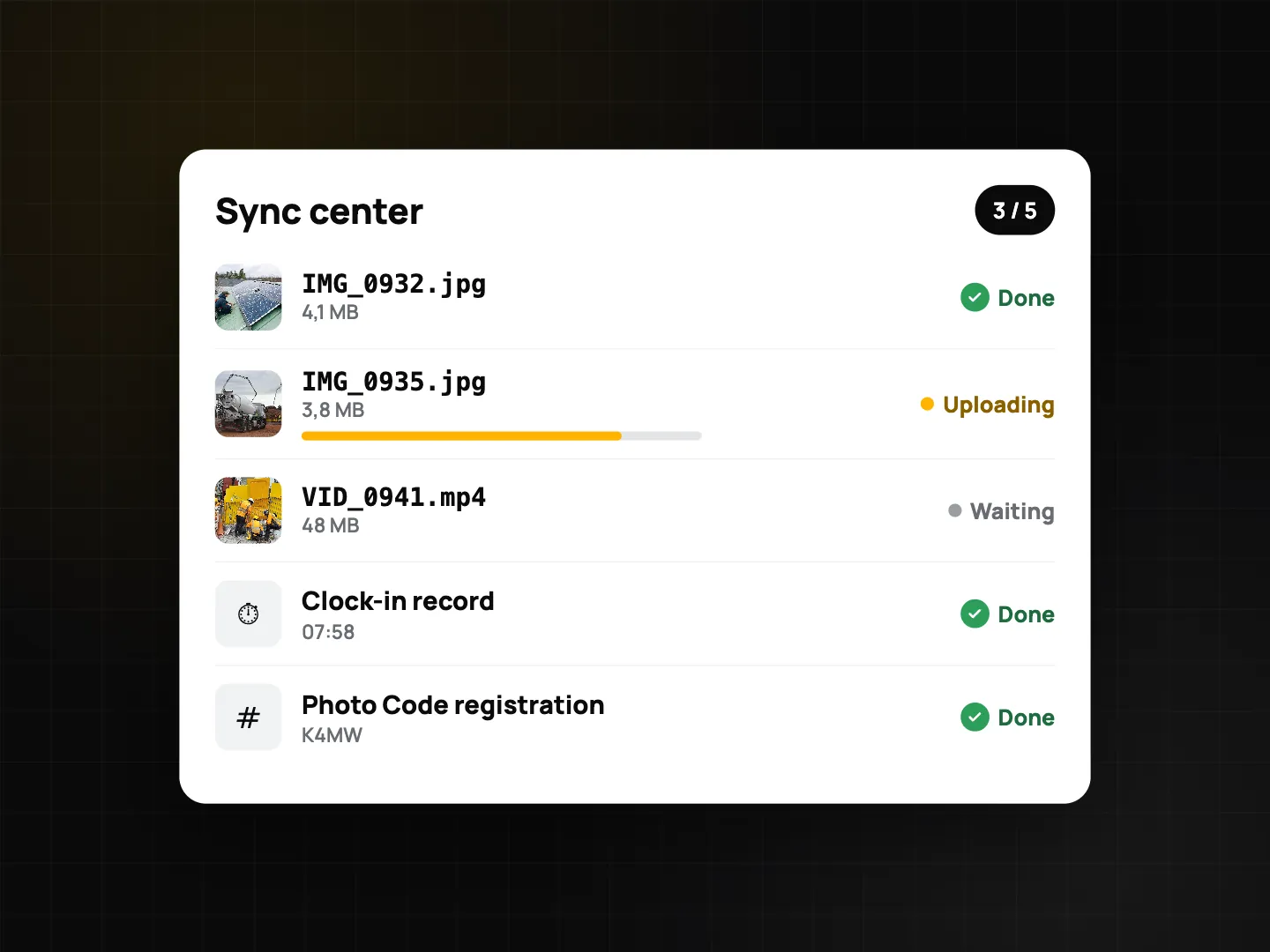
Network options let you choose Sync on Wi-Fi only, or Photos and videos on Wi-Fi only, where small records (clock, checklists, Photo Codes) still go over mobile data while large files wait for Wi-Fi.
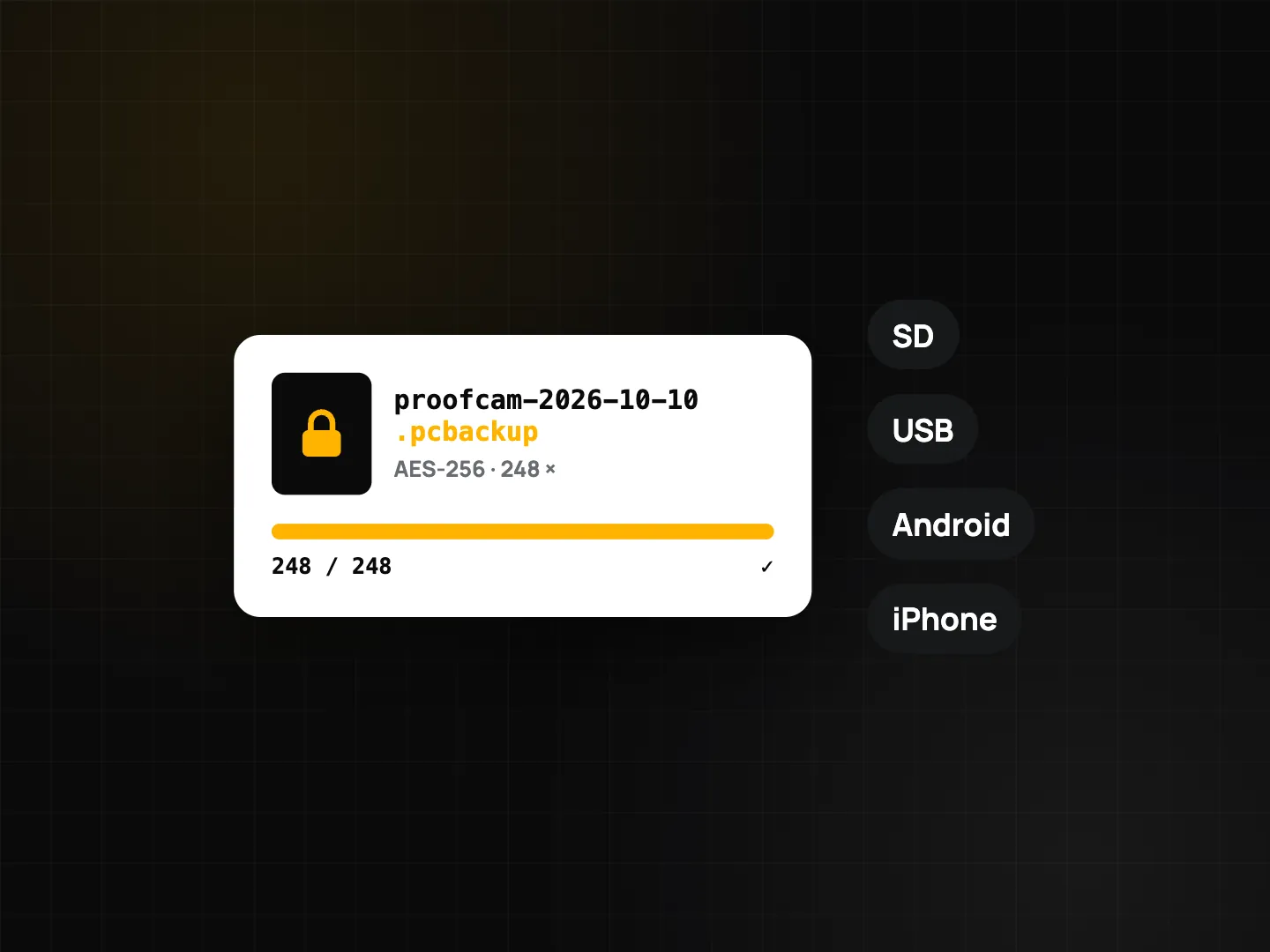
Encrypted backup to a file (.pcbackup)
Phones get lost, dropped in concrete, or reset. ProofCam can back up your library to a single encrypted .pcbackup file protected by a password you choose (AES-256). Save it to an SD card, a USB drive or any folder in Files, and restore it on a new phone.
- Manual backup and restore: Free.
- Scheduled automatic backups: Plus. Daily or weekly, to a folder you pick, keeping the last few copies.
A backup made on Android can be restored on iPhone and vice versa: photos and their metadata move across; platform-specific settings stay with their platform. Duplicates are skipped on restore. Keep the password safe: without it the file can't be opened.
Share without internet (Plus)
Need to hand 200 site photos to the office PC, but there's no internet on site? Two Plus tools move photos directly between devices:
- Share over Wi-Fi (LAN). The phone runs a small web server on the local Wi-Fi or its own hotspot (never on mobile data). Open the address it shows in any browser on a laptop, enter the PIN, and browse, download single photos or a ZIP. The PIN changes every time you start sharing, and repeated wrong PINs lock access for a minute. It also works phone to phone, Android and iPhone.
- Share with a nearby phone. Android to Android over Bluetooth / Wi-Fi Direct, or iPhone to iPhone, with a code to confirm on both screens.
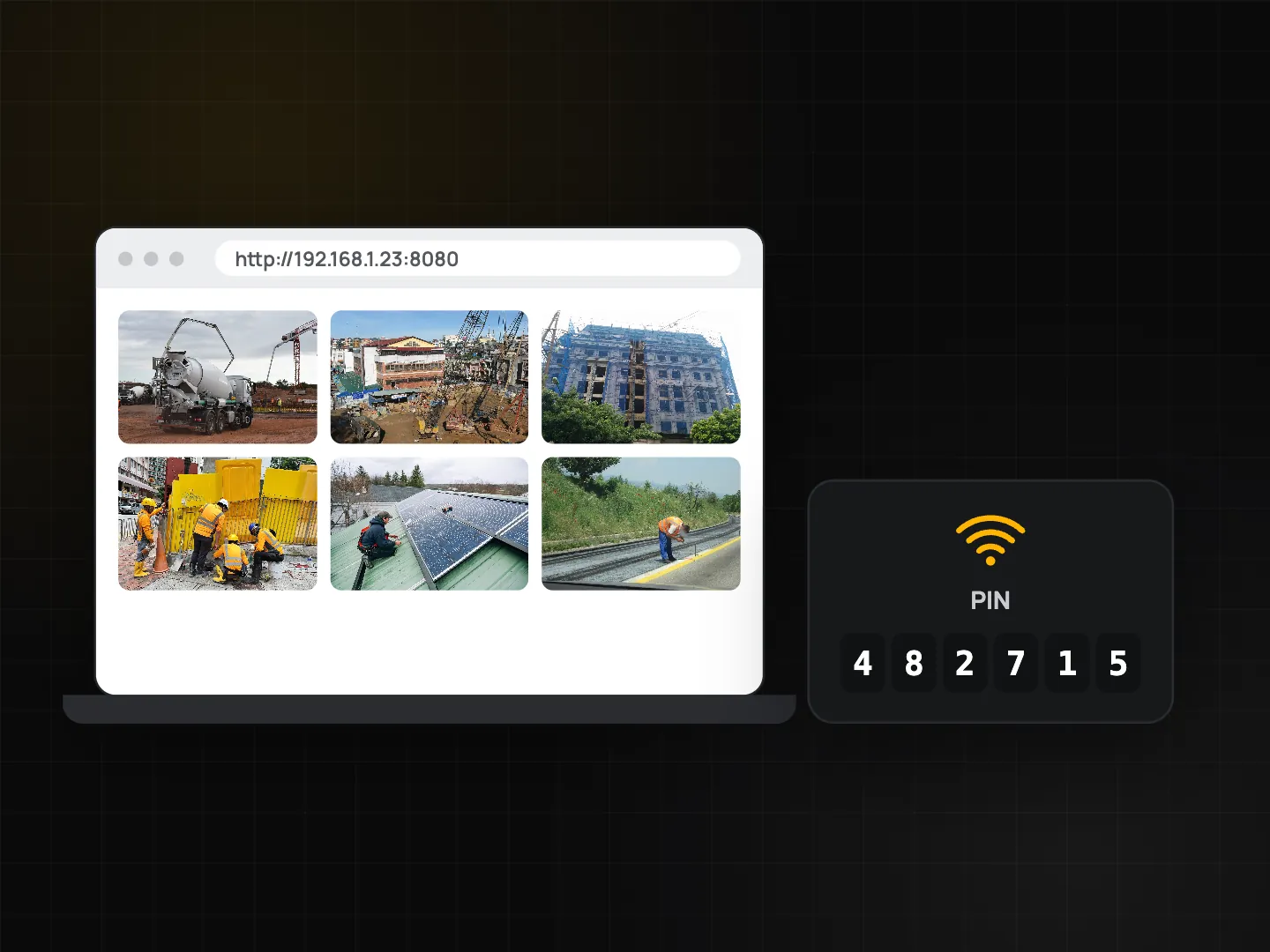
Photos received this way keep the sender's Photo Code and evidence, and no new code is issued.
Verify a photo offline (Free)
Someone forwards you a ProofCam photo on a USB drive or through a chat app, and you're offline. Open it with Verify a photo offline: ProofCam reads the evidence embedded in the file, recomputes its fingerprint (SHA-256), checks the local Content Credentials (C2PA) signature and compares with any record on your phone. The result is Intact, Modified or Not a ProofCam photo. The file never leaves the phone. Chat apps often recompress images, which can strip the embedded evidence and change the result.
Note that Content Credentials are signed with a certificate generated on the device, not a trusted authority, so the result reads "signature valid, signer not trusted". Online verification on the website checks the server record too.
Plans and platforms
| Feature | Plan |
|---|---|
| Offline capture, Photo Codes, clock, sync center, offline verify, manual .pcbackup, Vietnam offline addresses | Free |
| Scheduled backups, LAN share, nearby phone share | Plus |
All of the above works on Android and iPhone. Find the tools under Settings → Offline & privacy (Android) or Offline tools (iPhone).
FAQ
Is the time on offline photos still trustworthy?
ProofCam keeps the offset from its last network time sync and also uses satellite time when available, so changing the phone clock doesn't change the stamp. If no trusted time source could be checked, the photo is flagged.
What happens if I uninstall the app with photos still waiting?
Unsynced captures live on the phone. Check the Sync center first, or make a .pcbackup, before uninstalling or resetting.
Can my office PC get photos without a cable or internet?
Yes, with Plus: start Share over Wi-Fi on the phone, open the shown address on the PC on the same Wi-Fi or hotspot, and enter the PIN.
Related: Photo Code: verify original photos and network time vs the phone clock.