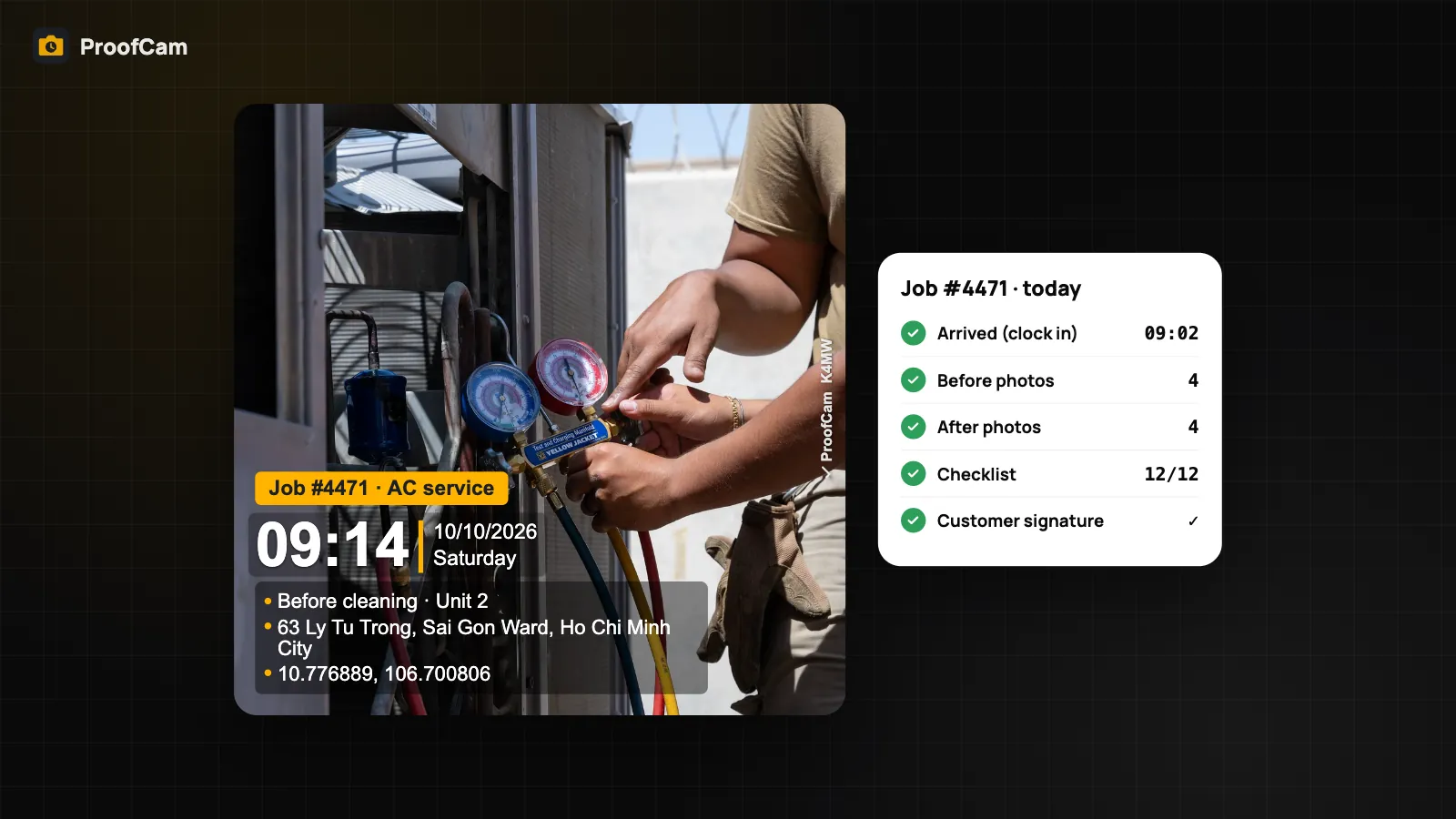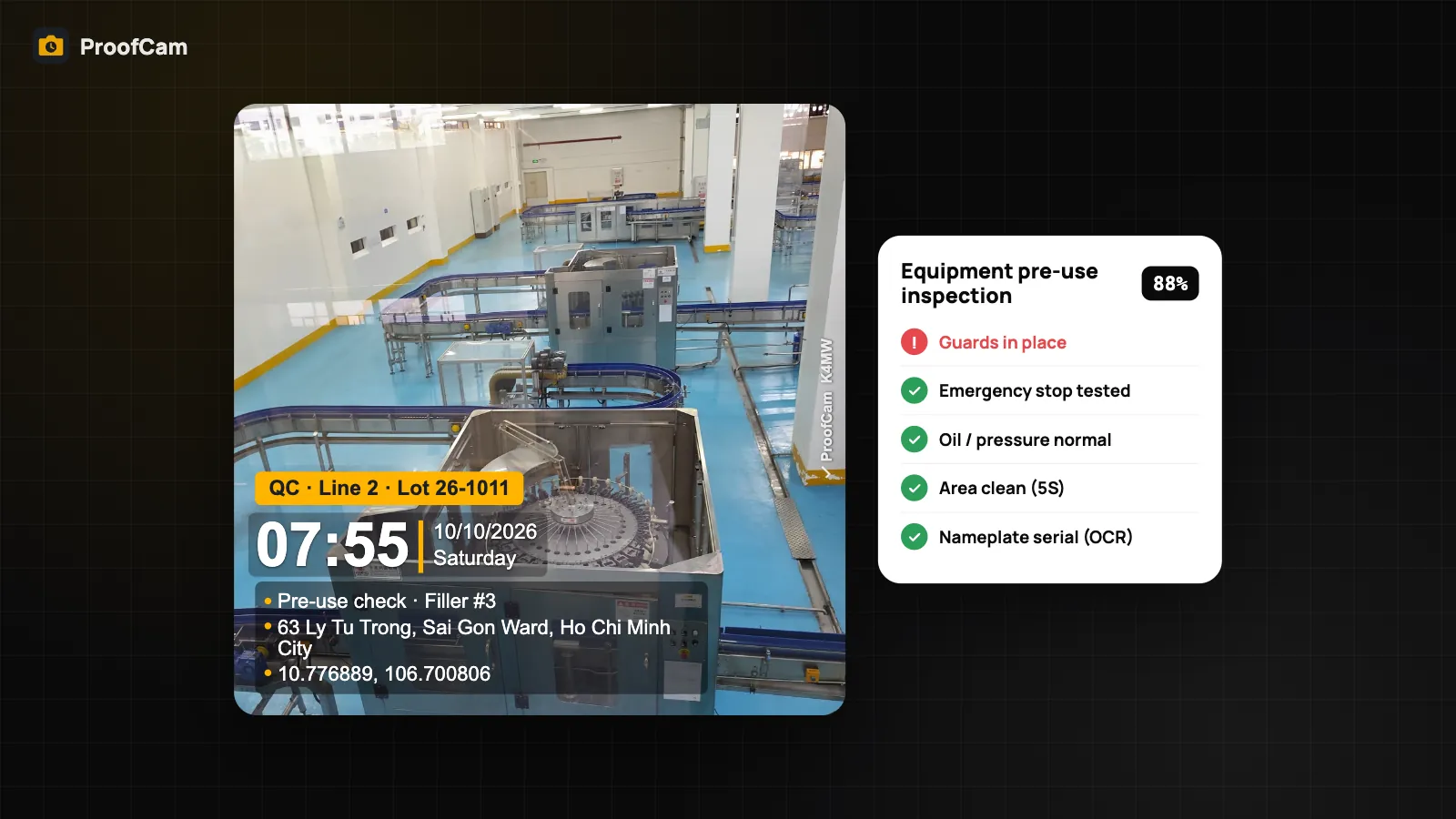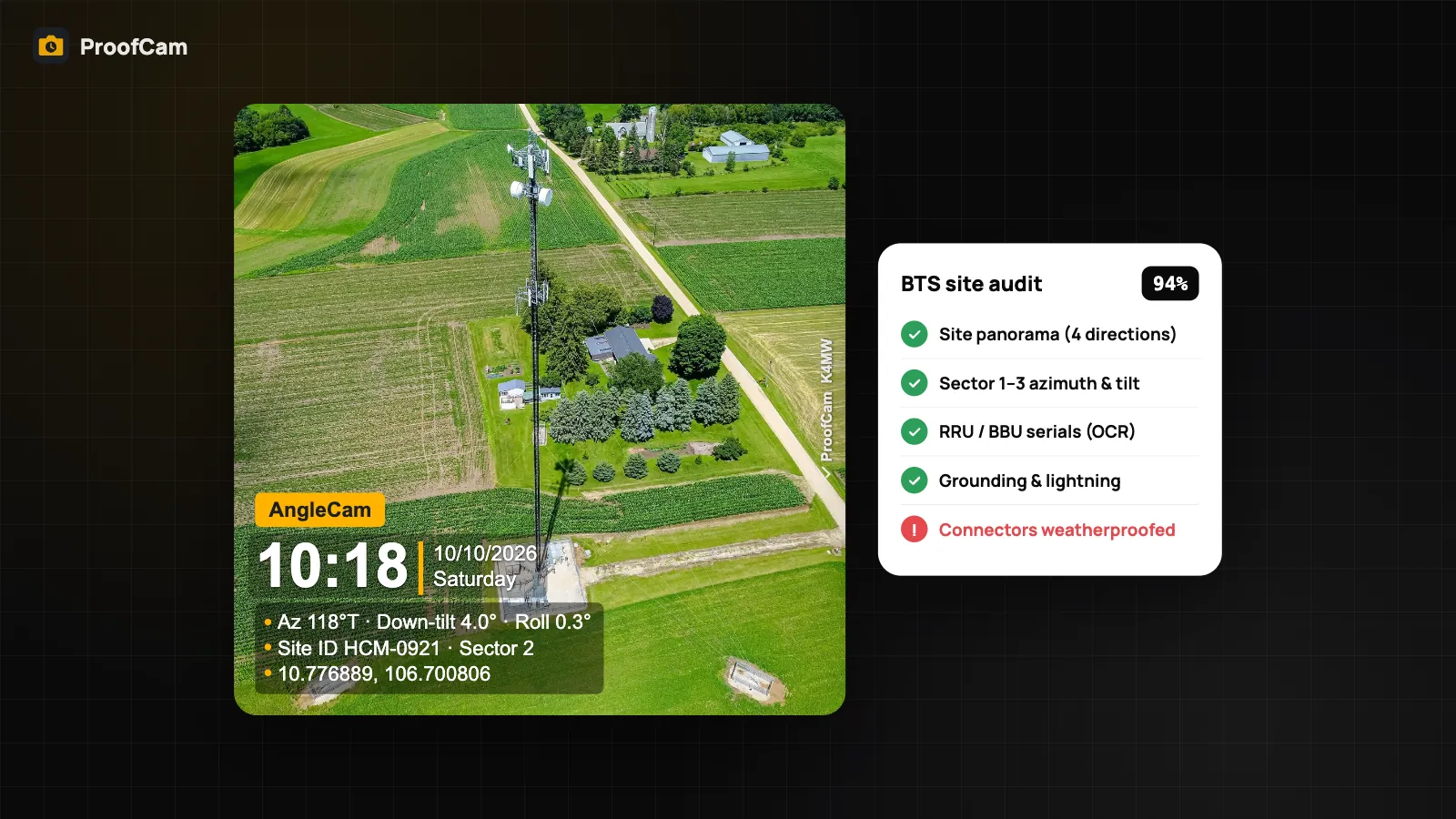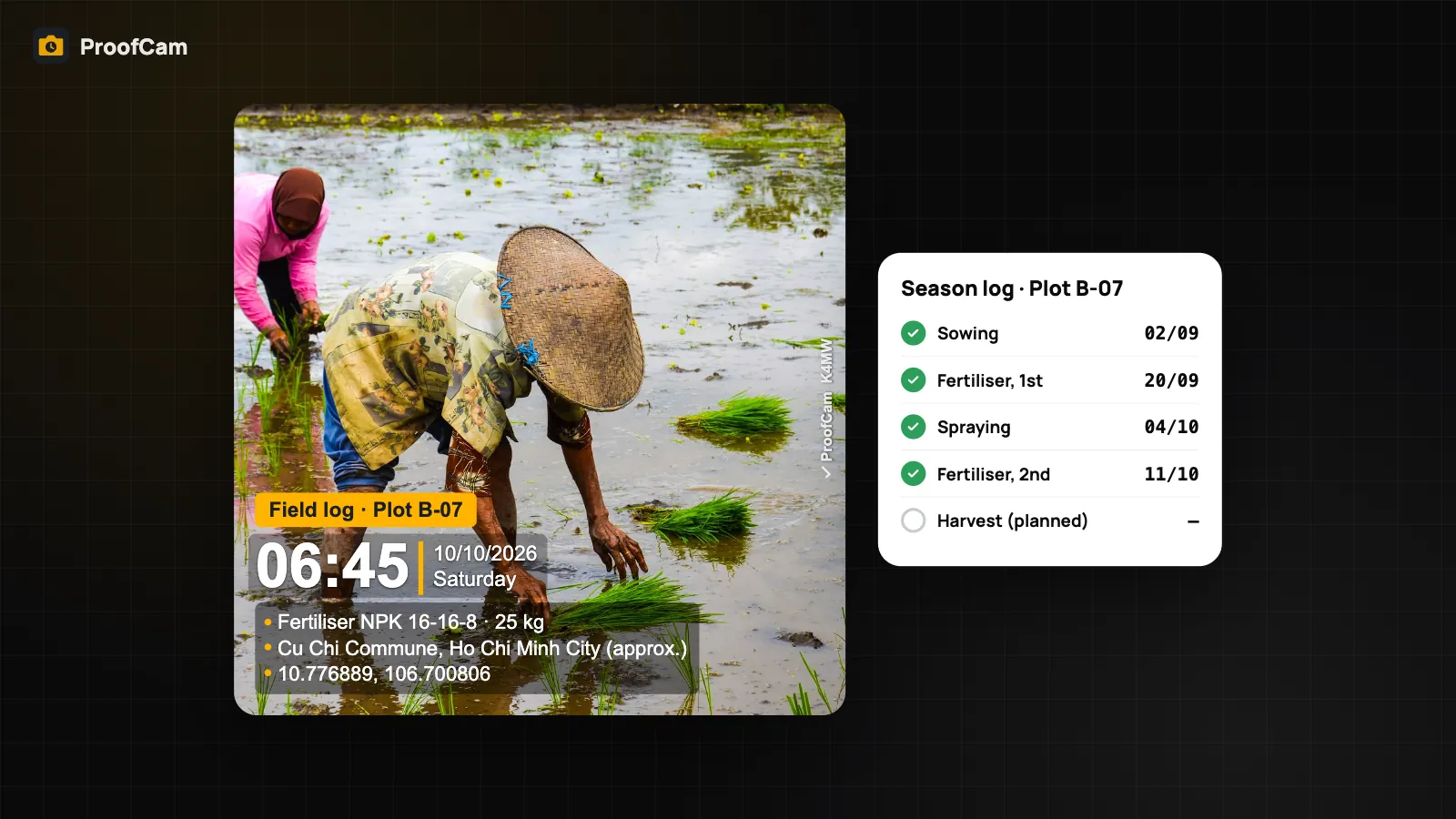
Every season produces the same questions. When was plot B-07 sprayed, with what, and at what dose? Was the harvest date past the pre-harvest interval on the label? Which fertiliser went on which field, and who applied it? Most farms answer from a notebook in the shed, a few receipts and a phone full of unlabelled photos. A farm record keeping app should let you write the field log while you're standing in the field, even with no signal, and attach a photo that shows where and when the work was done.
ProofCam isn't a farm management system and it isn't a traceability platform: it doesn't print QR labels for produce and it doesn't connect to government traceability systems. What it does well is the evidence side of the farm diary: stamped photos with time and GPS, structured spray and fertiliser records, and exports you can hand to a buyer, an auditor or your cooperative.
Why farm records fall apart
- Written up later. The spray record is filled in on Sunday from memory. Dates and doses drift, and an auditor can tell.
- Photos with no context. A picture of a sprayer in a field doesn't say which plot, which product or which day, and chat apps strip and recompress it every time it's forwarded.
- No signal in the fields. Many plots are out of mobile coverage, so any app that needs the internet to save a record gets abandoned by the second week.
- Receipts and labels get lost. The invoice for the fertiliser and the label of the pesticide are the proof of what was applied, yet they end up in a drawer or the bin.
- Cooperatives can't see the members' work. The group manager needs one view of many farmers' plots, not forty chat threads.
ProofCam as a farm record keeping app: features and plans
| Need | ProofCam feature | Plan |
|---|---|---|
| Photo with time, date, GPS coordinates, altitude and notes on every field visit | Timestamp camera with network time | Free |
| Address when there's no signal (Vietnam) | Offline dataset of the 2025 administrative units, printed "(approx.)" | Free |
| Plot ID, crop and input product on the photo | Custom fields (3 on Free, 10 on Plus) | Free / Plus |
| Spray and fertiliser records with dose, dates, label photo and signature | Checklists (number, date, photo, signature questions) | Free (1 template), Plus (unlimited) |
| Read a label or batch number into the note | On-device text recognition | Free (OCR in document mode: Plus) |
| Scan input receipts into a multi-page PDF | Document mode | Plus |
| Weekly or seasonal field diary as a PDF | Site diary | Plus |
| Pick the right plot automatically when you walk into it | Auto-select project/template inside a site radius | Plus |
| Mini map on the photo, even offline | Mini map + offline map tiles | Plus |
| See every plot's photos in Google Earth | KMZ export | Free (10 photos per export), Plus (unlimited) |
| Cooperative view of members and plots | Teamspace projects and members | Free team (limited), Business |
| Back up the season to one encrypted file | .pcbackup | Free |
Step-by-step: a season of field records
Setup (once per season)
- Make a project per plot or area, for example "Plot B-07 · Rice" or "Area C · Durian". Add the address and a radius around the plot. With Plus, ProofCam auto-selects the project and template when you're inside that radius, so photos land in the right plot without tapping. The radius is a circle, so for long fields use a centre point and a generous radius.
- Create a watermark template for field work with custom fields such as "Plot", "Crop", "Input product" and "Applied by". Field values can be used in file names too. See watermark templates and custom fields.
- Build two checklists, "Spraying record" and "Fertiliser record", using the template further down. The inspection checklists guide explains question types, required items and scoring.
- Download offline map tiles (Plus) for the area if you want the mini map on the stamp to work in the fields.
- Cooperatives: create a Teamspace, invite each farmer as a member and give them access to their own plots' projects. A free team covers 3 projects and 100 photos, enough to try it; a real cooperative season needs Business (14-day trial for new teams).
In the field
- Photograph each operation as it happens: sowing, fertiliser, spraying, irrigation, pest scouting, harvest. Write a short note ("2nd fertiliser, NPK 16-16-8, 25 kg").
- No signal? Keep going. Photos, checklists and signatures are saved on the phone. In Vietnam the stamp still shows the commune or ward and province from the new 2025 administrative units, marked "(approx.)", and GPS coordinates are always printed. More in offline photo proof.
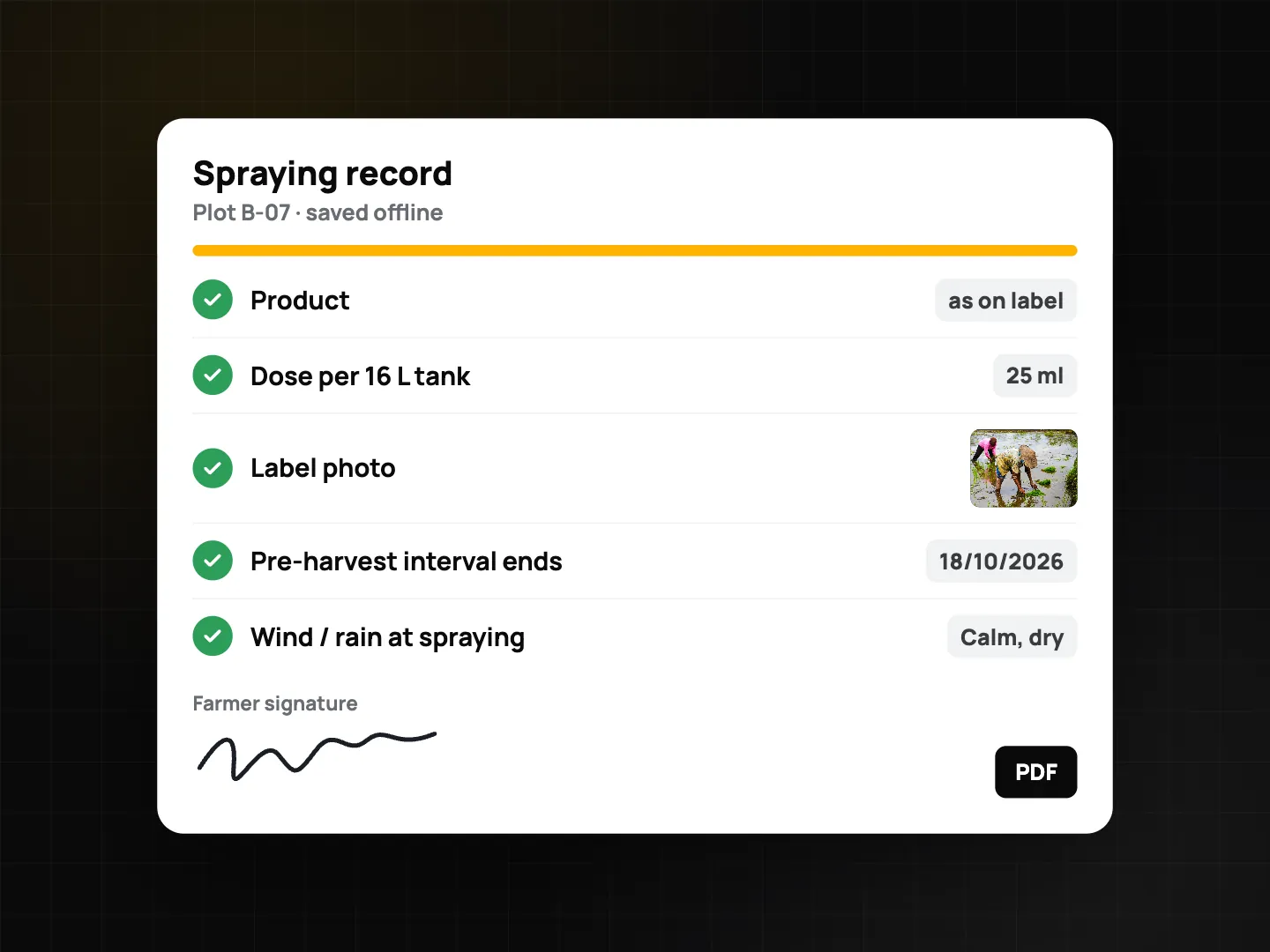
- Fill in the spraying record on the spot: product as written on the label, dose per tank, number of tanks, a photo of the label, and the date the pre-harvest interval ends. Sign on screen.
- Photograph the product label or batch number, then use on-device text recognition from the photo details to copy it into the note instead of typing.
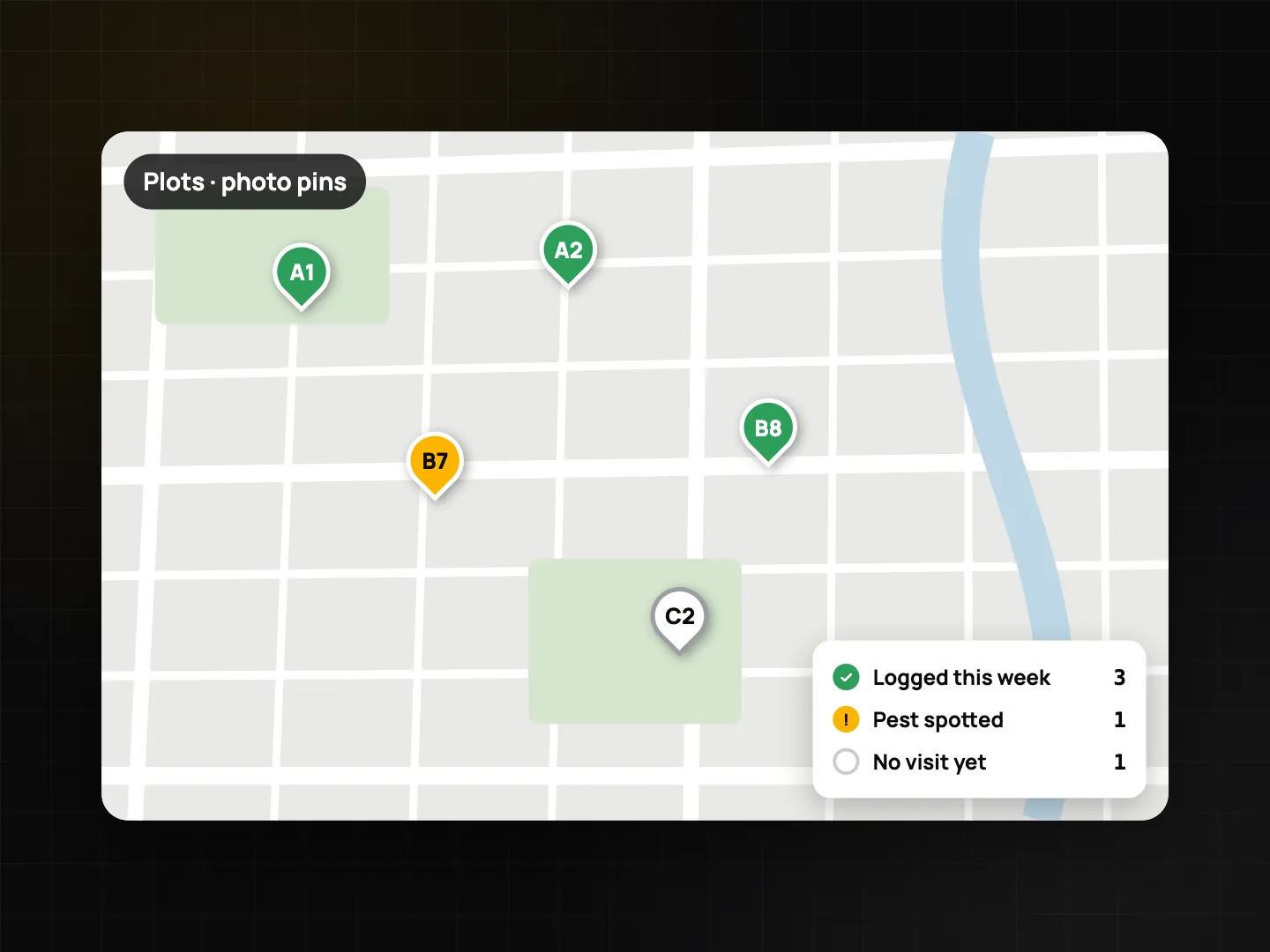
- Scouting: when you spot a pest or disease, take a close-up and a wider shot with the note "pest spotted". The GPS on each photo puts it on the map later.
After the work
- Scan input receipts with document mode (Plus): multi-page invoices become one PDF, each page with its own Photo Code. See document scanning with OCR.
- Make a site diary PDF (Plus) for the week or the season from the photos and records on your phone.
- Export a KMZ and open it in Google Earth to see every visit as a pin on its plot. Check that location quality was good: the location trust grade on each photo tells you how much to rely on the position.
- Make an encrypted .pcbackup at the end of the season and keep it on a USB stick or SD card.
For the cooperative or buyer
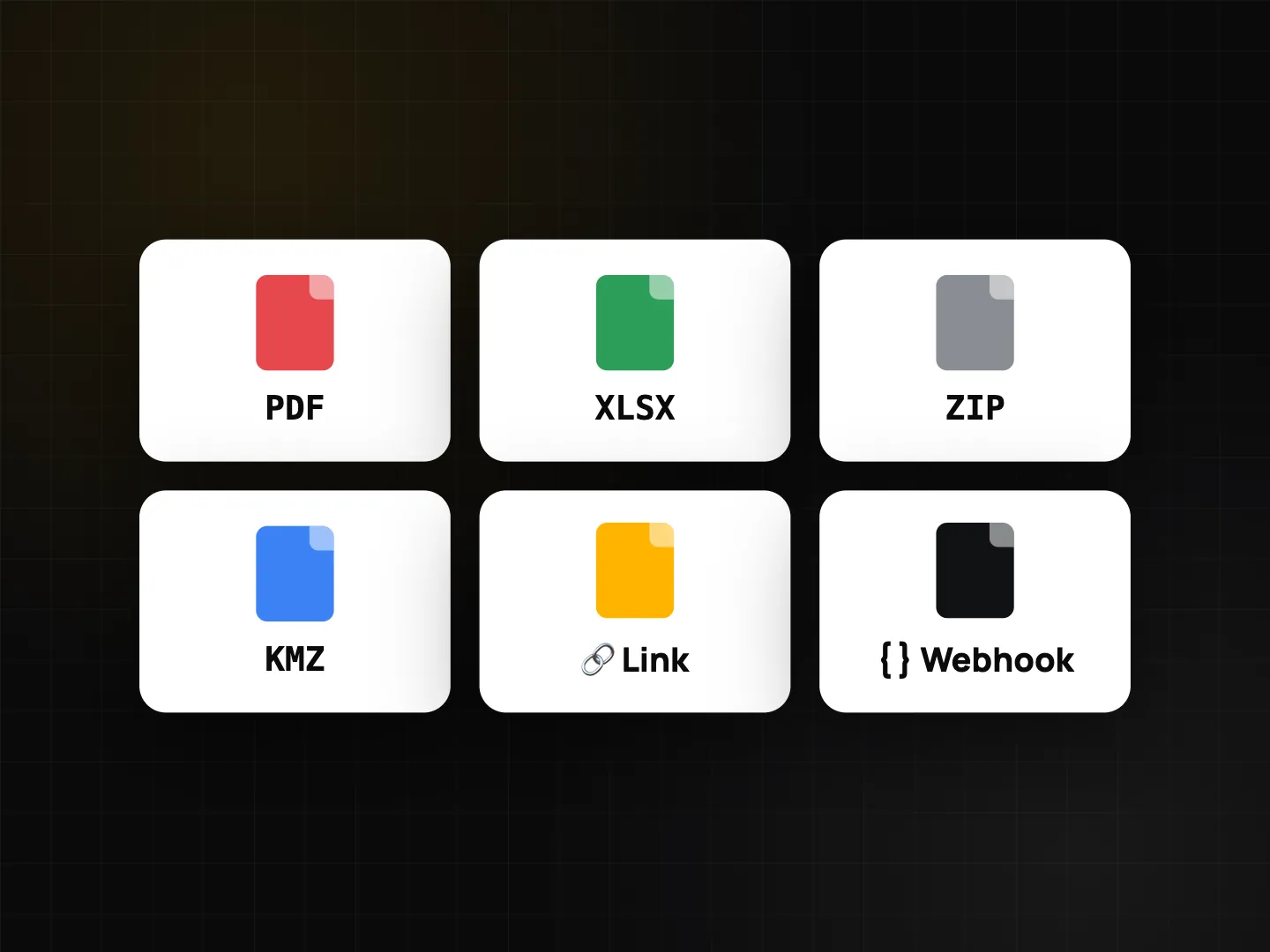
The group manager opens the Teamspace portal at /app/ and sees photos by day, member and project, a project timeline, checklist submissions and exports (PDF, Excel, ZIP, KMZ). Anyone who receives a photo or PDF can check a Photo Code on the verify page.
Spraying and fertiliser record template
Question types refer to Checklist 2.0.
| Item | Question type |
|---|---|
| Plot ID | Single choice or text |
| Crop and growth stage | Single choice |
| Product name exactly as on the label | Text |
| Photo of the product label | Photo (min. 1, ProofCam camera) |
| Batch number | Text (copy from the label with text recognition) |
| Dose per tank | Number with unit (ml or g) |
| Tank size and number of tanks | Number with unit (L) |
| Area treated | Number with unit (m² or ha) |
| Pre-harvest interval end date | Date |
| Weather calm and dry | Yes / No |
| Protective equipment worn | Checkbox |
| Location | GPS location |
| Applied by | Signature |
For a fertiliser record, swap the label and pre-harvest items for product, rate per area and a photo of the bag. For scouting, use photo (min. 2), a single choice for the problem, and a note.
Certification schemes such as VietGAP or GlobalG.A.P., and any traceability rules for your crop, are set by the certifier or authority. Check their record requirements and keep whatever forms they ask for; ProofCam helps provide the evidence behind those records.
Tips
- Same angle, same spot. Photograph each plot from a fixed point every visit so changes are easy to compare.
- Keep the label in frame. A clear label photo is the simplest proof of which product was used.
- One note style. "Operation, product, rate" makes search work at the end of the season.
Similar field crews use the same approach: see landscaping and tree care job photos and the environmental monitoring photo log.
FAQ
Is ProofCam a traceability system?
No. It doesn't issue QR labels for produce or connect to government traceability systems. It records stamped photos and field records that support your farm diary and whatever traceability system you use.
Does it work in fields with no mobile signal?
Yes. Photos, checklists, signatures and GPS all work offline, and in Vietnam the address comes from a built-in dataset marked "(approx.)". Everything syncs when you're back in coverage.
Can a cooperative manage many farmers in one place?
Yes, with Teamspace: one project per plot or area, each farmer as a member. A free team is limited to 3 projects and 100 photos; Business removes the project limit.
Will these records be accepted for VietGAP or GlobalG.A.P.?
That depends on the certifier. ProofCam supports your records with stamped, verifiable photos, but you should check the scheme's record requirements.