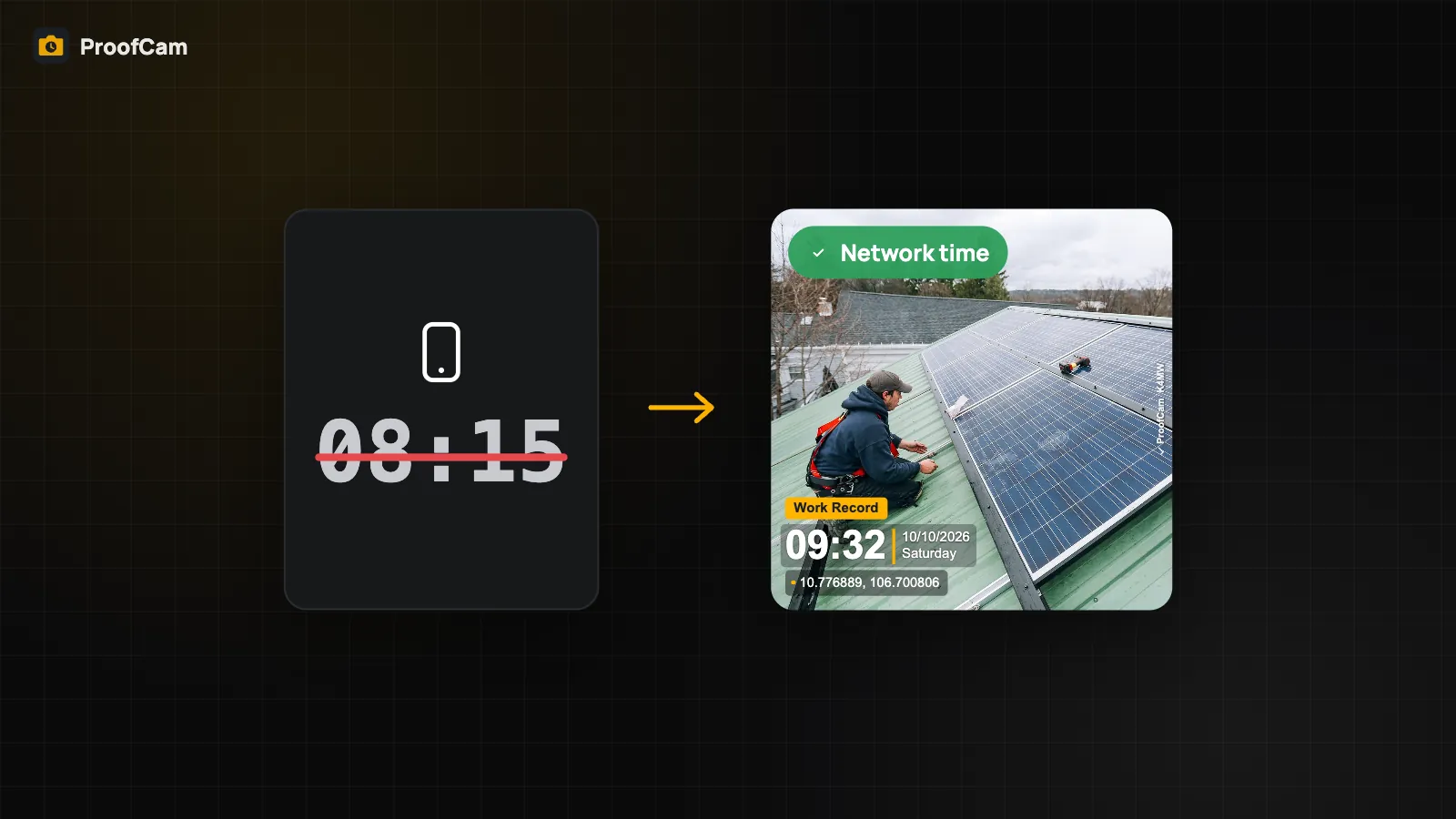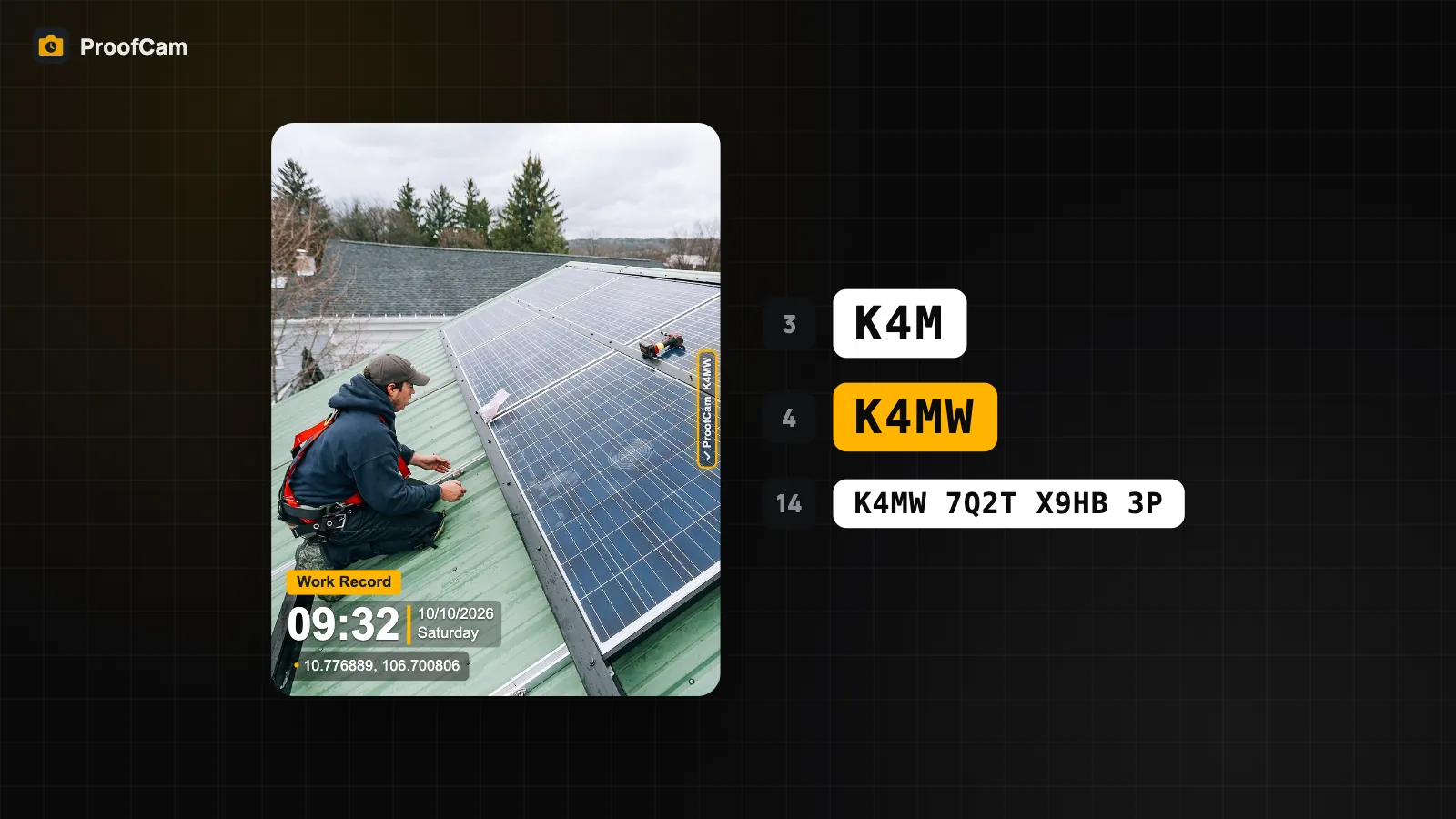
"Where was this taken?" is the second question every proof photo has to answer. A coordinate like 10.7769, 106.7009 is precise but means little to a client; a street address is readable but can be wrong if the lookup is off. And a position is only as good as the signal behind it: indoors, between tall buildings or with a fake-GPS app running, the phone can report a place you never were.
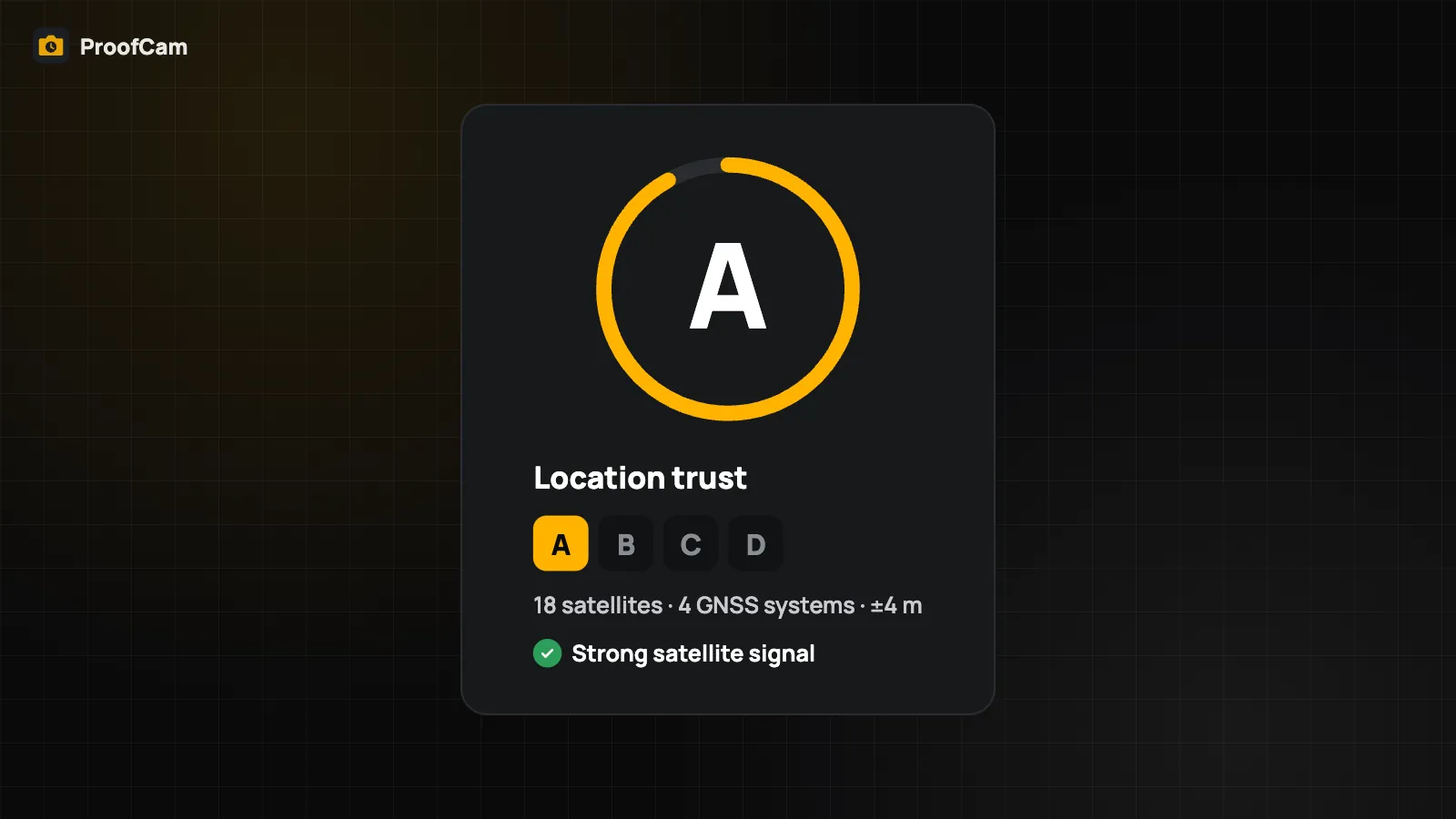
ProofCam handles all three: it stamps both the address and the coordinates, shows how accurate the fix is, and gives each position a location trust grade from A to D so you can see at a glance whether it looks reliable.
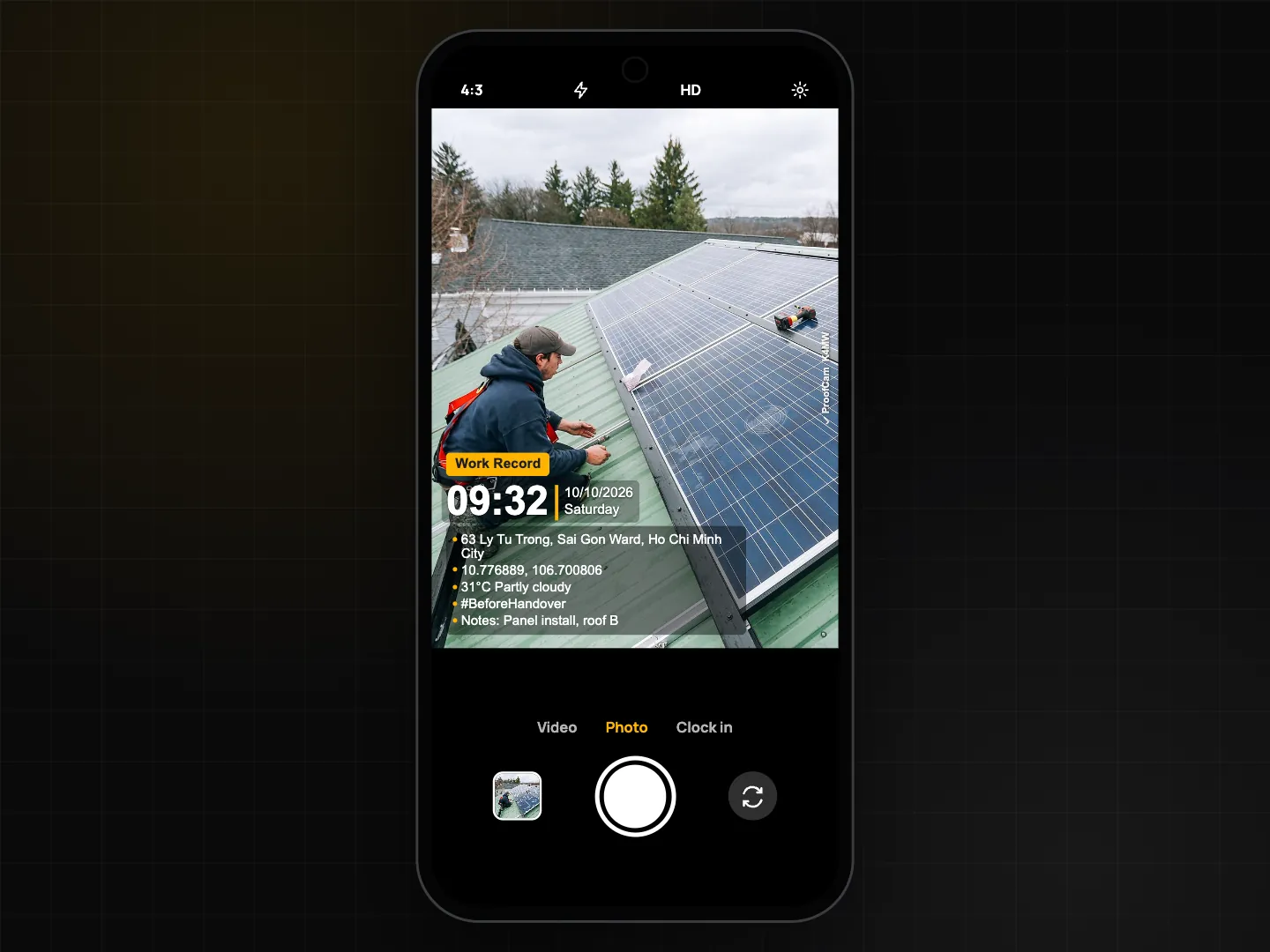
From GPS to an address on the photo
While the camera is open, ProofCam reads the phone's location and looks up the address:
- First it asks the phone's built-in address lookup.
- If that returns nothing, it falls back to OpenStreetMap.
- With no internet in Vietnam, it uses a dataset built into the app (the 2025 administrative units: 34 provinces and the new communes and wards) and prints the commune/ward and province marked "(approx.)".
The coordinates are printed next to the address (decimal or degrees/minutes/seconds), so even if an address is imprecise, the exact position is always on the photo. You can also add GPS accuracy, altitude and compass heading lines to the stamp, and the accuracy is written into the photo's metadata.
Choosing or typing an address
Sometimes the automatic address isn't the one you want, for example a large site whose official address is on another street. Open Change address from the camera screen to:
- pick from Nearby addresses,
- Type an address yourself,
- use a Bookmark you saved earlier, or go back to Use current GPS address.
Changing the address only changes the address text. The coordinates on the stamp still come from the phone's actual position, so a reader can always compare the two.
| Free | Plus | |
|---|---|---|
| Automatic GPS address | Yes | Yes |
| Address changes (nearby, typed or bookmark) | 3 per day | Unlimited |
| Saved address bookmarks | 1 | Unlimited |
The location trust grade
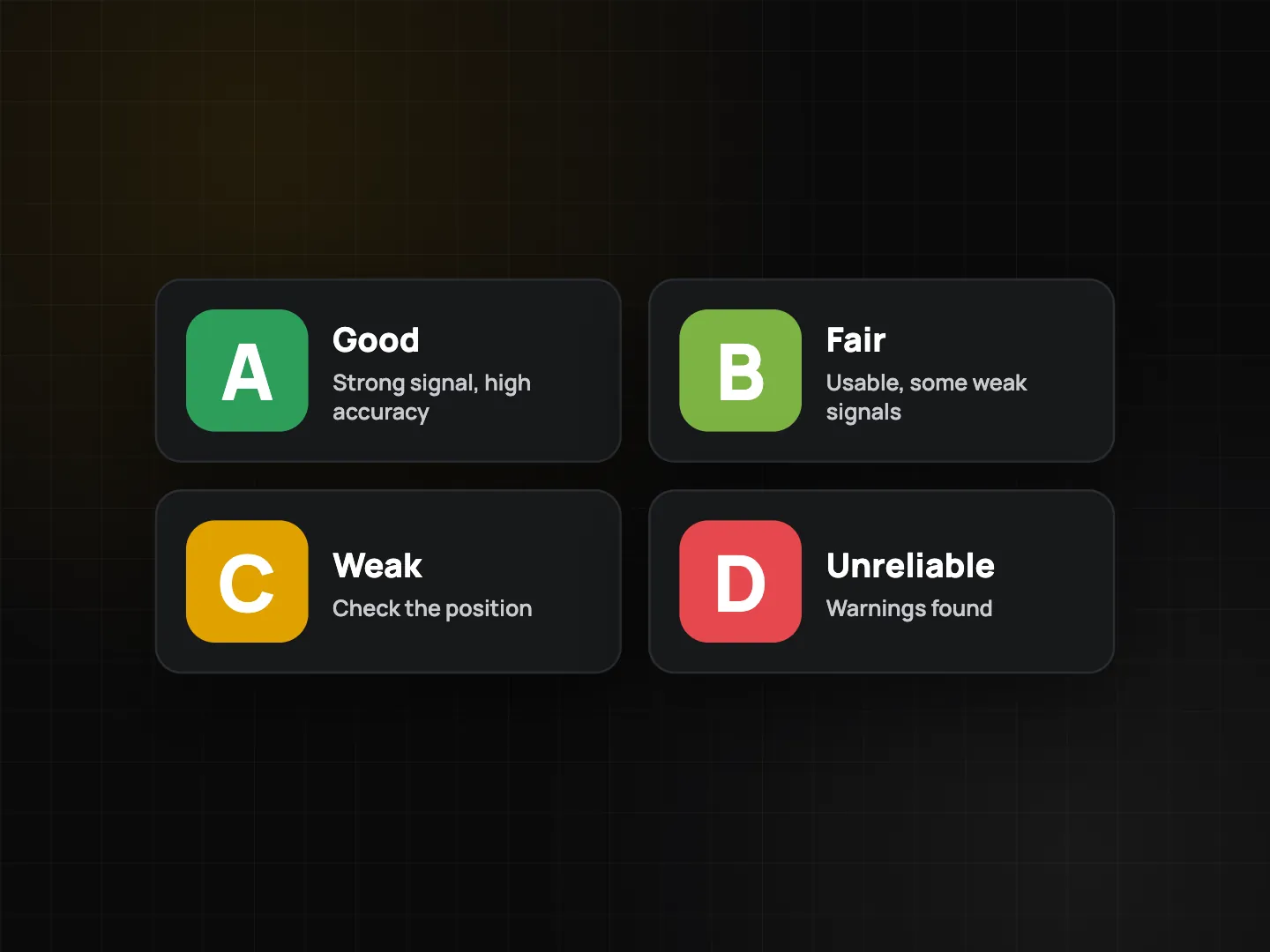
Next to the shutter, a chip shows the grade, for example Location: A · 9 sats · 3 sys · ±4 m on Android or Location: A · ±4 m on iPhone. Tap it to see each check, whether it passed, and a hint for fixing it.
| Grade | Meaning |
|---|---|
| A | Position looks reliable |
| B | Good, with minor issues |
| C | Weak: use with care |
| D | Unreliable, or a fake-location app was detected |
If a fake-GPS (mock location) app is active, the grade drops straight to D. Using approximate instead of precise location caps the grade at C.
What is checked: Android vs. iPhone
Android runs a full check of up to nine signals: no fake-location app, accuracy within 50 m, precise location allowed, at least 6 satellites from 2 or more systems, natural signal strengths, stable receiver gain, satellite time matching network time, no sudden position jump, and GPS altitude matching the barometer (on phones that have one).
iPhone runs a basic check, and the app says so. iOS doesn't give apps raw satellite data, so ProofCam checks what is available: simulated or accessory location, accuracy, precise location, position jumps and altitude against the barometer. There are no satellite counts or signal checks on iPhone.
A warning, not a verdict
The grade is a heuristic check on the phone. Indoors, in tunnels or between tall buildings the grade drops without anyone cheating. By default it only warns; it doesn't stop you from taking the photo.
Plans and team rules
- Free: see the grade and its checks on the camera.
- Plus: print a Location trust line on the watermark.
- Business: a team can set a minimum grade for clock-in. Below that grade the Clock in button is locked with a clear reason, such as "Location trust C is below the team minimum B. Go outside or wait for a better fix."
To learn how fake-location apps are detected and handled, read fake GPS and mock location detection.
Tips for better positions
- Step outside or near a window and wait a few seconds before the first photo.
- Allow "Precise" location for ProofCam in the phone's settings.
- Turn off any fake-GPS or mock-location app; it pushes every photo to grade D.
- Keep both address and coordinates on your template. The address is for people, the coordinates are for checking.
- Save bookmarks for sites you visit often so the right address is one tap away.
FAQ
Does ProofCam track my location all the time?
No. Location is read only while the camera is open, or for project reminders that you turn on yourself.
If I type an address, can I put any place on the photo?
You can change the address text, but the GPS coordinates on the stamp still show where the phone actually was, and the change is limited on Free.
Why is my grade C indoors when I'm not doing anything wrong?
Walls and roofs weaken satellite signals, so accuracy and satellite counts drop. That's why the grade is a warning. Step outside for a moment and it usually goes up.