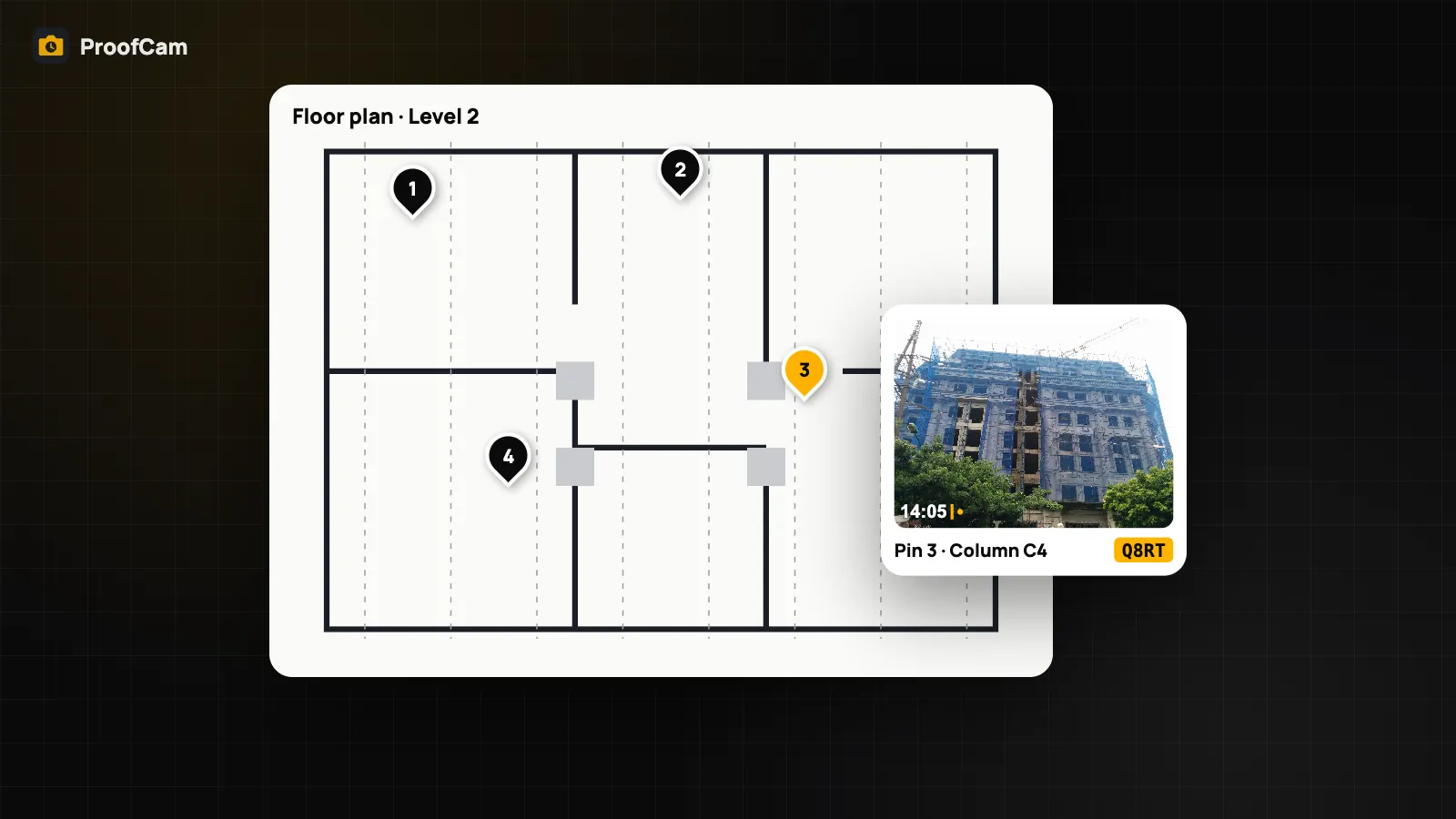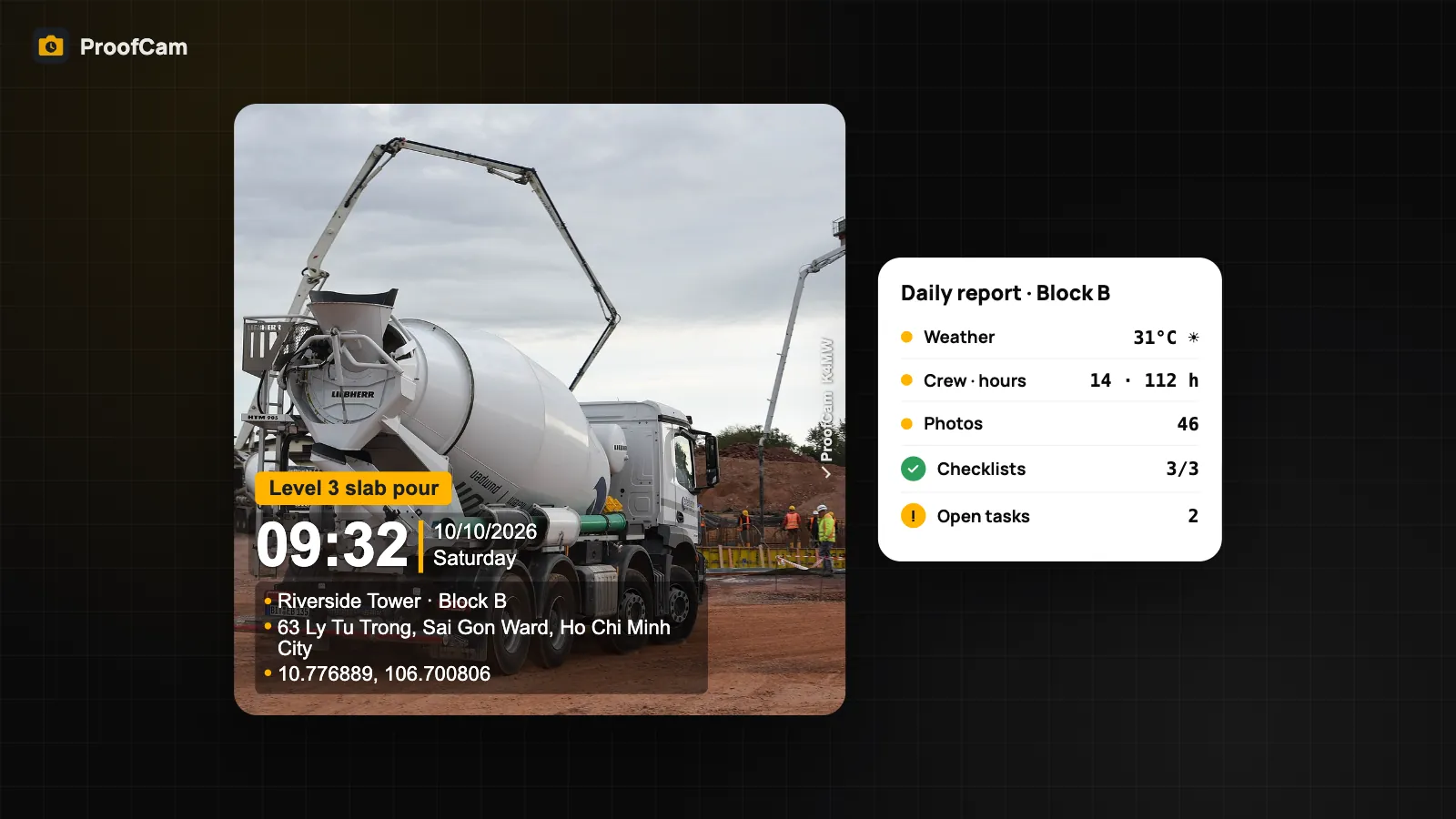
A photo of a dim corridor, a noisy pump room or a shaking floor doesn't show the problem by itself. A number helps, and so does a location you can trust down to the centimeter. ProofCam can add field readings (light, sound and vibration from the phone's sensors) and external device readings (an RTK GNSS receiver or a laser distance meter over Bluetooth) to the photo, both as a watermark line and as evidence data in the file.
Before we start, an honest note: these readings are indicative, not certified measurements. A phone isn't a calibrated sound level meter or lux meter. Use the readings to document conditions, and use a certified instrument when a regulation or contract requires one.
Light, sound and vibration meters
The field meters are available with Plus or a Business team, on Android and iOS. Open them from Field tools.
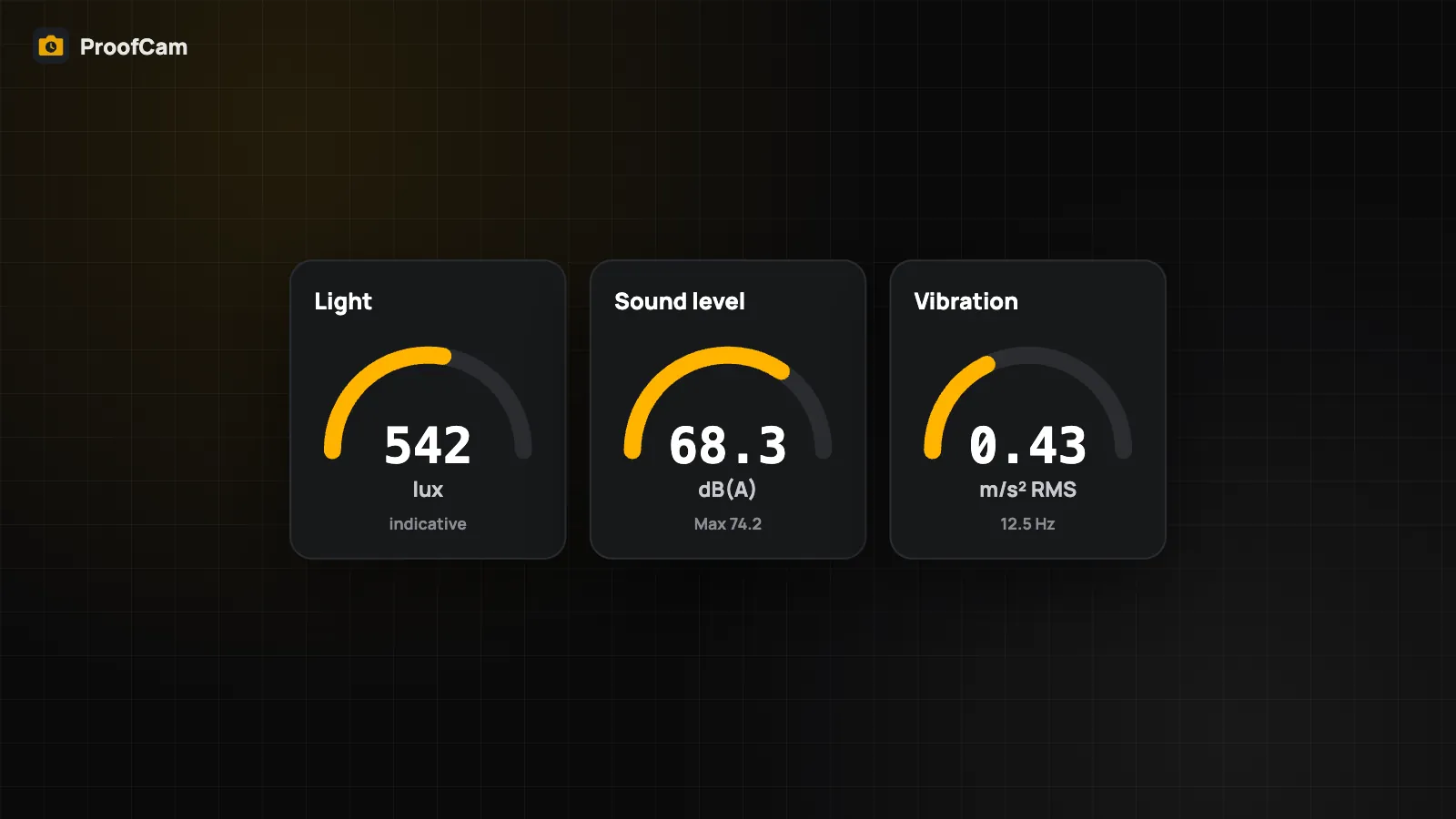
- Light (lux). On Android, ProofCam reads the phone's light sensor and uses the median of several samples. On iPhone there's no light sensor that apps can use, so lux is estimated from the camera's exposure (shutter time, ISO and aperture). Point the camera at the area you want to measure. The value is marked as camera-based in the evidence.
- Sound level (dBA). The microphone signal is A-weighted and shown as a 10-second average (Leq) plus the maximum. The audio is analyzed on the phone and isn't recorded, saved or sent anywhere. ProofCam asks for microphone permission the first time and explains why.
- Vibration. The motion sensor gives an RMS value in m/s² and the dominant frequency (2 Hz and above). Place the phone flat on the surface you're checking.
Calibration
Every reading is labeled "estimated". Microphones and light sensors vary from phone to phone. If you have a reference meter, measure the same spot with both and enter a correction factor and offset in ProofCam. The calibration is saved for that phone.
Stamping a reading on a photo
Tap "Capture with readings". The next photo gets a watermark line with the values, and the same values are saved in the photo's evidence data. That way the number and the scene stay together, and both are covered by the Photo Code.
External RTK GNSS receivers
A phone's GPS is often accurate to a few meters. Survey, utility and telecom work may need centimeters. With a Business team (or the Business trial), ProofCam can use an external GNSS receiver over Bluetooth:
- Turn on the receiver. On Android, pair it in the system Bluetooth settings first.
- In ProofCam, open the external devices screen in Field tools and pick the receiver.
- If you use corrections, enter your NTRIP caster details (your own or your provider's CORS network). ProofCam sends the corrections to the receiver and reports your position back to the caster about every 10 seconds.
- Take photos as usual. While the receiver has a fresh fix, its position replaces the phone's, and the watermark shows a line like "RTK FIXED ±0.02 m · receiver name".
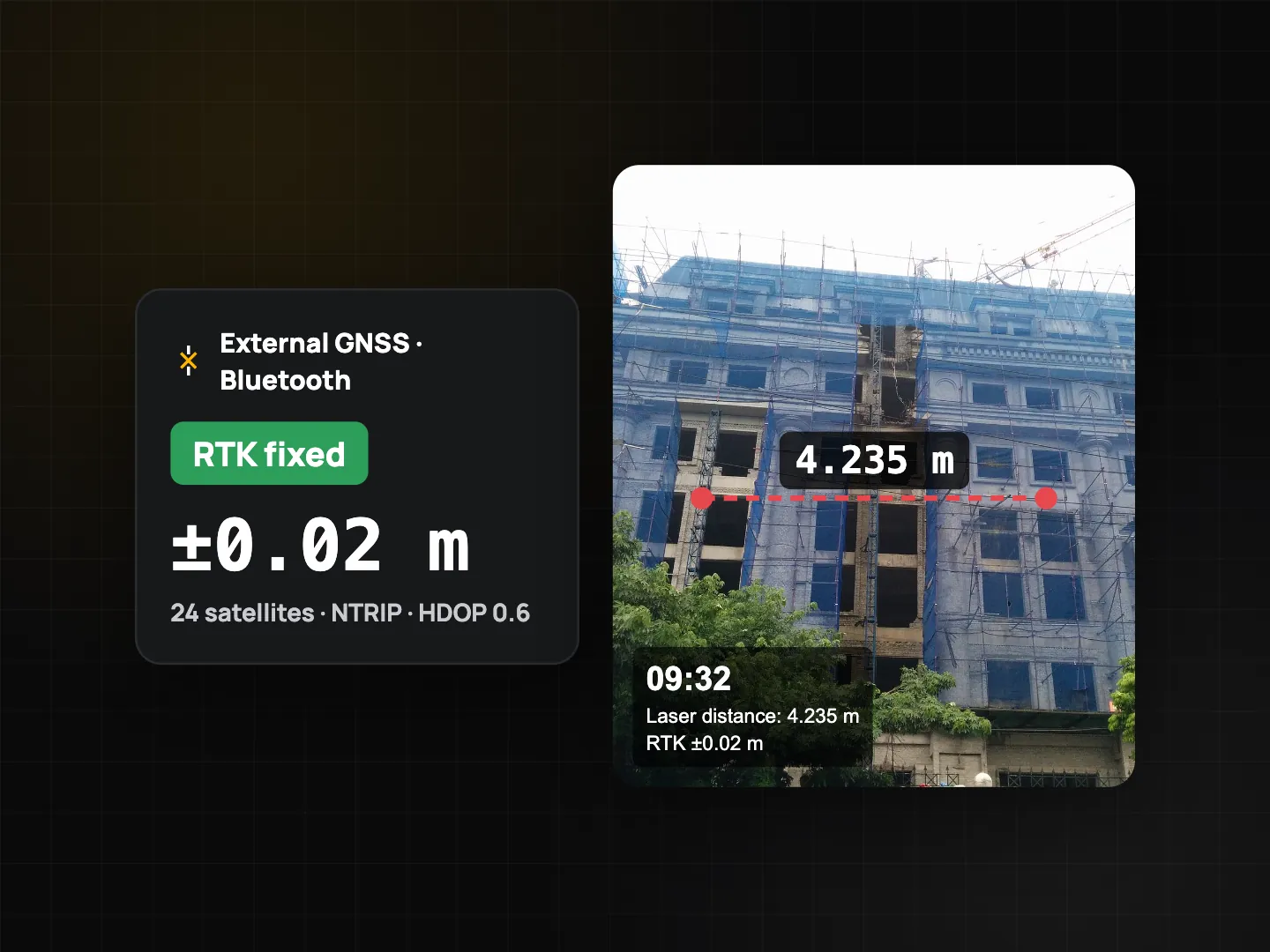
Safety checks:
- If the receiver's last fix is more than 3 seconds old, for example when Bluetooth drops, ProofCam goes back to the phone's GNSS. The photo always records which source was used.
- If the receiver's position and the phone's own GNSS disagree, the photo is flagged so a reviewer can look more closely.
Android and iOS differences
| Android | iOS | |
|---|---|---|
| Bluetooth Classic (SPP) receivers | ✓ | Not supported (iOS doesn't allow it) |
| Bluetooth LE serial (UART) receivers | ✓ | ✓ |
| Accessories that feed iOS Location Services | n/a | ✓ |
| NTRIP corrections | ✓ | ✓ |
Many survey receivers use Bluetooth Classic. On iPhone, check that your receiver offers a BLE serial mode or works as an iOS location accessory. ProofCam doesn't use brand-specific protocols, so receivers that output standard NMEA text work best.
Laser distance meters
Laser readings can also go on the photo (Business):
- Keyboard mode: many laser meters can act as a Bluetooth keyboard. Tap the input field in ProofCam, take the measurement and the value is typed in.
- Text over Bluetooth: meters that send their readings as text are read directly (Bluetooth Classic or BLE on Android, BLE on iOS).
ProofCam reads meters, centimeters, millimeters, feet and inches, including a decimal comma.
Hardware varies a lot between models, so test your receiver or laser meter with ProofCam before you rely on it in the field.
Tips
- Hold still for sound and vibration readings, and keep your hand off the microphone.
- Shoot one photo per reading so each value matches a clear scene.
- Check the fix type before an RTK photo. Only "RTK FIXED" gives centimeter accuracy. "FLOAT" is less precise.
- For location quality in general, see GPS accuracy and the location trust grade.
FAQ
Can a ProofCam dB reading replace a certified sound level meter?
No. It's an estimate from a phone microphone and is labeled that way. It's good for documenting conditions, not for compliance measurements.
Why does my iPhone show a different lux value from my Android phone?
iPhone lux is estimated from the camera exposure, while Android uses a dedicated light sensor. Calibrating each phone against the same reference meter brings them closer.
My RTK receiver only has Bluetooth Classic. Will it work on iPhone?
Not directly. iOS doesn't allow apps to connect to Bluetooth Classic serial devices. Use an Android phone, or a receiver with BLE serial or iOS location-accessory support.