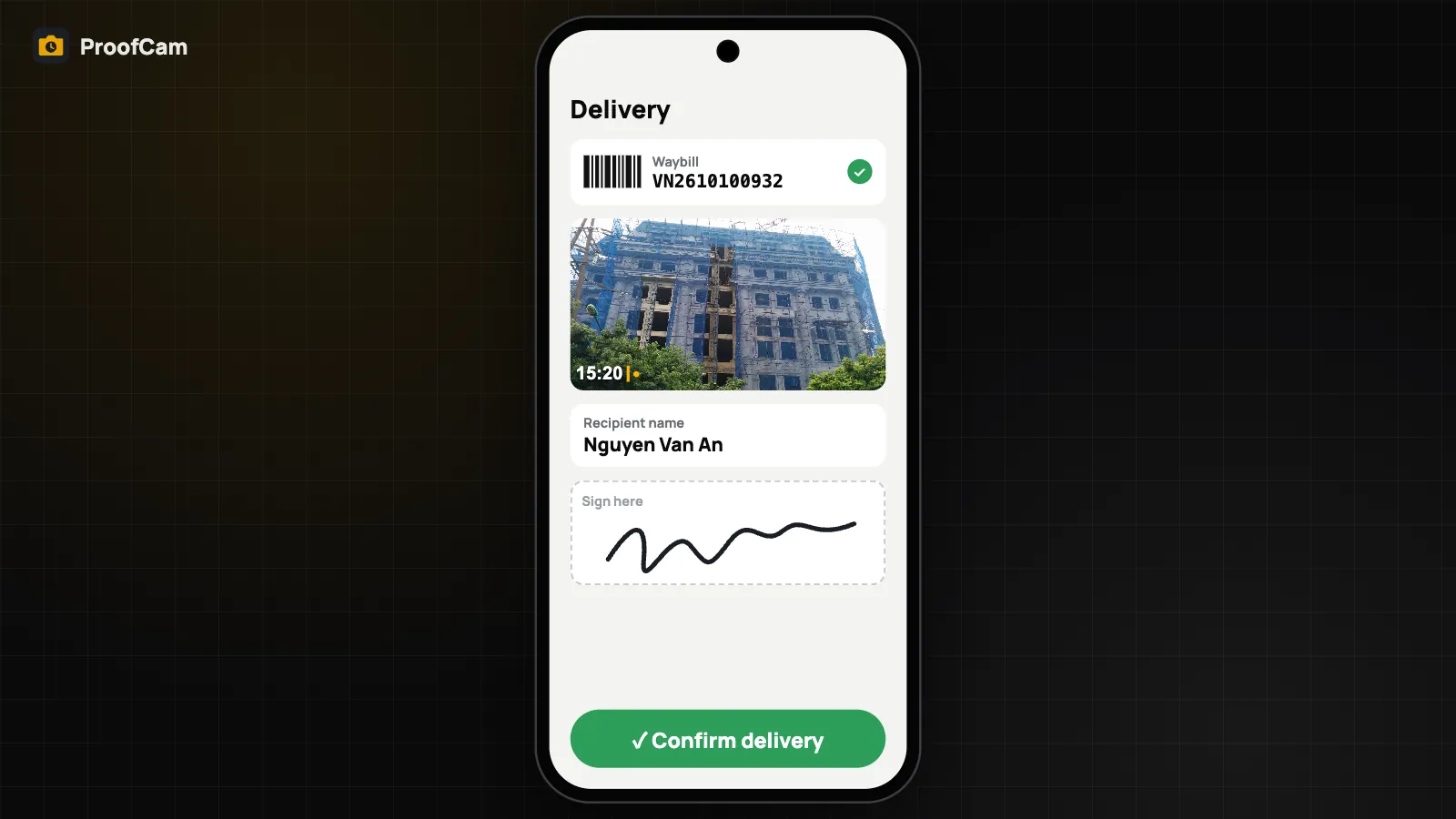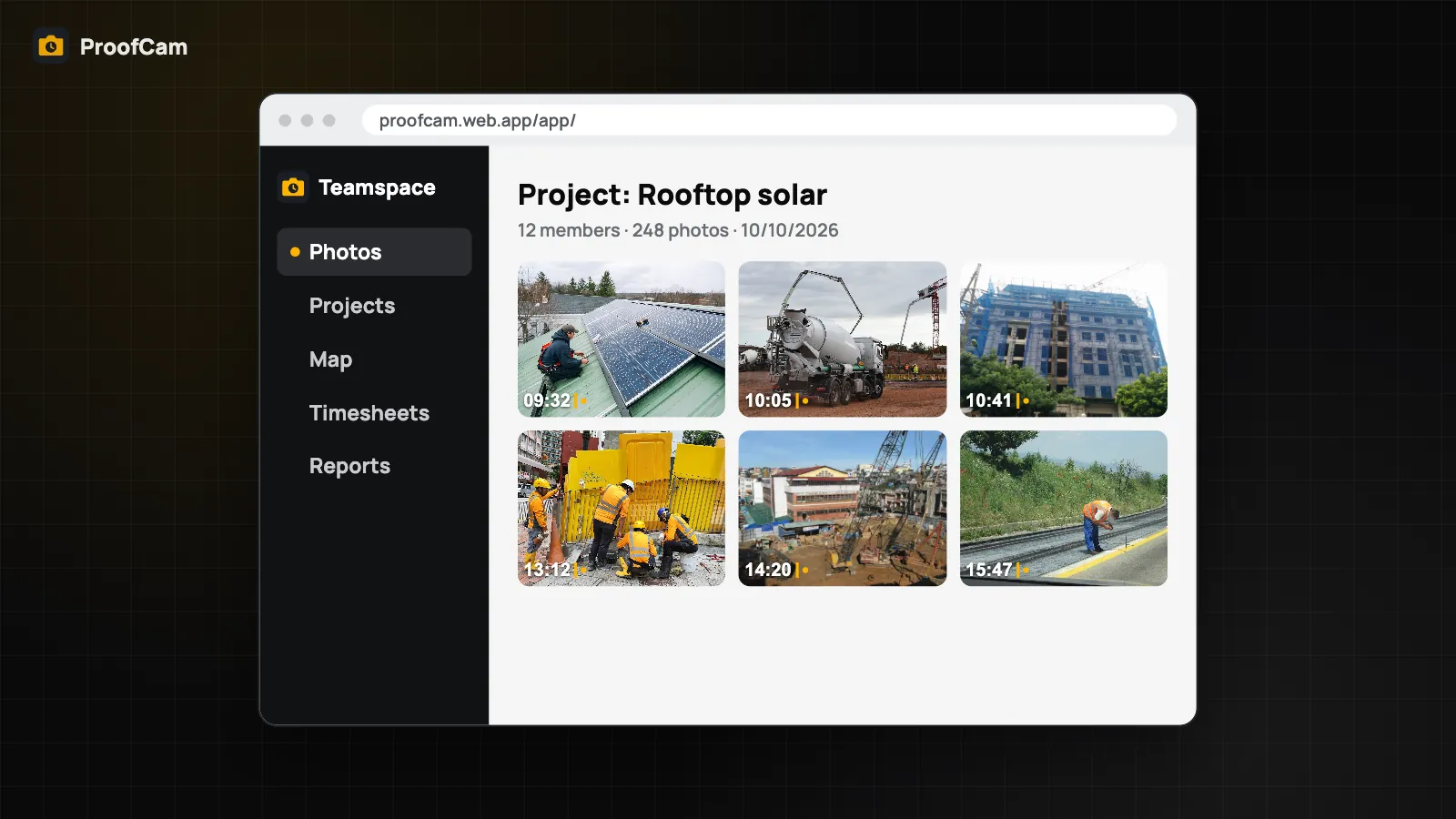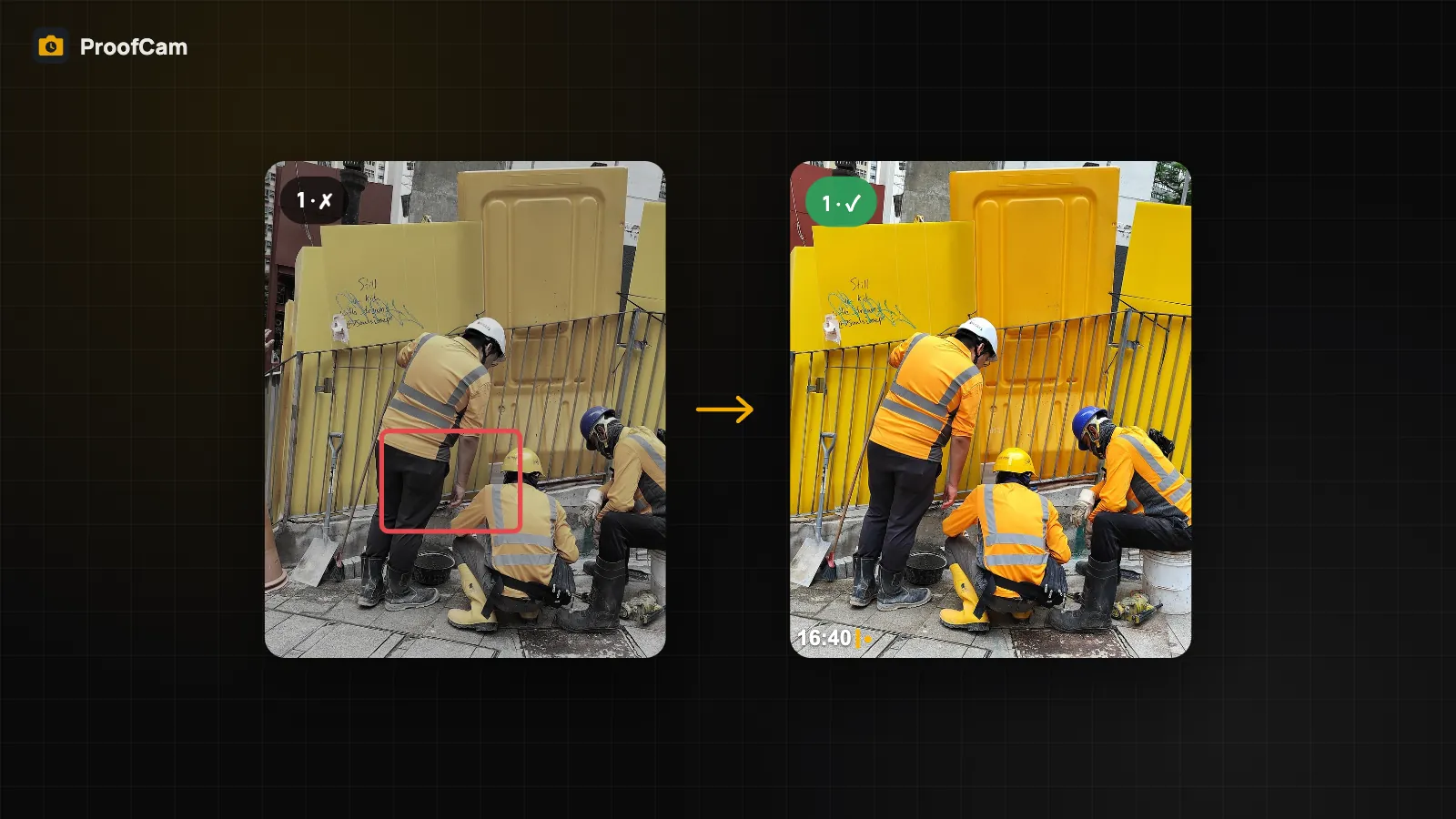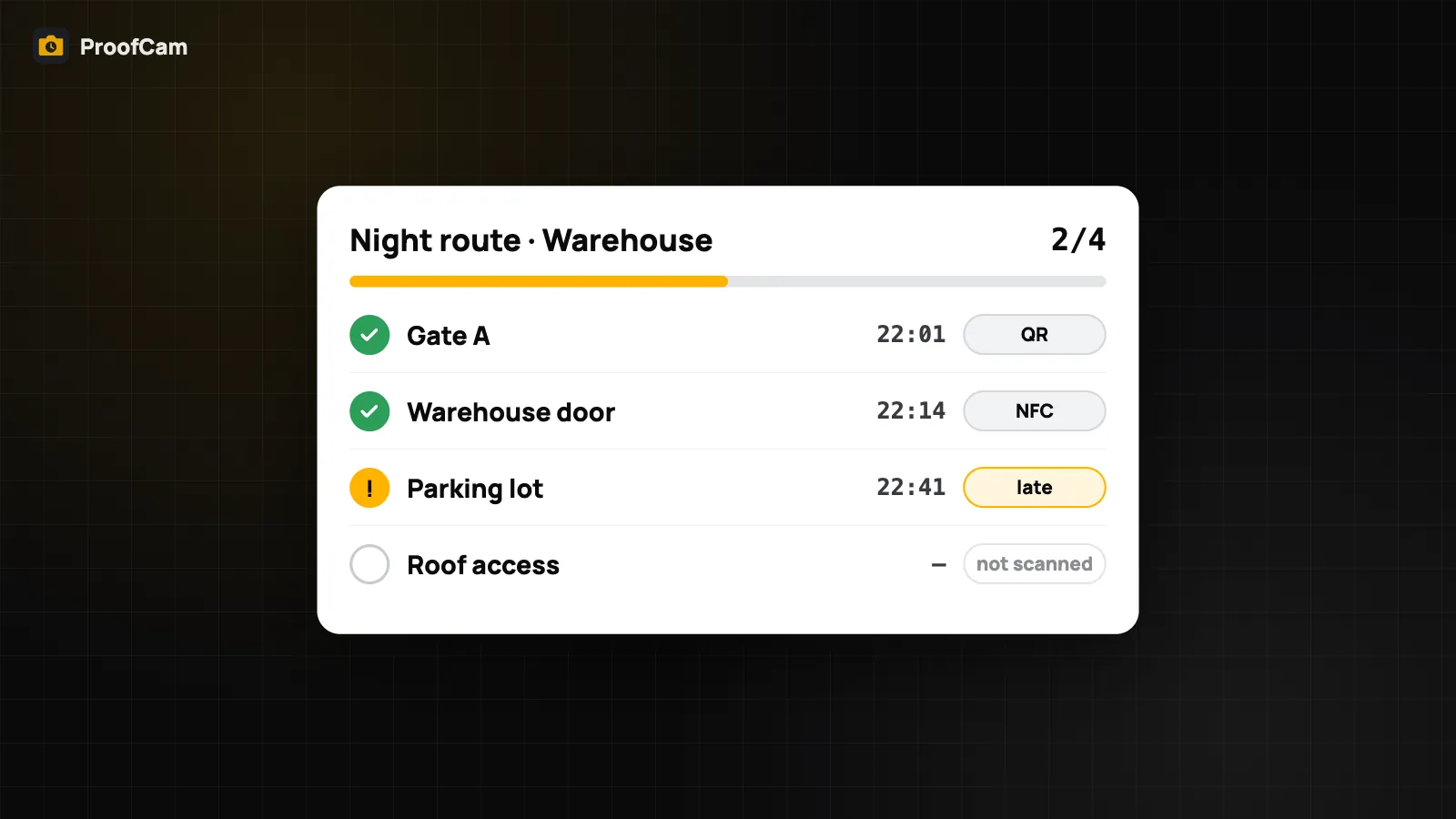
A paper patrol log is easy to fill in at the end of the shift from the guard booth. A checkpoint scan with a stamped photo is not. ProofCam's Patrol mode turns each round into a set of time-stamped, location-stamped photos tied to real checkpoints, and shows the supervisor which rounds were on time, late or missed.
Patrol is a Business add-on for Teamspace teams, and it's included during the 14-day Business trial.
How patrol works
The setup has three pieces, all managed in the Teamspace web portal at /app/patrol:
- Checkpoints. Each checkpoint has a name ("Gate A", "Car park B2", "Roof door"), an optional map position and radius, and either a QR code, an NFC tag, or both. The portal prints QR stickers on A4 sheets ready to laminate.
- Routes. A route is a list of checkpoints, optionally in a fixed order, assigned to guards, with a schedule: shift start and end, how often a round repeats, which weekdays, and a tolerance window.
- Reports. After each round, ProofCam marks every checkpoint as on time, late or missed. Managers can export the report to Excel or CSV.
What the guard does
On the phone, Patrol appears as a mode on the camera (once the team has the add-on and the guard has team upload on).
- Open Patrol and check today's route: which checkpoints are done, which are left.
- At a checkpoint, point the camera at the QR sticker, or hold the phone to the NFC tag.
- ProofCam takes a stamped photo automatically, titled "Checkpoint: Gate A" with the time, GPS position and Photo Code.
- Walk to the next checkpoint.
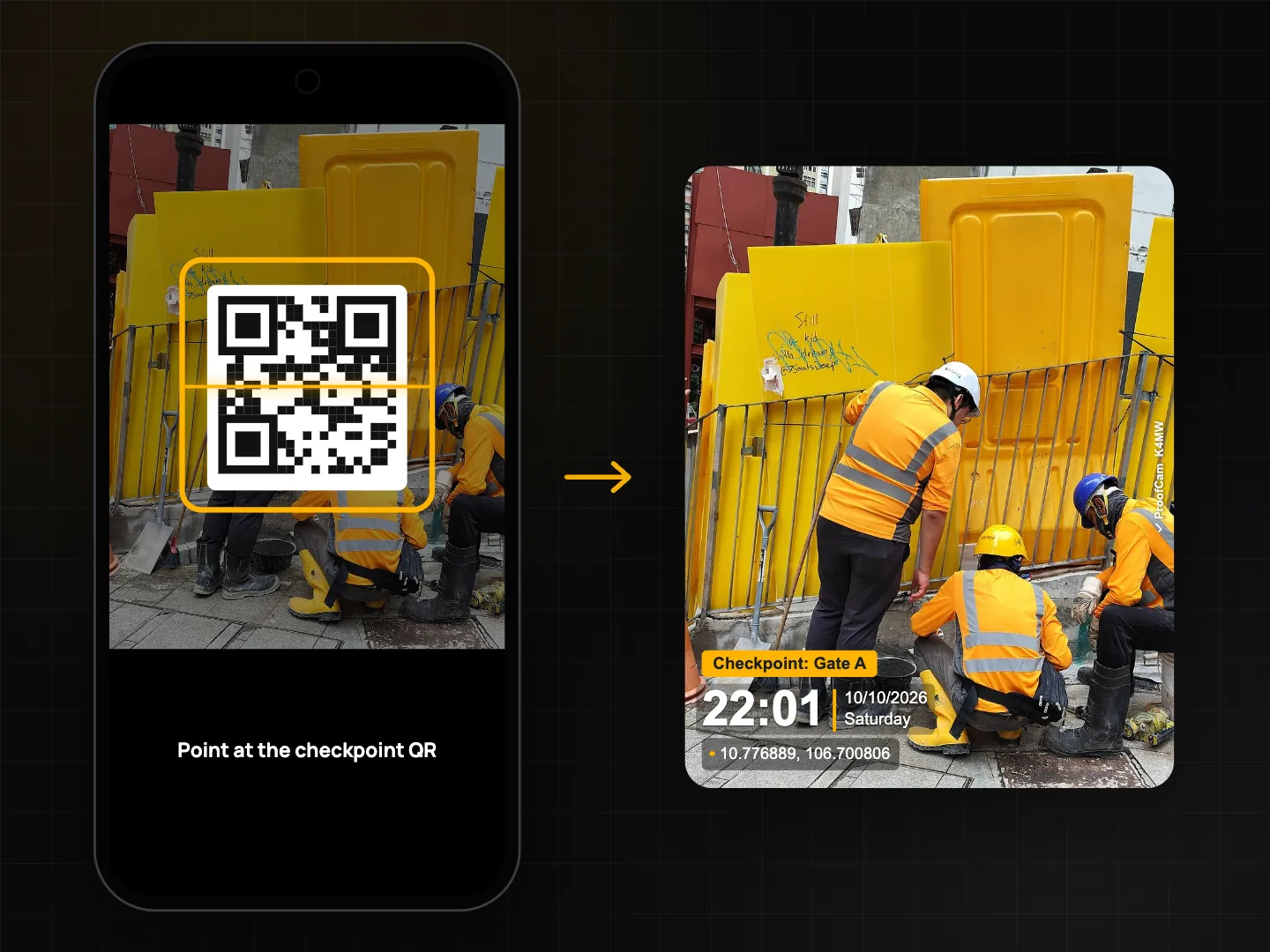
Each QR code is signed for its team and checkpoint, so a code from another site or a home-made copy is rejected with a clear reason ("This checkpoint belongs to another team", "Invalid checkpoint signature"). Once the photo uploads, the scan is verified by the server, which also checks the distance from the checkpoint's position when one is set.
No signal in the basement? The scan and photo are saved on the phone and marked as waiting for verification. They're checked as soon as the phone is back online.
On time, late or missed
Rounds are judged a little after their window closes, which leaves time for delayed uploads. For each checkpoint, the first verified scan inside the window counts. A scan after the on-time limit is late; a checkpoint with no scan is missed. Supervisors see this per round in the portal, and a round with missed checkpoints can also trigger a webhook for your own system.
Report an incident
Guards don't just walk. When something is wrong (a broken lock, a leak, an unknown vehicle) they tap Report incident and add:
- a type and severity (low, medium, high or critical),
- a note,
- photos, stamped like every ProofCam photo.
Incidents can be linked to the checkpoint and route, and managers close or reopen them in the portal.
Motion evidence
If the guard allows motion access, each checkpoint photo can also record steps, distance and time since the previous checkpoint, plus the activity (walking, still or in a vehicle), for example "412 steps, 290 m, 6 min, walking". The data is read once per scan from the phone's step counter (Android) or Motion & Fitness (iPhone), with no continuous tracking. If three distant checkpoints are scanned with zero steps in between, the scan is flagged. Decline the permission and patrol still works, without this line.
Bluetooth beacons as an extra signal
If you place Bluetooth beacons (iBeacon or Eddystone-UID) at checkpoints, the phone can record the nearby beacons it sees during a scan, stored as hashed IDs with signal strength. It's an additional signal attached to the evidence, not a replacement for the QR or NFC scan, and the phone only records it. On iPhone, iBeacon needs the beacon UUID entered on the Patrol screen.
Tips for a smooth rollout
- Put QR stickers at chest height, out of direct rain, and add NFC tags where stickers get damaged.
- Name checkpoints the way guards say them ("Gate A", not "CP-01").
- Start with a generous tolerance, then tighten it once you see real round times.
- Ask guards to keep team upload on so scans verify quickly.
Platforms and plan
Patrol works on Android and iPhone. NFC scanning needs a phone with NFC. Routes, checkpoints, QR stickers and reports are managed in the web portal. Patrol requires a Business team with the Patrol add-on, or a team in its trial.
FAQ
Can a guard scan a photo of the QR code instead of the real sticker?
The QR is signed for your team and checkpoint, so codes from elsewhere are rejected. A photocopy of your own sticker would still scan, which is why each scan also records GPS, time, a stamped photo and optional motion data. Pair QR with NFC tags or position checks at sensitive points.
What if the phone has no signal during the round?
Scans and photos are stored on the phone and verified once it reconnects. Rounds are judged after a short grace period, so late uploads still count.
Does ProofCam track guards between checkpoints?
No. There's no continuous location tracking. Location is read at the scan, and steps are queried once per scan when allowed.
Related: fake GPS and mock location detection and offline photo proof without internet.