Field crews rarely share one language. A Thai technician works next to a Vietnamese site engineer, a Korean client reviews the photos from Seoul, and the main contractor writes notes in a mix of both. If the stamp on every photo says "Địa chỉ" and "Thời tiết", half the people reading the report have to guess what each line means.
ProofCam lets you change watermark language independently of the language the app itself uses, and it can translate photo notes right on the phone, without sending them anywhere. This guide shows where the settings are, what changes on the photo, and how translation works offline on Android and iPhone.
Two settings: app language and watermark language
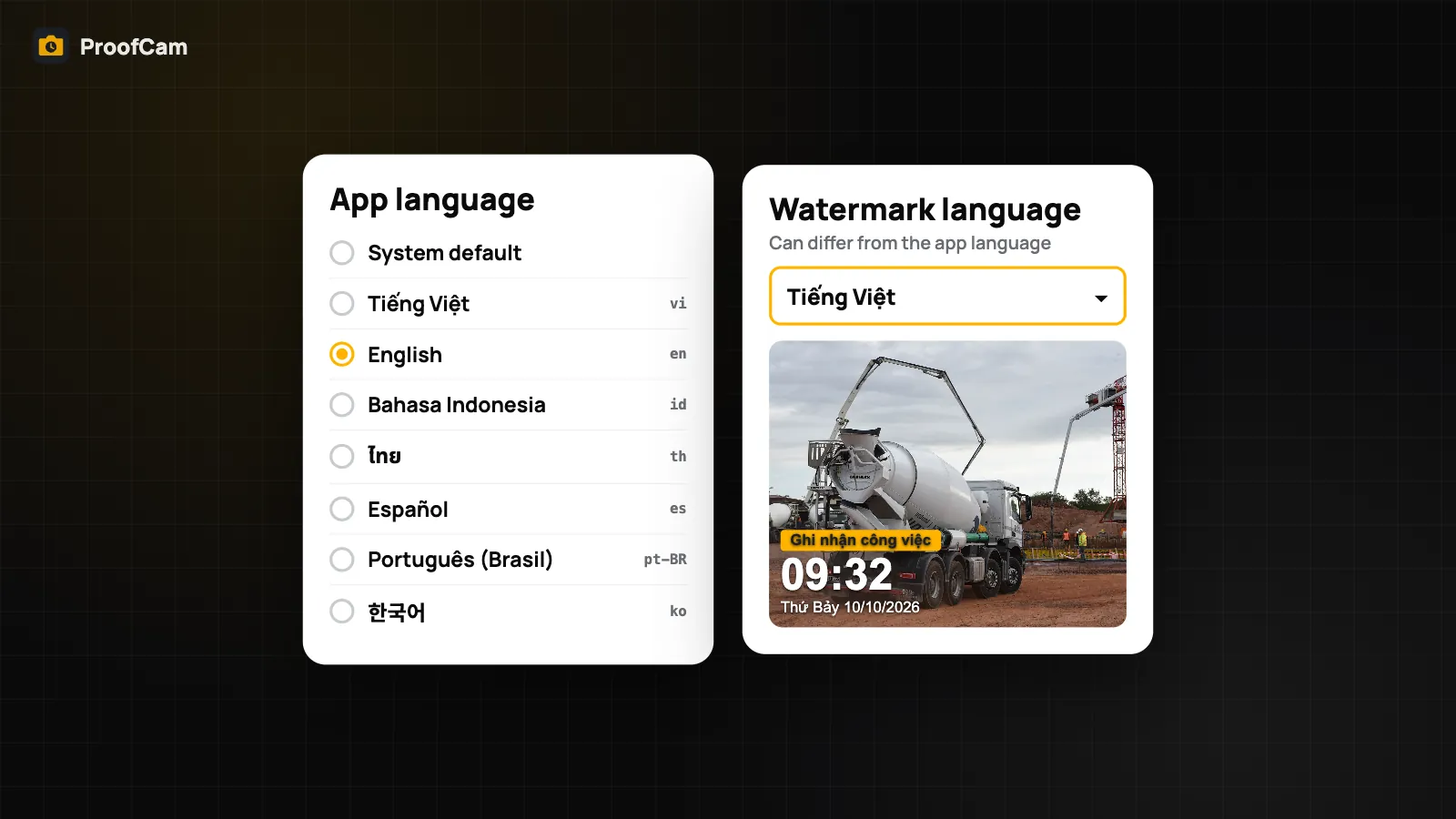
ProofCam keeps two language choices apart, because the person holding the phone and the person reading the photo are often not the same.
- App language is what you see on buttons, menus and messages. The apps come in 7 languages: Tiếng Việt, English, Bahasa Indonesia, ไทย (Thai), Español, Português (Brasil) and 한국어 (Korean), plus System default, which follows the phone's own language.
- Watermark language is what gets printed on the photo. Its default is Same as app, but you can pick any of the 7 languages for the stamp alone.
So a technician can run the app in Thai while every photo leaves the phone with an English stamp for the client. Nothing else about the photo changes: the time, GPS position, address and Photo Code are captured the same way, whatever language the labels are in.
How to change watermark language
The setting lives in the same place on Android and iPhone, and it is free.
- Open Settings → Language.
- Under Watermark language, pick one of the 7 languages, or leave it on Same as app.
- Take a test photo and check the stamp.
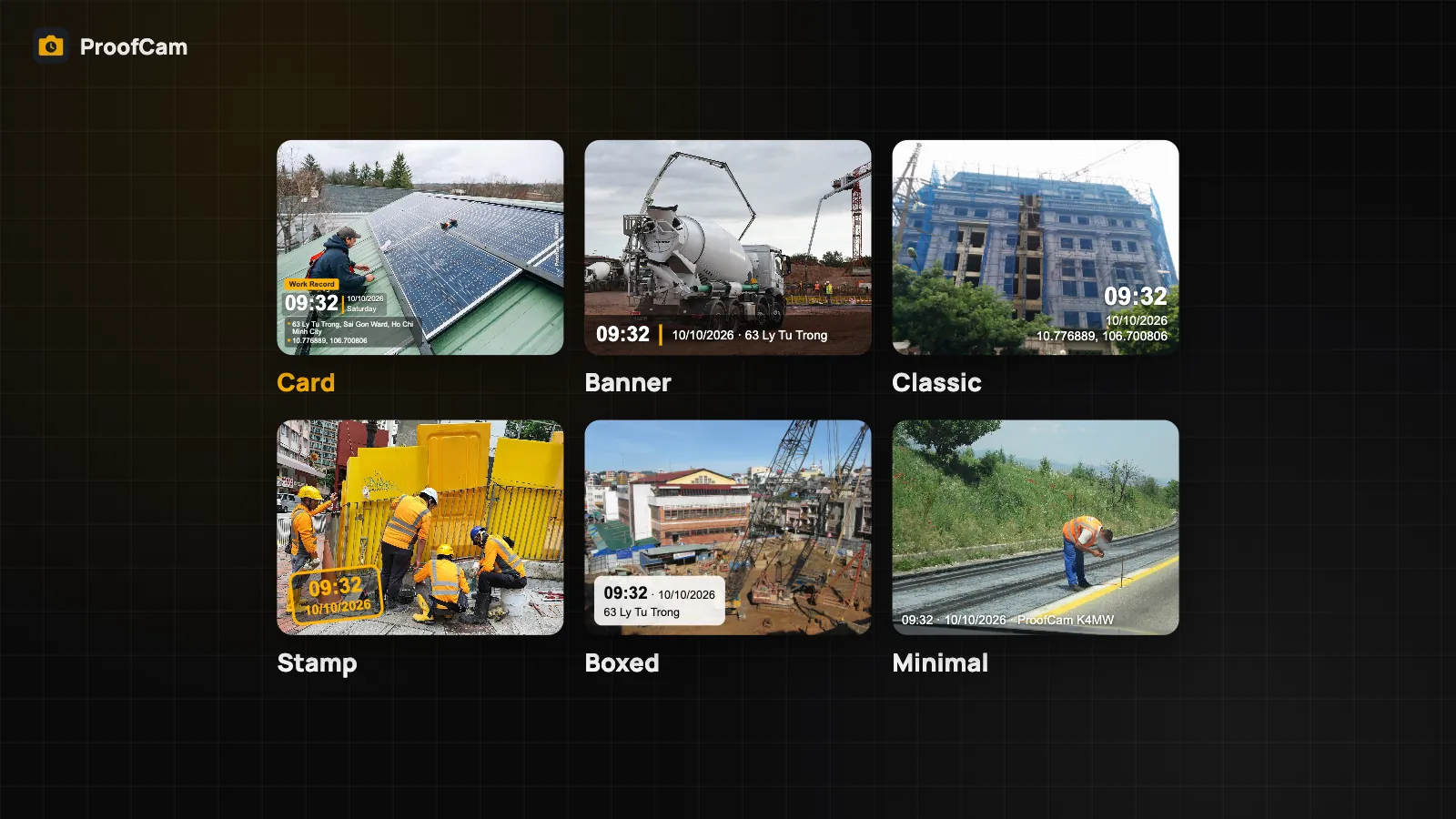
The watermark language covers the fixed labels ProofCam prints, for example Address, Alt (altitude), Weather, Notes, Floor and the weekday next to the date. The stamp is drawn when you press the shutter, so the change applies to photos you take from then on.
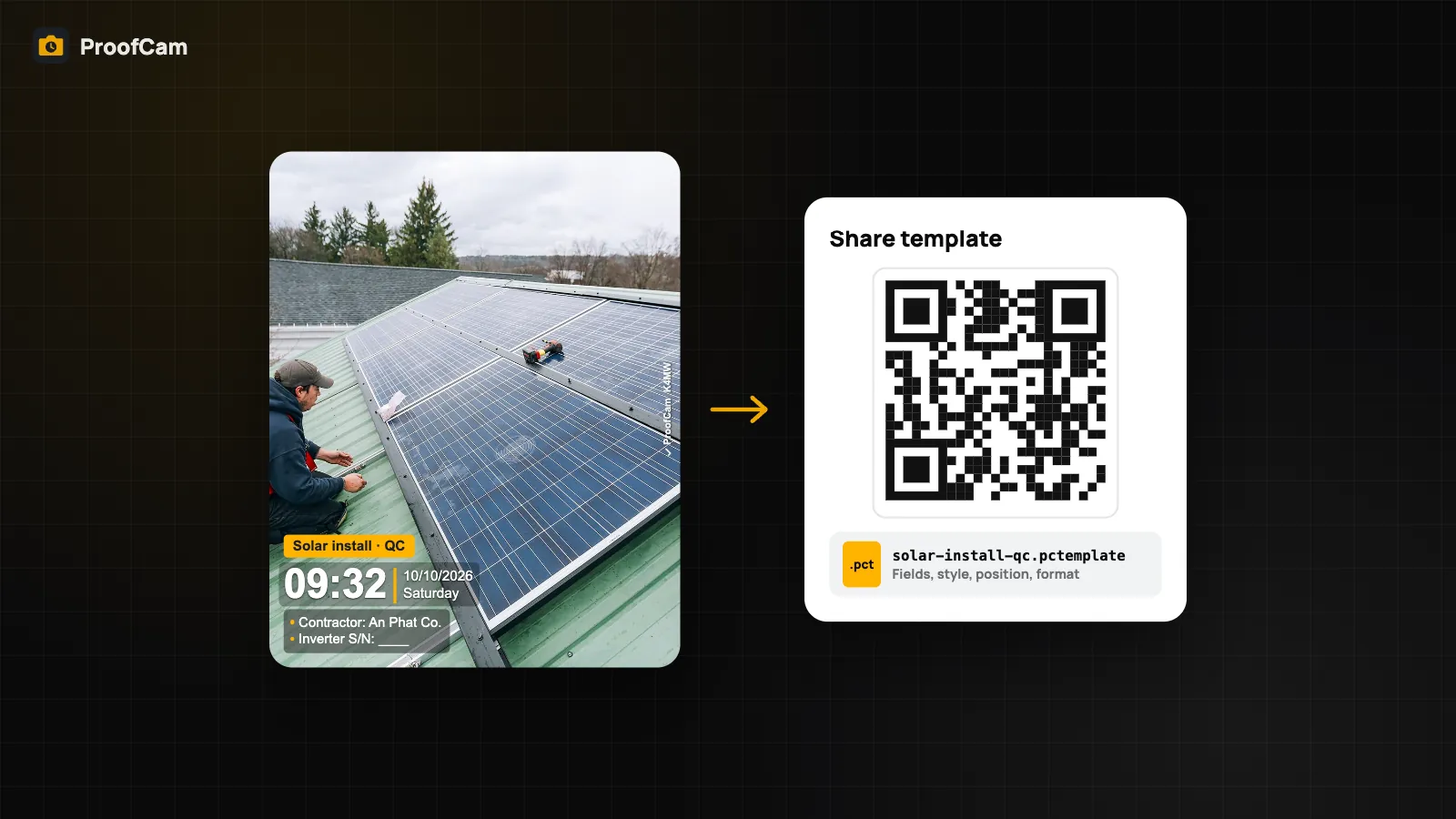
What does not change is anything you typed yourself. Your notes, tags and the labels of your custom fields stay exactly as written, because ProofCam can't know which language you meant them to be in. If your client reads English, write custom field labels such as "Contractor" or "Zone" in English in the template. Templates and their fields are covered in the guide to watermark templates, styles and custom fields.
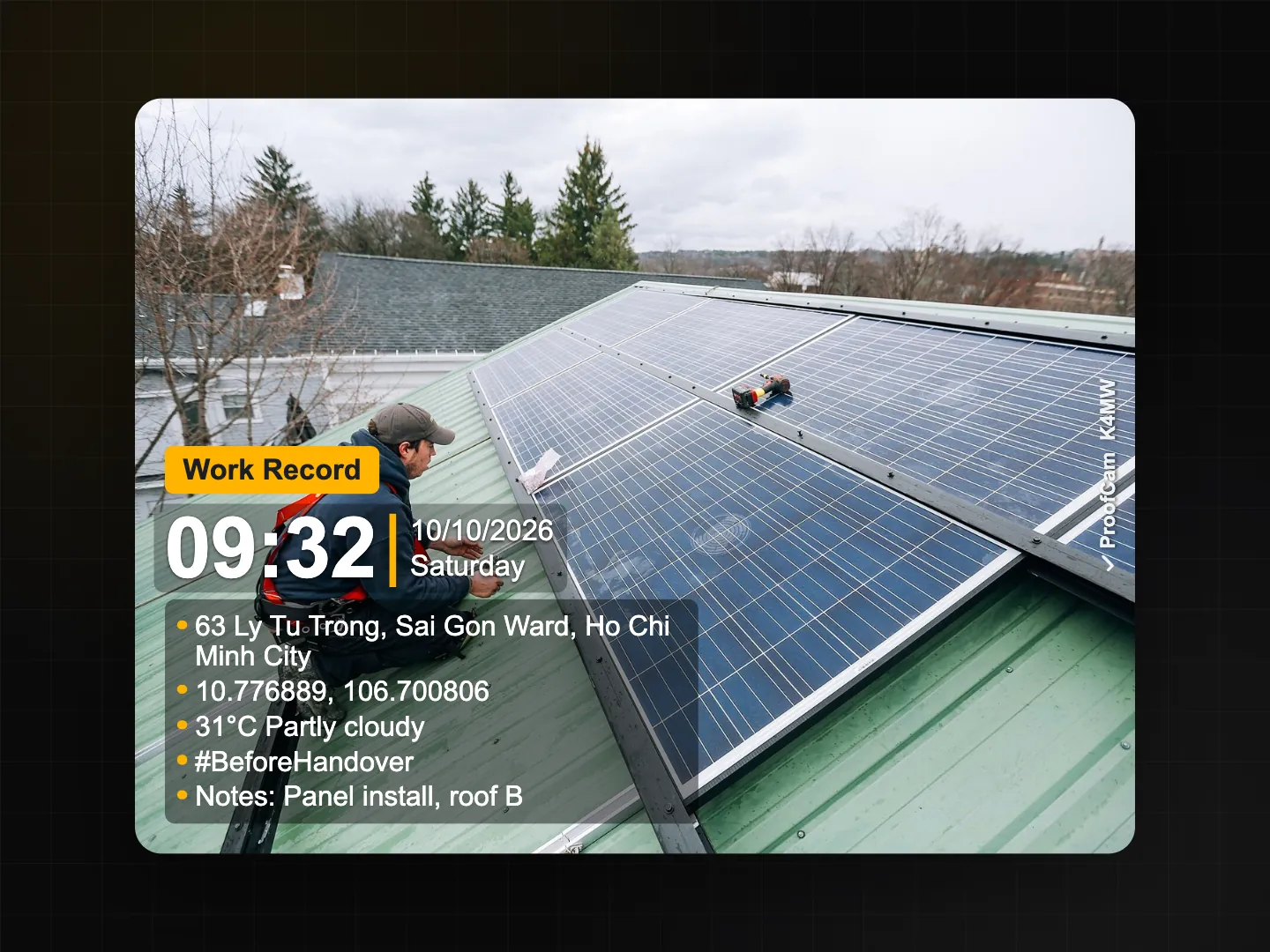
App language settings for multilingual field teams
Each phone keeps its own app language, so every member of a crew can use the language they read best. A few practical points:
- System default is the simplest choice for most people: the app follows the phone.
- If a phone is shared between shifts, set the app language to what most users read and leave the watermark language fixed to what the client reads.
- The Teamspace web portal at /app/ is available in English and Vietnamese only. Managers who prefer another language can still read the stamps on the photos, because those were printed in the watermark language chosen on the phone.
For a team, it helps to agree on one watermark language per project and put it in a shared template, so the photos in a report look consistent. In a factory audit, for example, all inspection photos can carry an English stamp even when the line supervisors use the app in Vietnamese or Korean. The equipment inspection and 5S audit guide shows how those photos end up in checklists and reports.
Translate notes offline on the phone
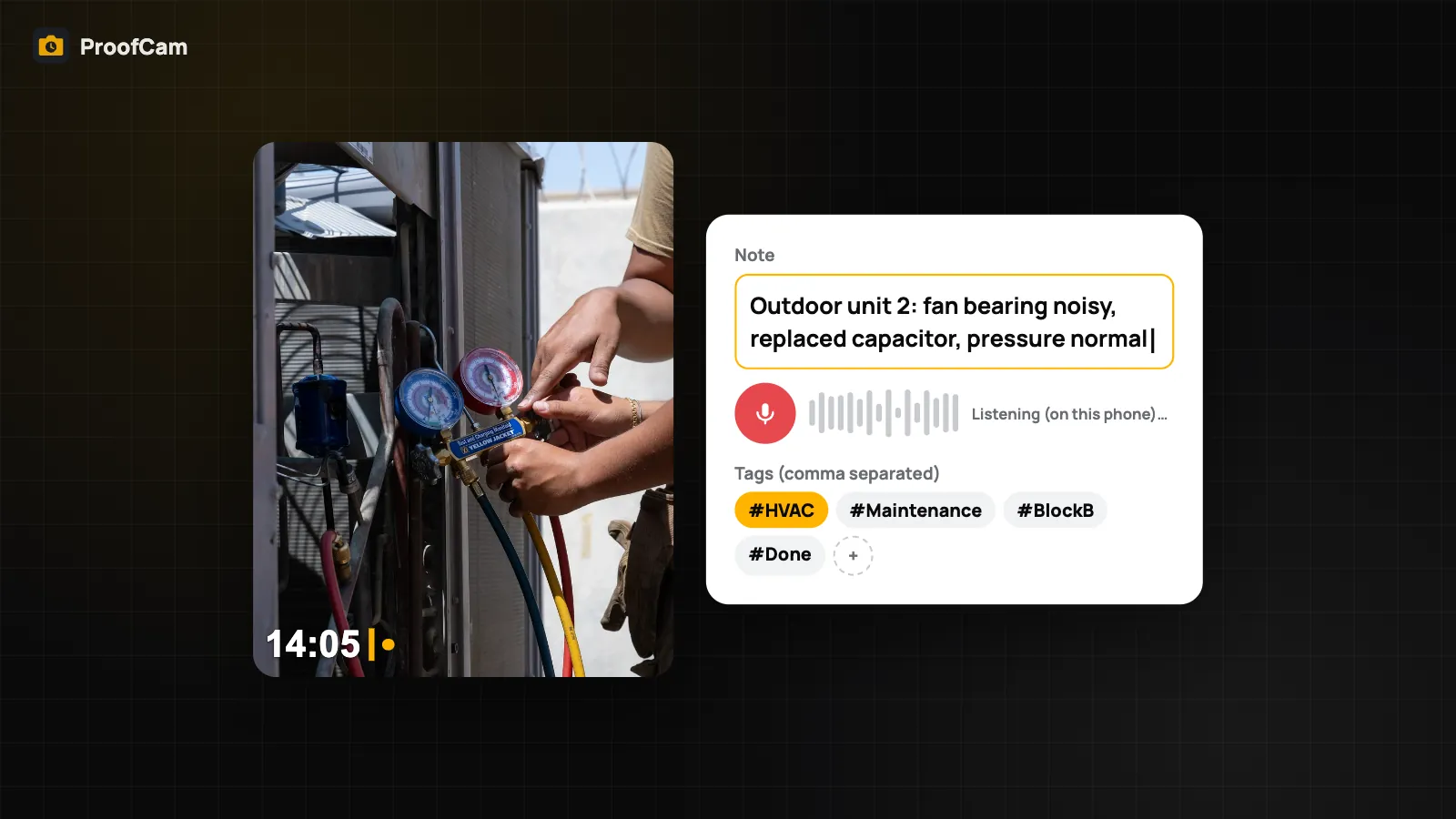
Notes are where language gets messy. A worker writes "nứt chân tường, cần trám lại" and the client's engineer needs it in English. ProofCam can translate a photo's note on the phone itself.
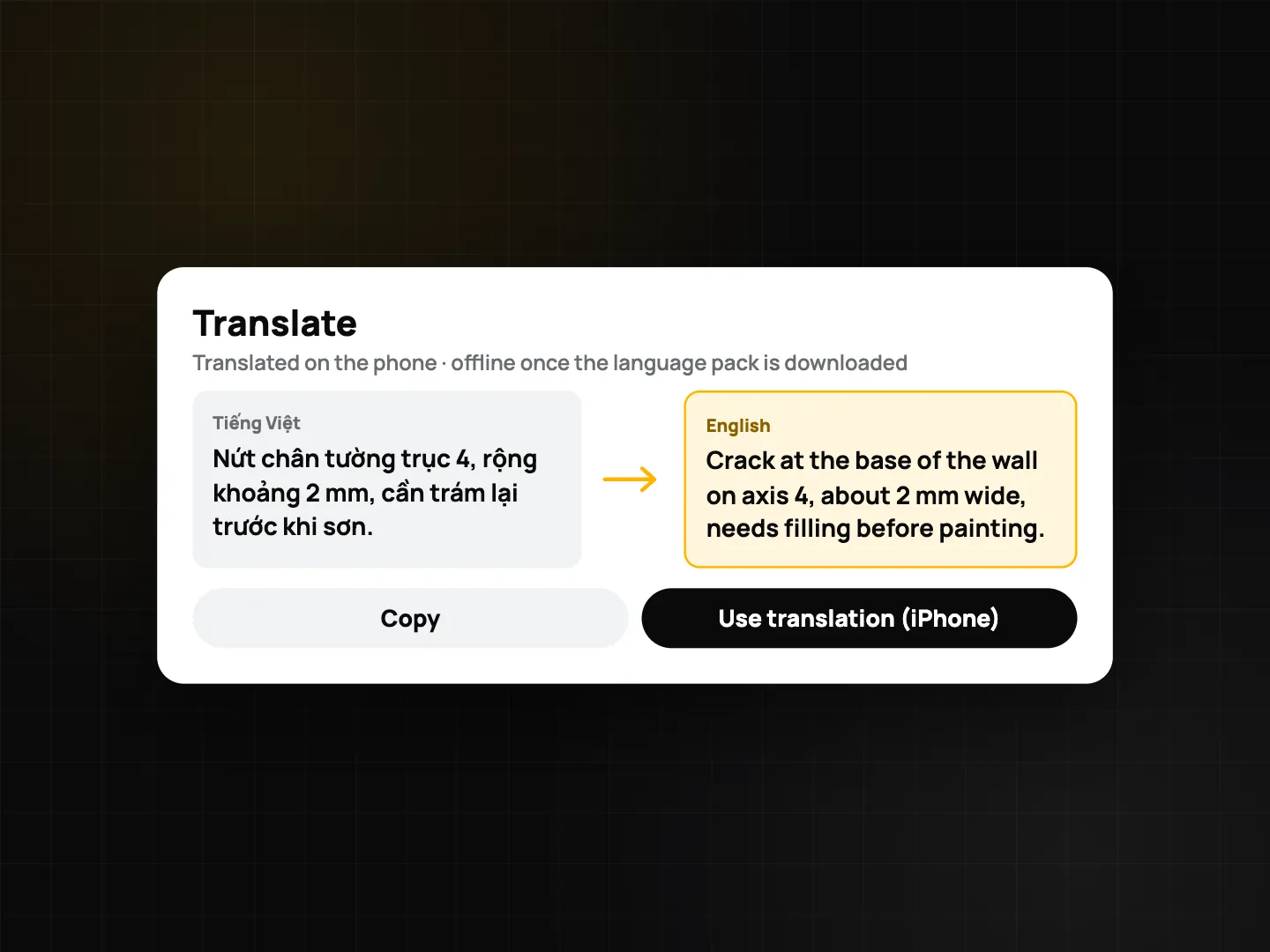
On Android: open the photo, go to Notes and tap Translate.
- Translation uses Google ML Kit's on-device translation and covers Vietnamese, English, Indonesian, Thai, Spanish, Portuguese and Korean.
- ProofCam guesses the source language with a simple built-in check.
- The first time you need a language, the app asks before downloading its language pack (about 30 MB, once, over Wi-Fi). After that, translation works with no connection at all.
- The result appears in a dialog. Your original note is not replaced; you copy the translation and paste it where you need it, for example in a comment or a report.
On iPhone: translation uses Apple's Translation framework on iOS 17.4 and later.
- On iOS 18 and later you can choose Use translation to replace the note, or Copy.
- On iOS 17.4 to 17.x, the system translation sheet opens instead.
- iOS manages the language downloads itself, in the system settings.
Only notes are translated. The watermark labels already follow the watermark language, and comments in Teamspace are not translated.
What stays on the phone
Translation runs entirely on the device. The note text is not sent to ProofCam's servers, and once the language pack is installed, it works in a basement or a tunnel with no signal. That matters when notes mention addresses, people's names or defects you haven't reported yet. More on what ProofCam keeps local is in privacy, app lock and Content Credentials.
Tips for mixed-language crews
- Decide who reads the photo. Set the watermark language for the reader, not the photographer.
- Keep notes short and plain. Machine translation handles "crack at column C3, 2 mm" better than long sentences full of site slang.
- Download language packs on Wi-Fi before going to site (Android), so translation is ready when the signal isn't.
- Check numbers and units after translating. Translation can change word order; measurements should still read the same.
- Use English custom field labels in templates meant for foreign clients, since typed labels aren't translated.
On a large build with foreign consultants, this setup lets the crew work in their own language while the construction daily report photos carry stamps the consultant can read.
Which plan and platforms
| Feature | Android | iPhone | Web portal | Plan |
|---|---|---|---|---|
| App language (7 + System default) | Yes | Yes | English and Vietnamese only | Free |
| Watermark language | Yes | Yes | — | Free |
| Translate notes on the phone | Yes (ML Kit, language pack once) | Yes (iOS 17.4+) | — | Android: Plus. iPhone: Plus or a Business team |
FAQ
Does changing the watermark language change photos I already took?
No. The stamp is printed when you take the photo, so the new language applies to photos taken after the change.
Will my notes be translated on the stamp automatically?
No. Notes, tags and custom field labels you typed stay as written. You can translate a note from Photo detail and copy or use the result, depending on the platform.
Do I need internet to translate notes?
Only once on Android, to download the language pack (about 30 MB, over Wi-Fi, after asking you). On iPhone, iOS handles the language downloads. After that, translation runs on the phone with no connection.
Can the web portal be used in Korean or Thai?
Not yet. The Teamspace web portal is in English and Vietnamese. The apps on Android and iPhone support all 7 languages.
Related: timestamp camera for work proof and on-device AI photo captions.