Why can’t the time on a ProofCam photo be faked?
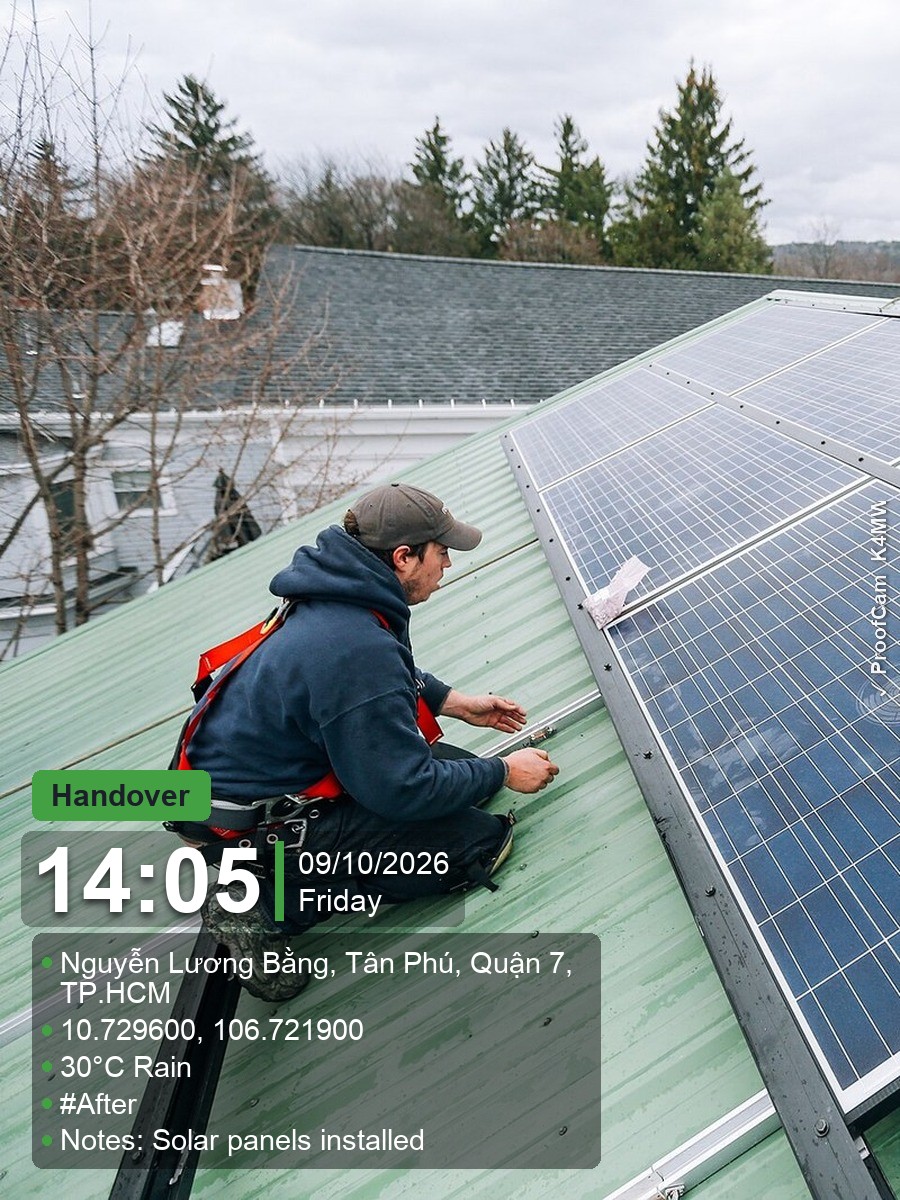
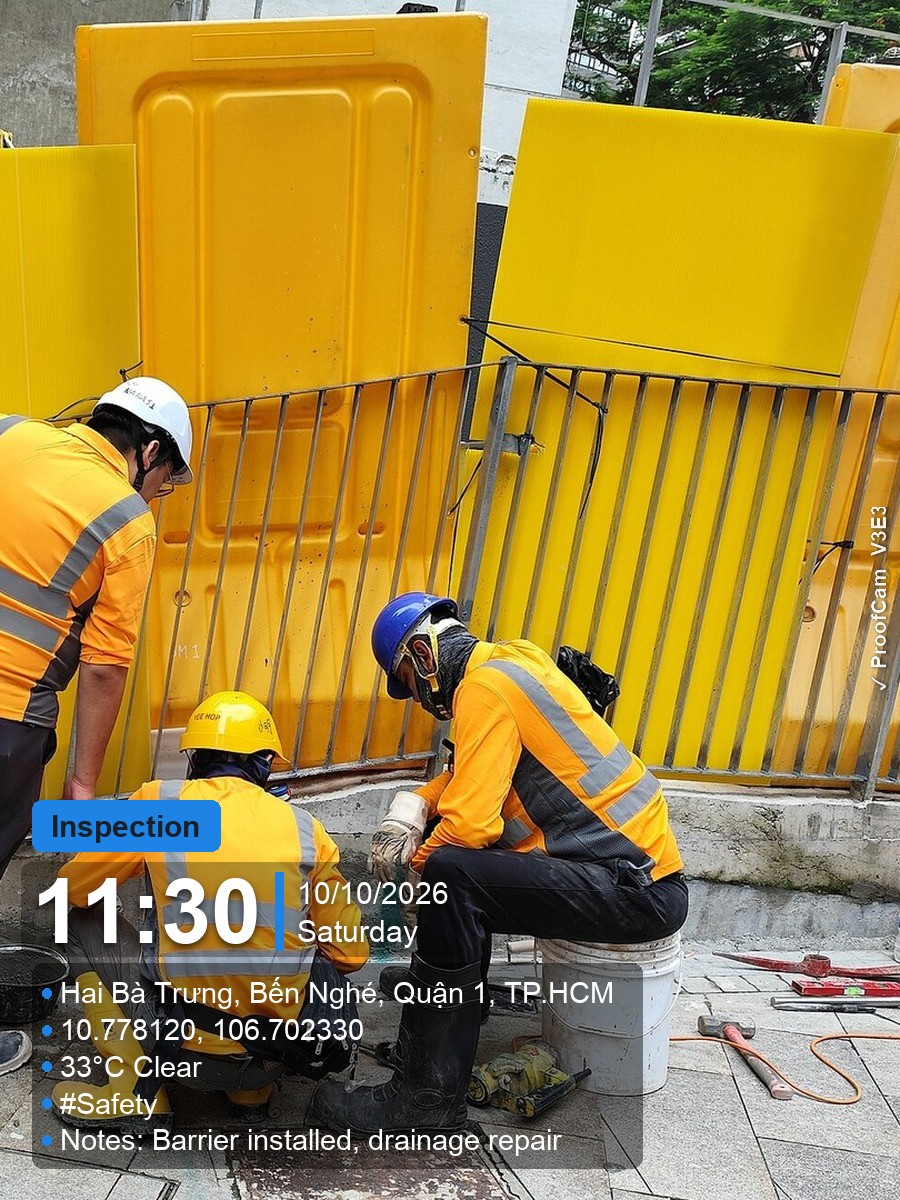
ProofCam never trusts the phone’s clock. It syncs with network time servers (NTP) and the GPS satellites, then anchors that time to the phone’s uptime counter, which keeps running even when you change the date or time zone in settings. Without a network the last sync is still valid, so offline photos keep the correct time. Photos taken before the first sync are marked as unverified.
What is the Photo Code and how does verification work?
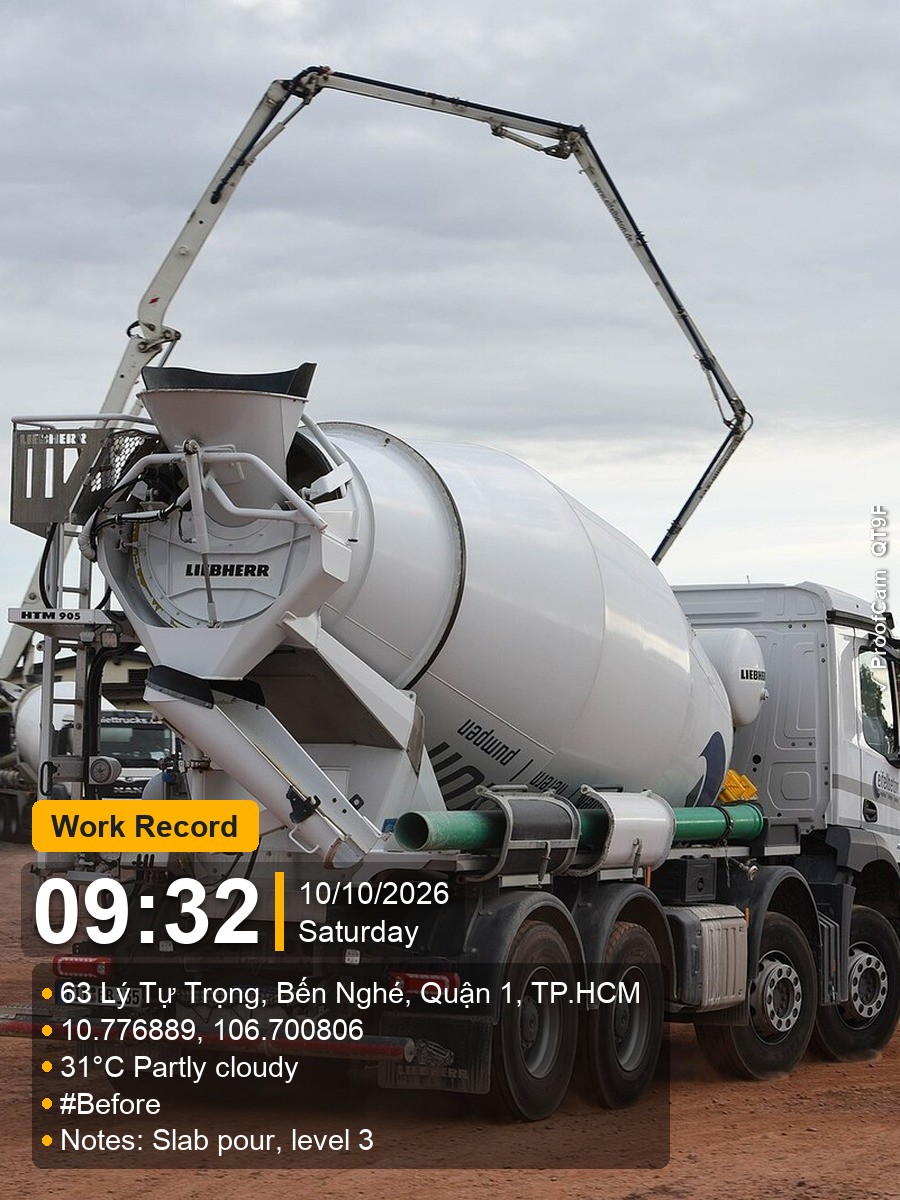
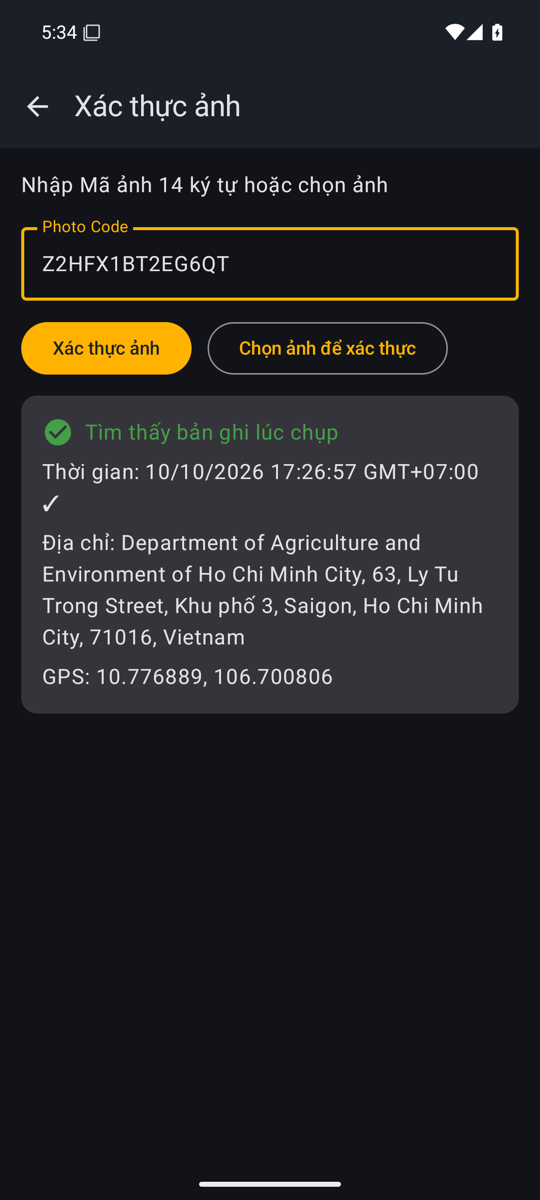
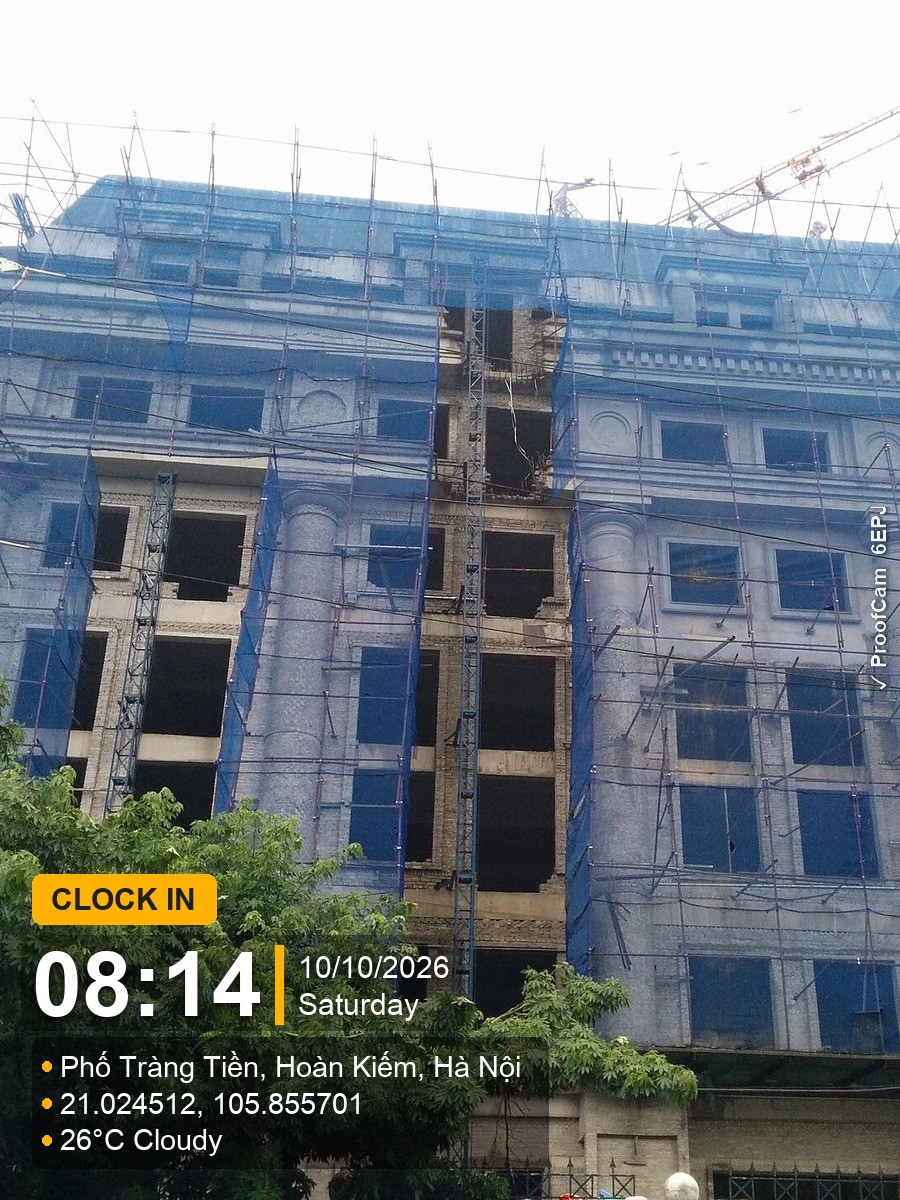
Each photo gets a unique 14-character code printed on the image and written into its EXIF data. When the photo is saved, ProofCam registers the code with the capture time, place and a SHA-256 fingerprint of the file. Enter the code above to see the original record. Add the file and we compare fingerprints: an exact match means it is the original. Chat apps like Zalo or Messenger recompress images, so a forwarded copy shows as a “modified copy” — but the code record still shows the original time and place.
Does it work without internet?
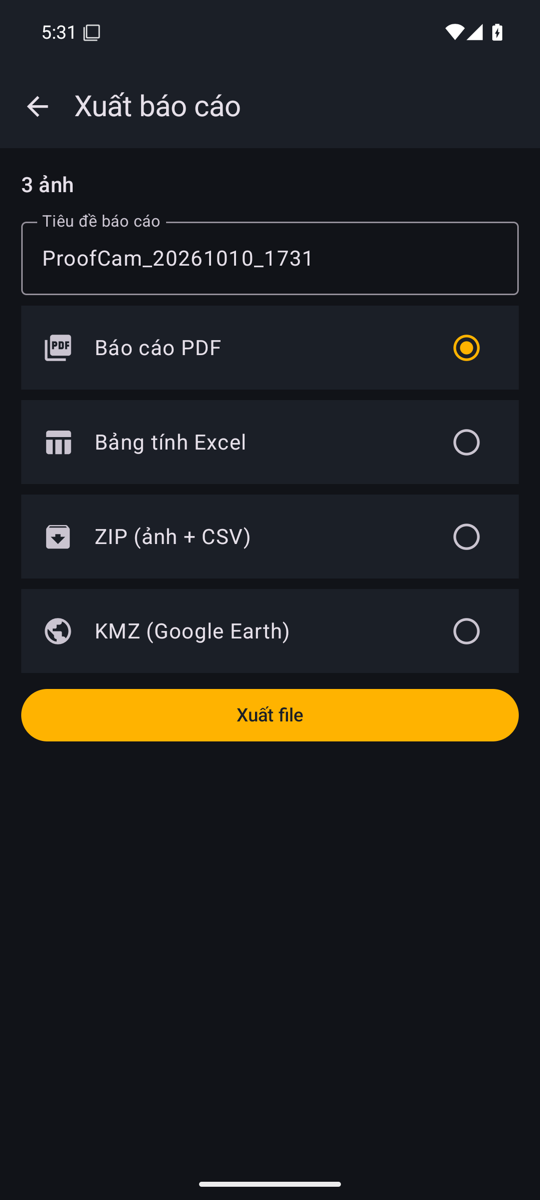
Yes. Capture, watermarking, timesheets, checklists and exports all work offline. Addresses and weather fill in from the last known data, Photo Codes come from a pool stored on the phone, and Teamspace uploads wait in a queue until you are back online. Codes registered more than 24 hours after capture are flagged as late registration.
Where are my photos stored?
On your phone. Personal photos are never uploaded; only the Photo Code record (time, place and file fingerprint) is stored so the code can be verified. If you join a Teamspace, photos you take for that team are synced to the team’s cloud storage in Google Cloud’s Singapore region. See the privacy policy.
What is the difference between Free, Plus and Business?
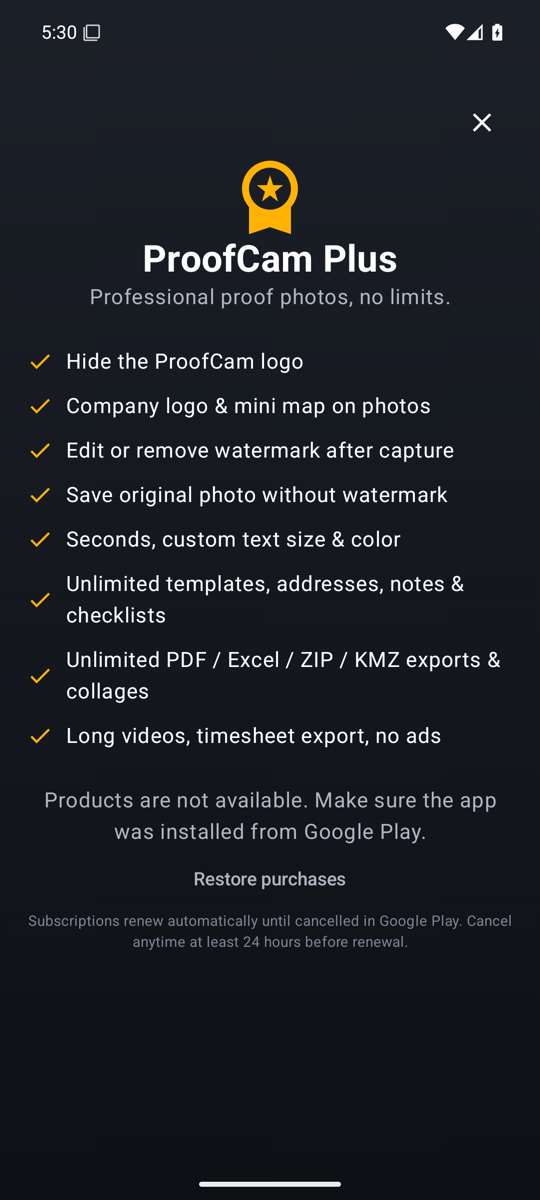
Free covers everything you need to take proof photos, with ads and exports of up to 10 photos at a time. Plus is a personal upgrade bought in the App Store or Google Play: no ads, company logo and map, editing the watermark after capture, originals and unlimited exports. Business is for teams: a shared Teamspace with 300,000 photos, unlimited projects, roles, the web portal, share links and webhooks, billed per member.
Is there an iPhone app?
Yes. ProofCam is available for iPhone on the App Store and for Android on Google Play. Anyone can verify a ProofCam photo on this page from any phone or computer, and team managers can use the web portal from any browser.
Can I edit a photo after taking it?
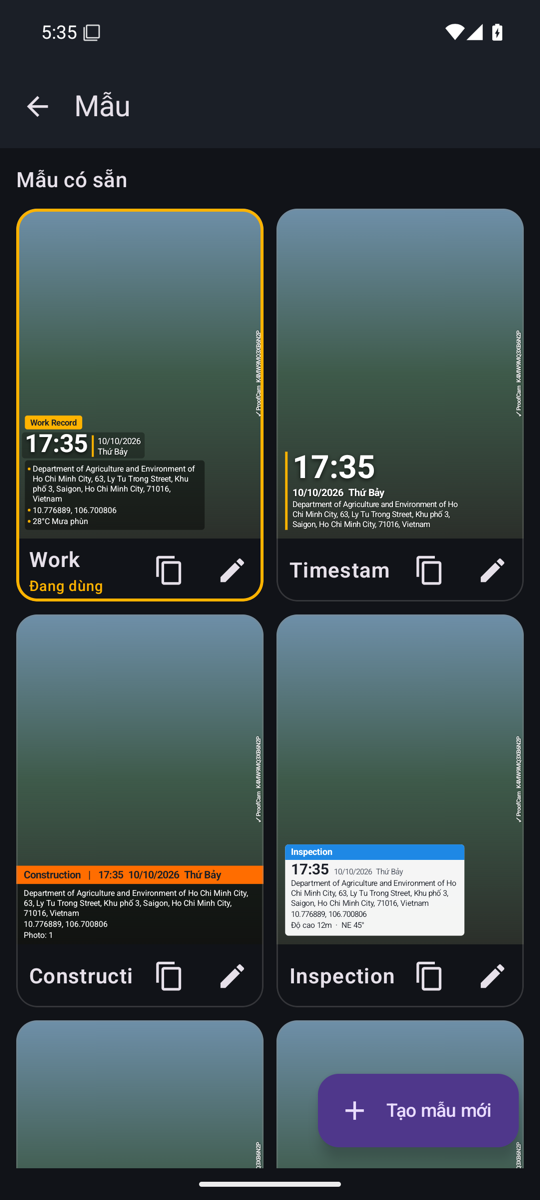
With Plus you can change notes, tags or the template — never the time or location. The new file’s fingerprint is added to the code record, so verification shows “Edited by owner” instead of “Modified copy”, and the original capture data stays on record.